
Category Archives: Router
Preparing Your IP Network for Voice and Video Traffic: Bandwidth, QoS, Wi-Fi, and Network Performance

Voice and video conferencing have become essential components of modern business communications. Whether an organization uses Microsoft Teams, Zoom, Cisco collaboration systems, Polycom endpoints, or traditional Voice over IP (VoIP) telephones, the quality of these services depends heavily on the underlying network. A network that performs well for everyday applications such as email, web browsing, […]
Understanding Video and Network Latency in AV Systems
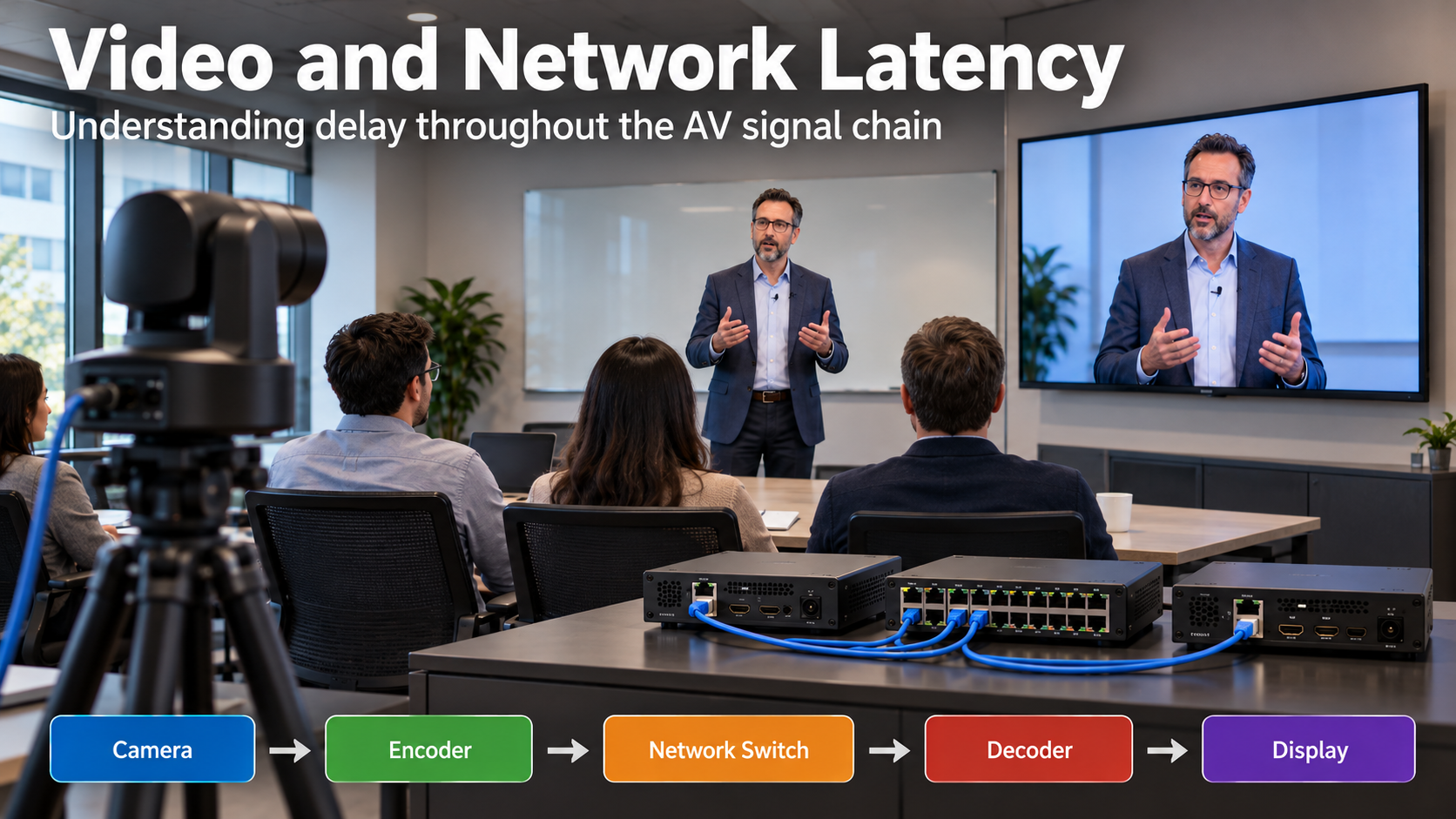
Latency is one of the most important factors affecting the performance of audio and video systems. Whether you’re working with a videoconferencing system, a live presentation, or a distributed AV-over-IP installation, excessive latency can cause noticeable delays, synchronization problems, and a poor viewing experience. Understanding where latency originates, how it is measured, and how individual […]
Rack Cabling, Labeling, and Rack Design Standards
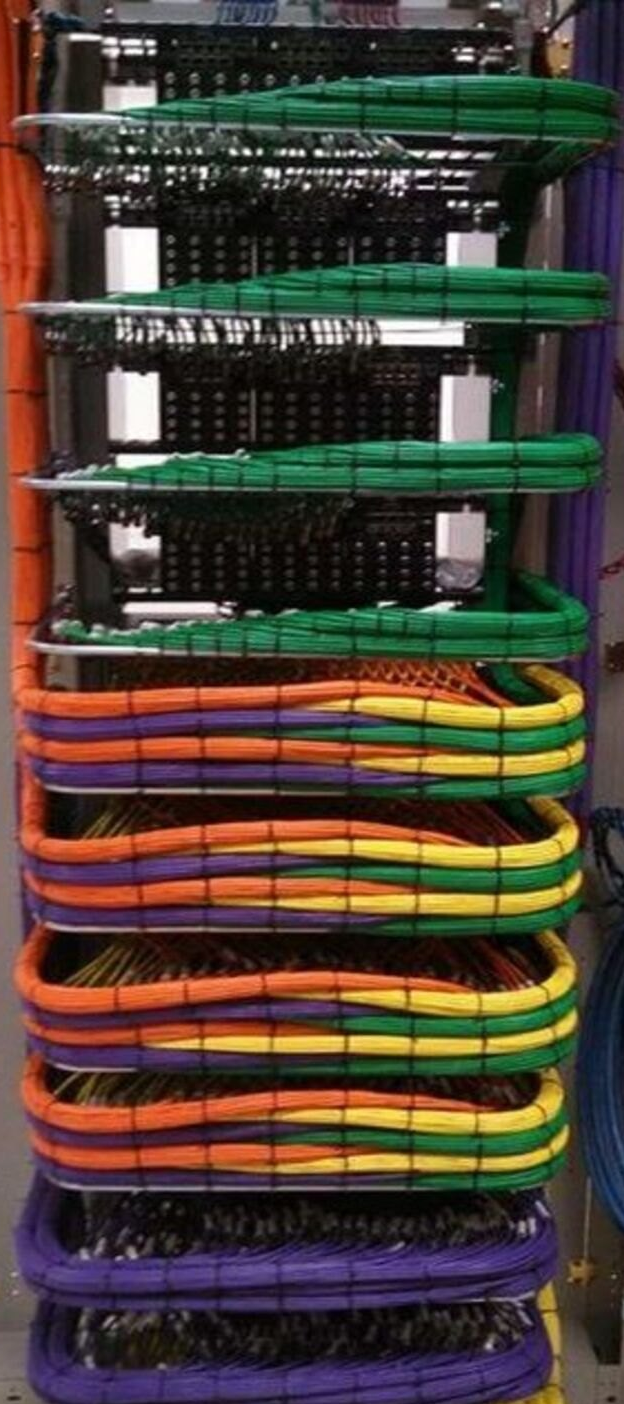
A clean rack is not just about appearance. Proper rack layout, cable management, labeling, power design, and thermal planning directly affect system reliability, serviceability, troubleshooting speed, and long-term support. Whether you are building a conference room rack, broadcast support rack, classroom AV system, control room rack, or equipment enclosure, the goal is the same: every […]
So You Want to Be a Hacker, Eh?
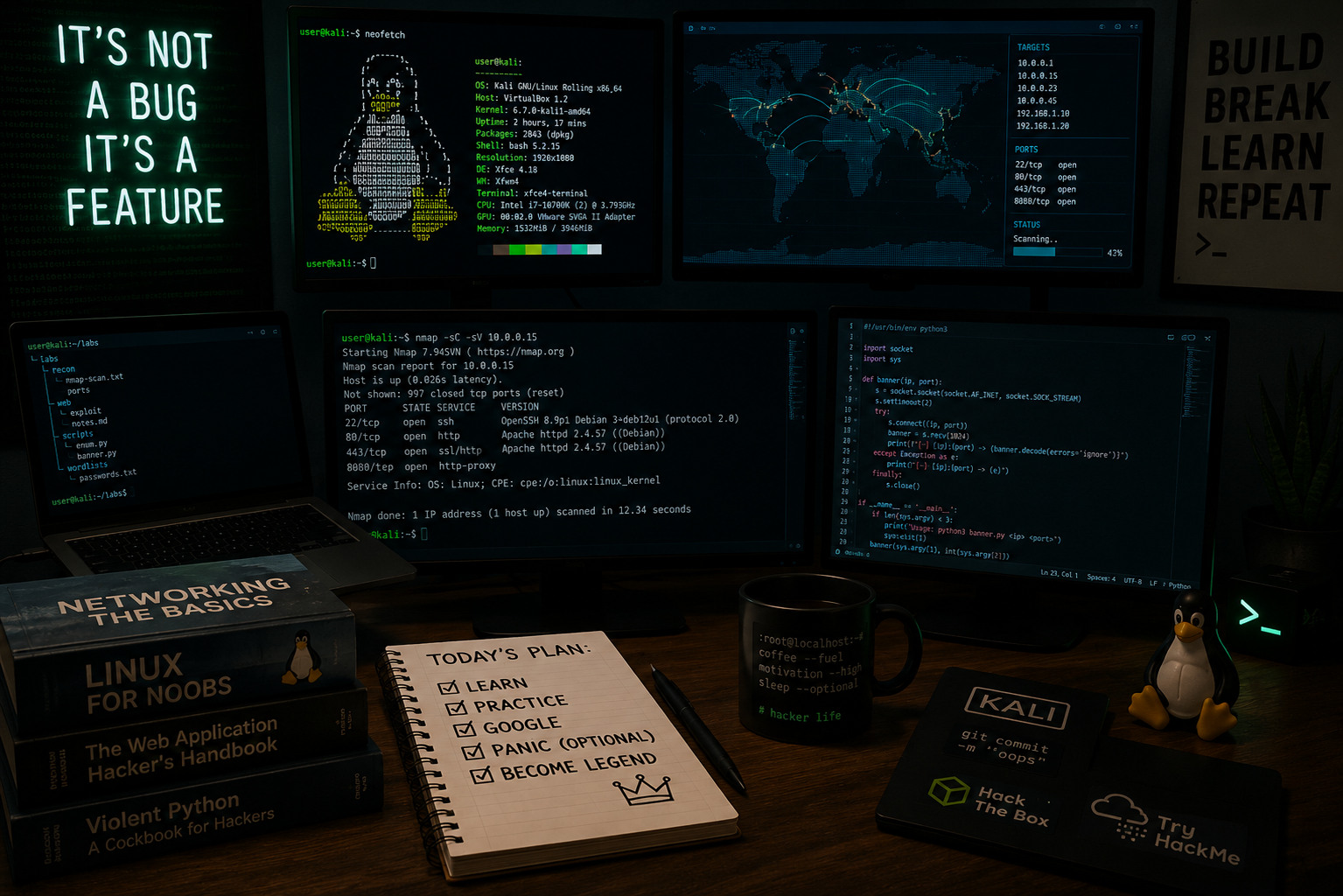
Let’s get one thing out of the way first. No, this is not about breaking into your school’s grading system, guessing your friend’s Instagram password, or “testing” your neighbor’s WiFi. This is about ethical hacking, also known as cybersecurity, where people are actually paid to find problems before the black hats (Malicious or Illegal hackers) […]
How to Set a Static IP Address on a Cisco Switch or Router

This guide will go through the brief process of Assigning a static management IP Address for your Cisco switch or router, using the command line. 1.) Connect to your switch or router, using your Terminal Emulator. I will be using a computer with Putty installed on it, connected to the switch using a Cisco Rollover […]
VMware Home Lab
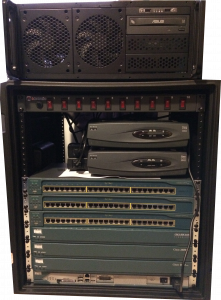
The goal of this home lab is to emulate a small business environment. I use a VMware ESXI server to host a Windows Server 2012 R2 Domain Controller, various “user operating systems” consisting of everything from Windows XP/7/10 to assorted flavors of linux and anything else I would like to evaluate. I then use ESXI’s […]