
Category Archives: Computers
TCP/IP vs. WSD Printer Ports: Differences, Setup, and Troubleshooting
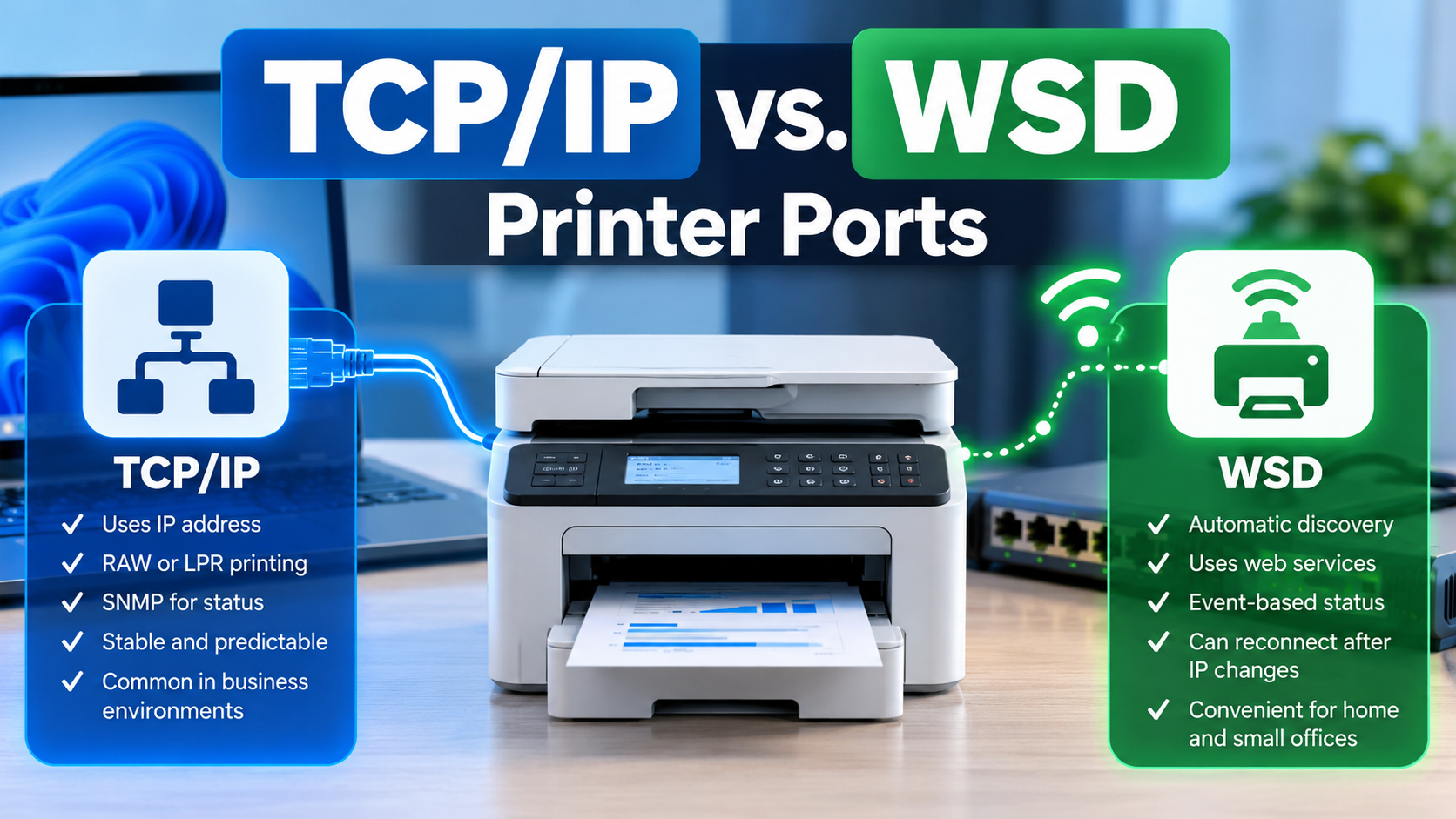
When installing a network printer in Windows, you may notice two different types of printer ports: Standard TCP/IP Port and WSD Port. Both allow a computer to communicate with a printer over a network, but they work differently when discovering printers, managing connections, sending print jobs, and reporting printer status. Understanding these differences can help […]
Troubleshoot and Fix the Microsoft Teams Meeting Add-in Missing in Outlook
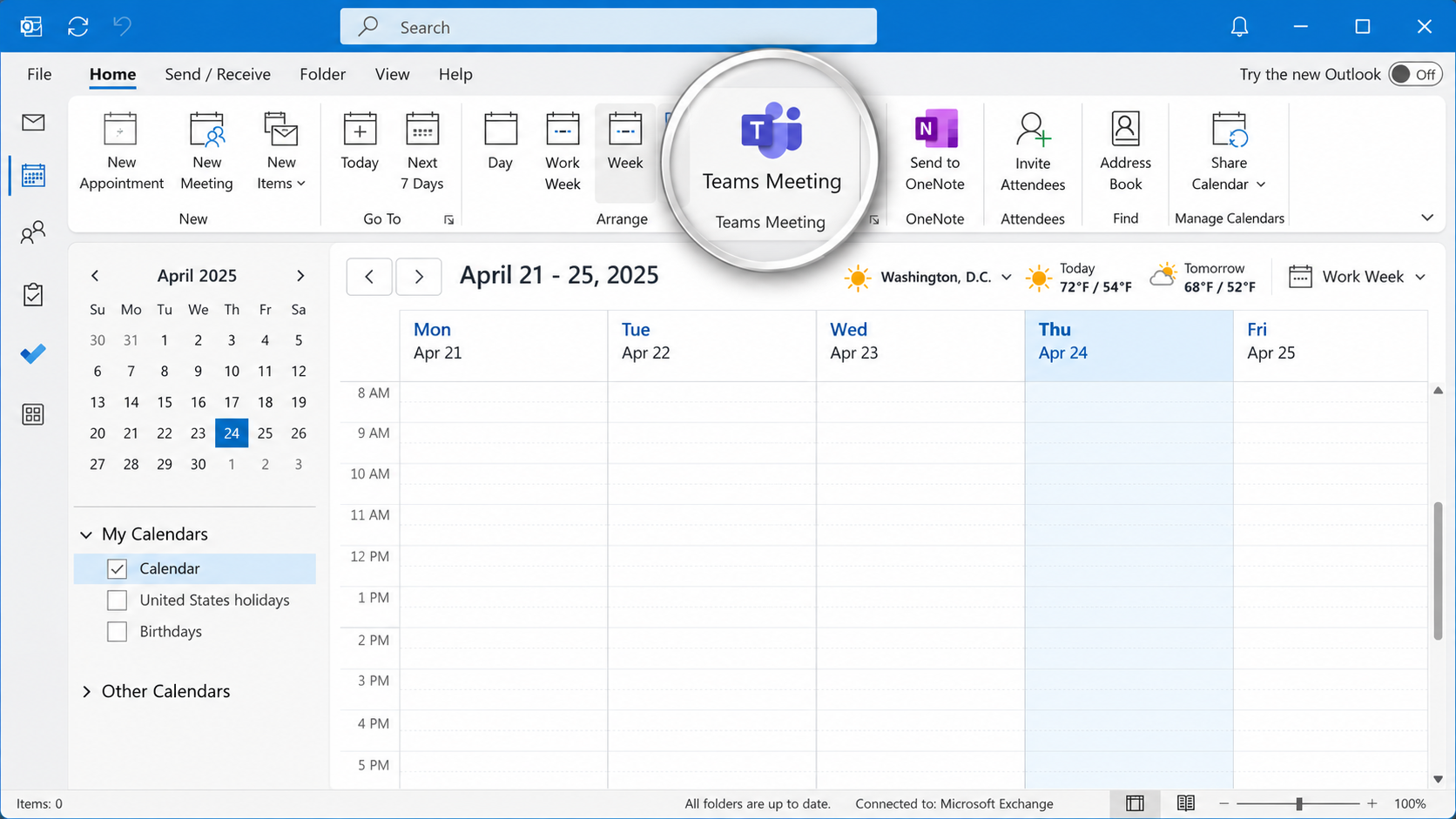
The Microsoft Teams Meeting add-in allows users to schedule and manage Teams meetings directly from Microsoft Outlook. However, the integration can occasionally stop working, causing the Teams Meeting button to disappear, become disabled, or fail to generate meeting invitations. These issues can occur following Microsoft Office updates, Teams upgrades, software installations, changes to Windows […]
Understanding Email Authentication Headers: SPF, DKIM, and DMARC Explained
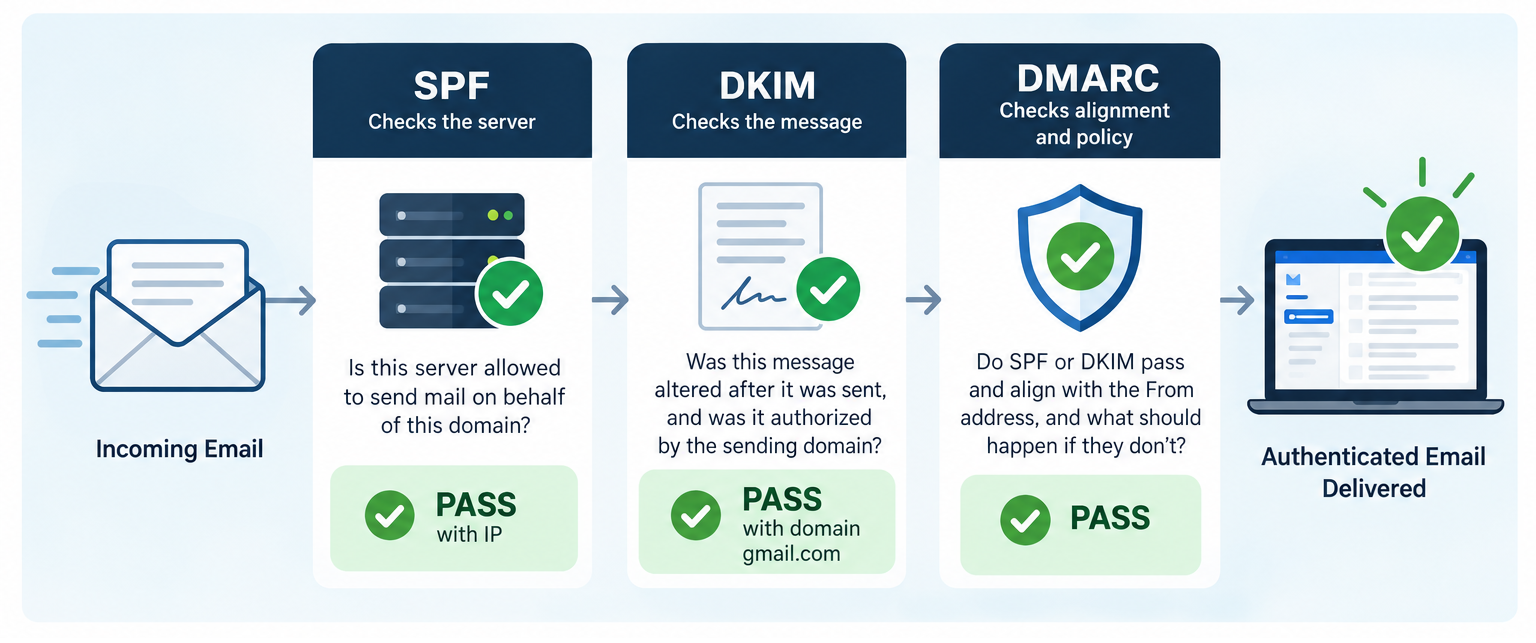
Email authentication plays an essential role in protecting against domain spoofing, phishing, and unauthorized email delivery. Three key standards, SPF (Sender Policy Framework), DKIM (DomainKeys Identified Mail), and DMARC (Domain-based Message Authentication, Reporting, and Conformance), work together to verify sending servers, validate message integrity, and confirm that authentication aligns with the sender’s domain. Understanding how […]
How to Temporarily Disable Cisco Duo Windows Logon for Emergency Recovery
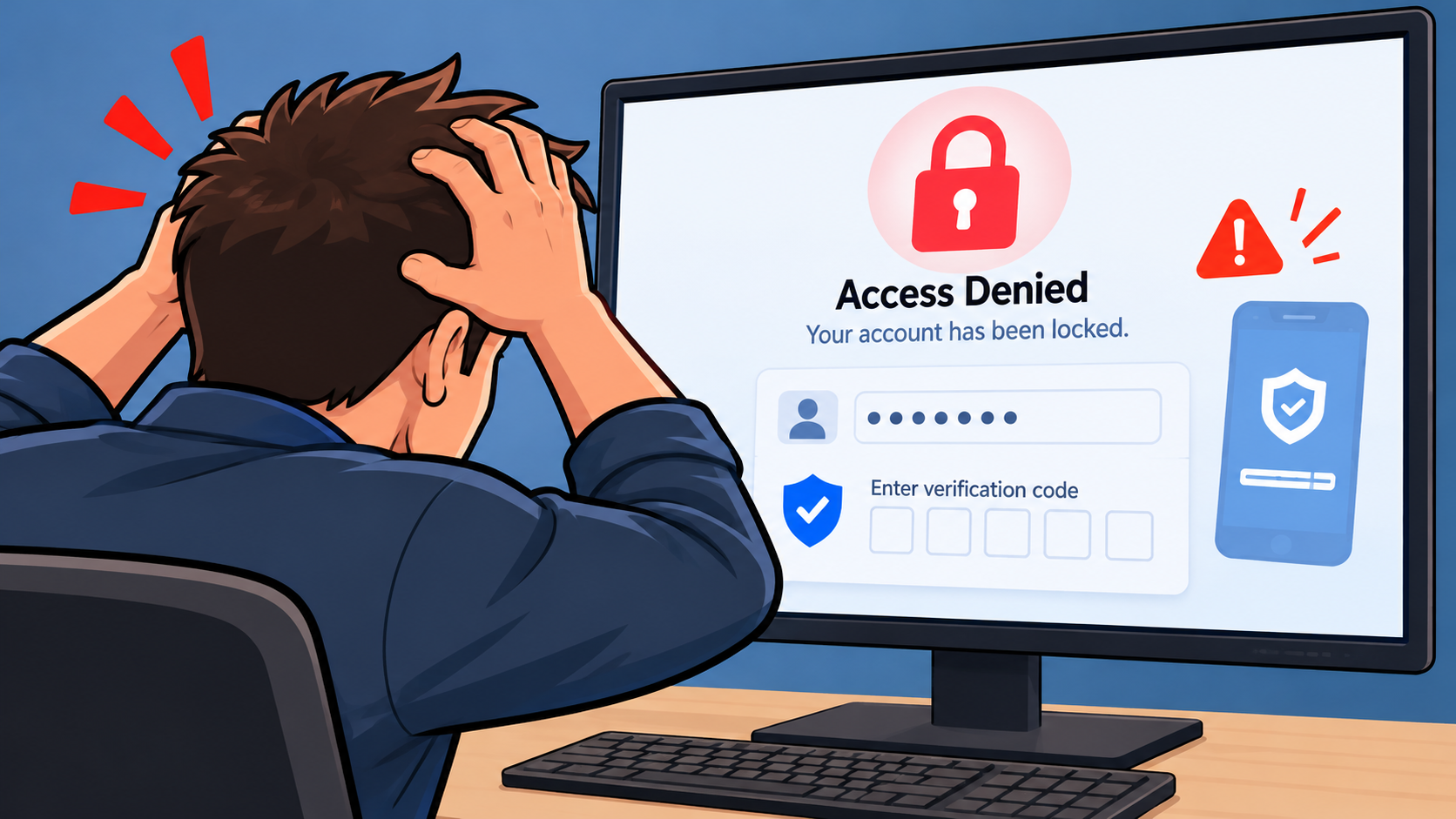
Cisco Duo is a multifactor authentication (MFA) solution that adds an additional layer of security to Windows computers by requiring users to verify their identity during the sign-in process. However, there are situations where Duo can prevent an IT technician from accessing a computer to resolve an underlying problem. For example, a laptop may lose […]
10 Different Ways to Start Task Manager
There are multiple ways to access Windows Task Manager. Below is a list of the different methods that can be used, in the event that one or more are not working for you. Press Ctrl + Shift + Esc to open Task Manager directly. Press Ctrl + Alt + Delete, then select Task Manager. Press […]
What Is the UUP Dump Website and How Does It Work?
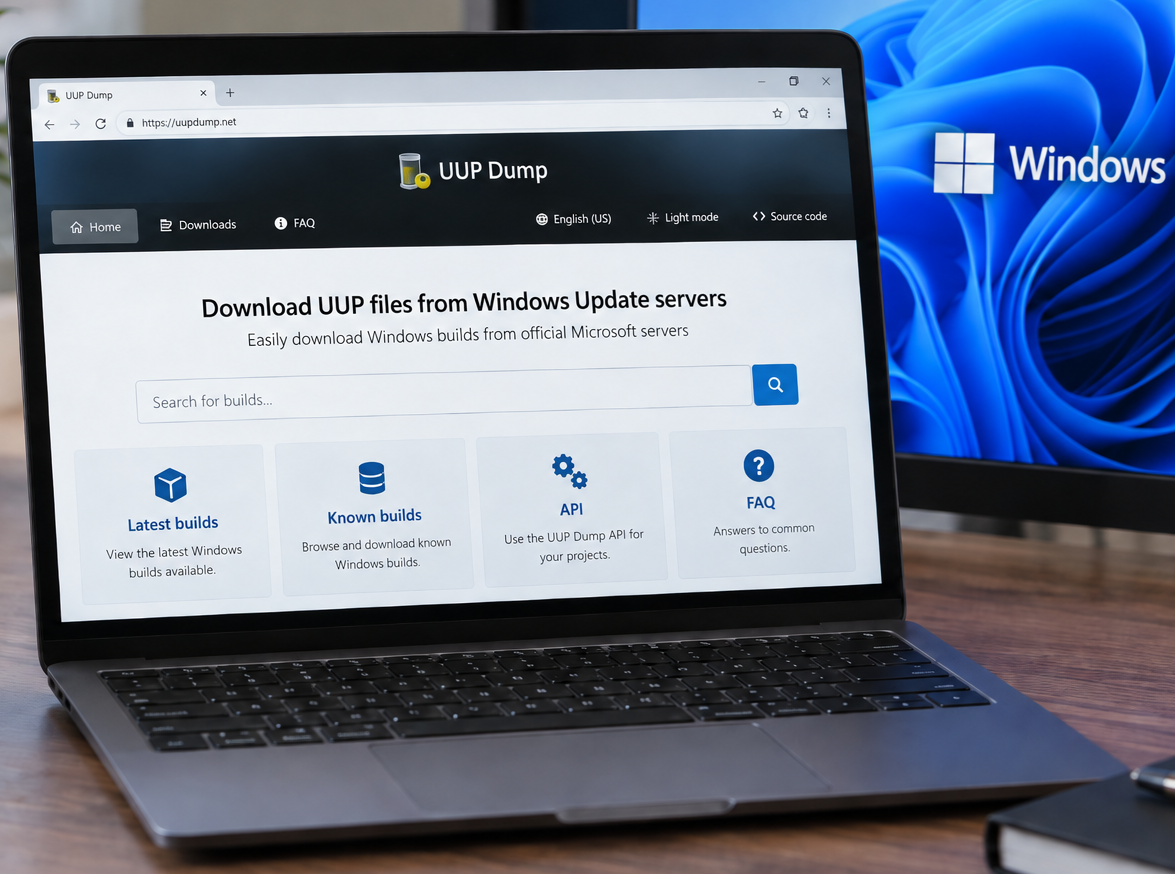
You can access the UUP Dump website here: https://uupdump.net/ UUP Dump is a third-party website that allows users to create Windows installation media (ISOs) using files downloaded from Microsoft’s Windows Update infrastructure. It can be particularly useful when you need a specific Windows 10 or Windows 11 build that is not readily available through Microsoft’s […]
How to Check if 32-bit or 64-bit Microsoft 365 Apps Are Installed
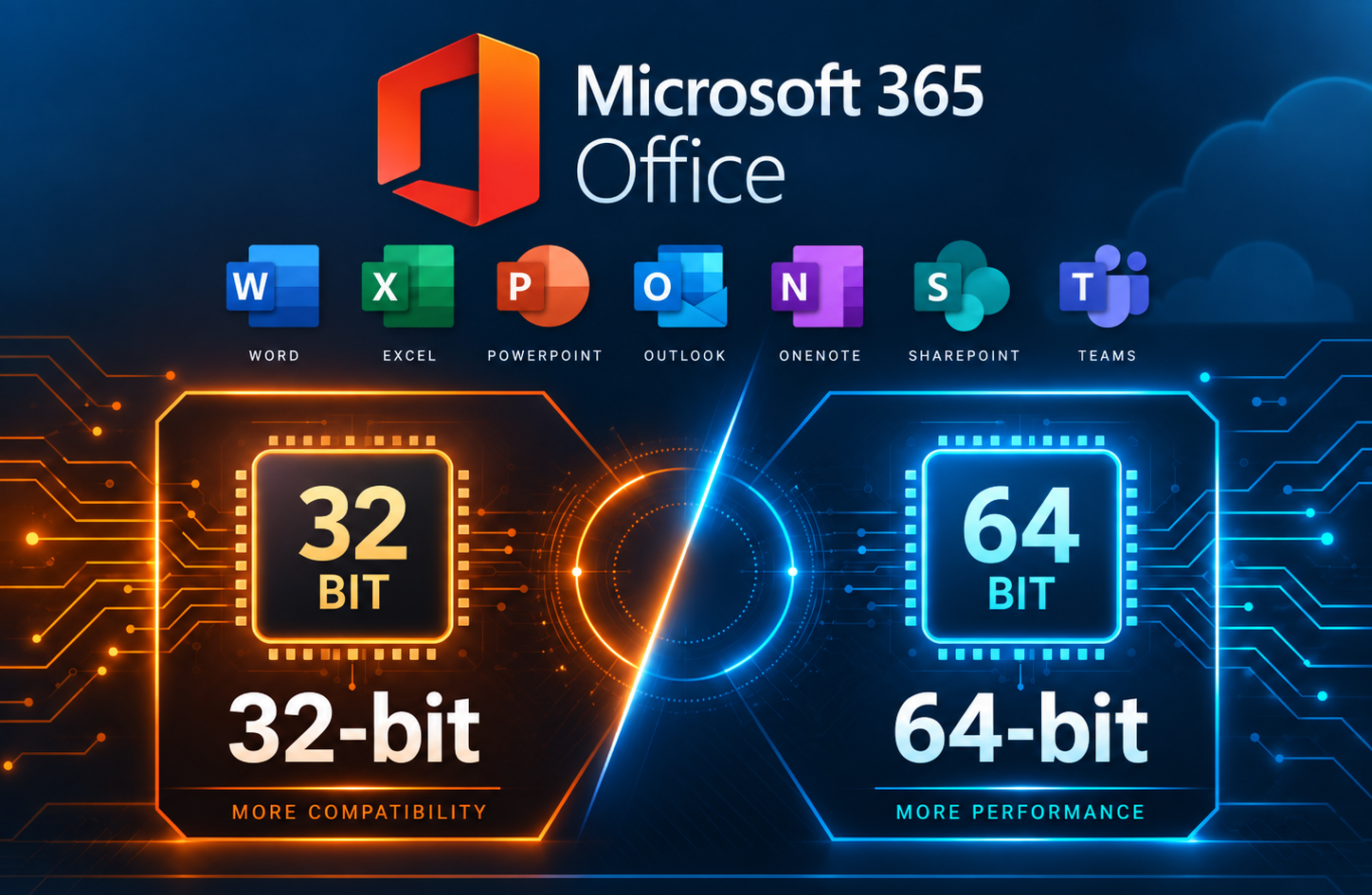
When troubleshooting Microsoft 365 Apps, you may need to determine whether the installed version of Office is 32-bit or 64-bit. This can be important when working with Office add-ins or other software that depends on specific installed Office versions. This method is especially useful when Microsoft 365 Apps are not activated, since the Office applications […]
Rack Cabling, Labeling, and Rack Design Standards
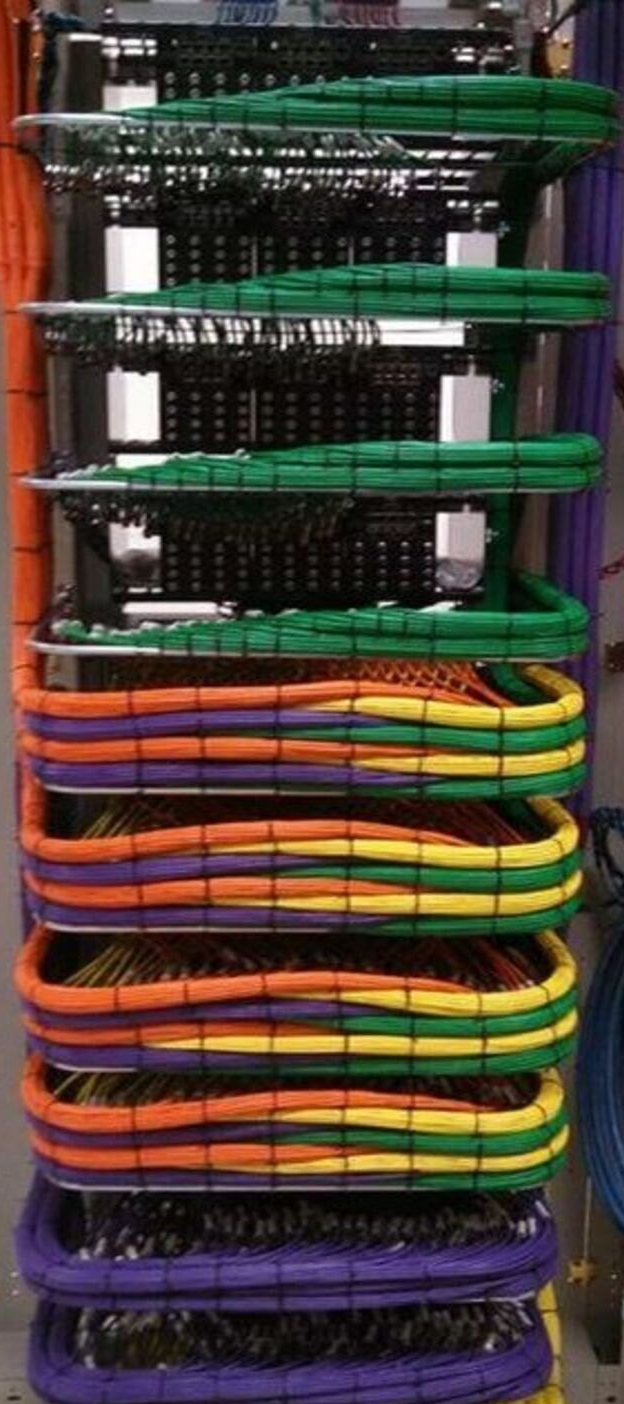
A clean rack is not just about appearance. Proper rack layout, cable management, labeling, power design, and thermal planning directly affect system reliability, serviceability, troubleshooting speed, and long-term support. Whether you are building a conference room rack, broadcast support rack, classroom AV system, control room rack, or equipment enclosure, the goal is the same: every […]
Run the Printer Installation UI as Administrator in Windows
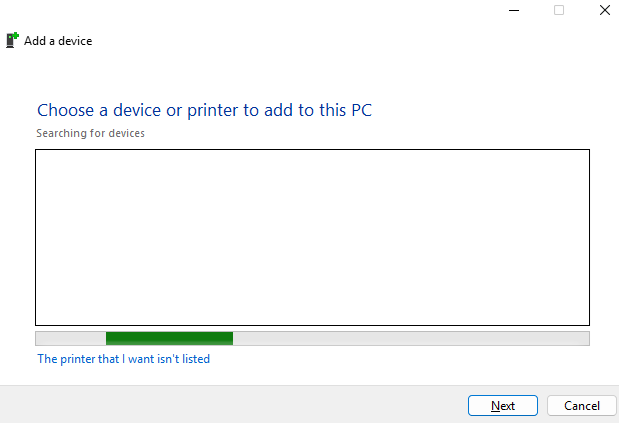
In some situations, Windows may require administrator permissions to install or configure a printer. This can happen when adding a local printer, installing printer drivers, or modifying printer settings that require elevated rights. One way to launch the printer installation interface with administrator permissions is to open an elevated Command Prompt and run the Windows […]