
Blog Archives
WSReset – What it is and How to Use it
wsreset.exe is a built-in Windows command-line utility used to clear the Microsoft Store cache and troubleshoot problems with the Microsoft Store. The executable is located in: C:\Windows\System32\wsreset.exe WSReset can be useful when the Microsoft Store experiences problems such as: The Microsoft Store will not open. Apps will not download. App downloads or updates become stuck. […]
10 Different Ways to Start Task Manager
There are multiple ways to access Windows Task Manager. Below is a list of the different methods that can be used, in the event that one or more are not working for you. Press Ctrl + Shift + Esc to open Task Manager directly. Press Ctrl + Alt + Delete, then select Task Manager. Press […]
Restore Legacy Print Que in Windows 11
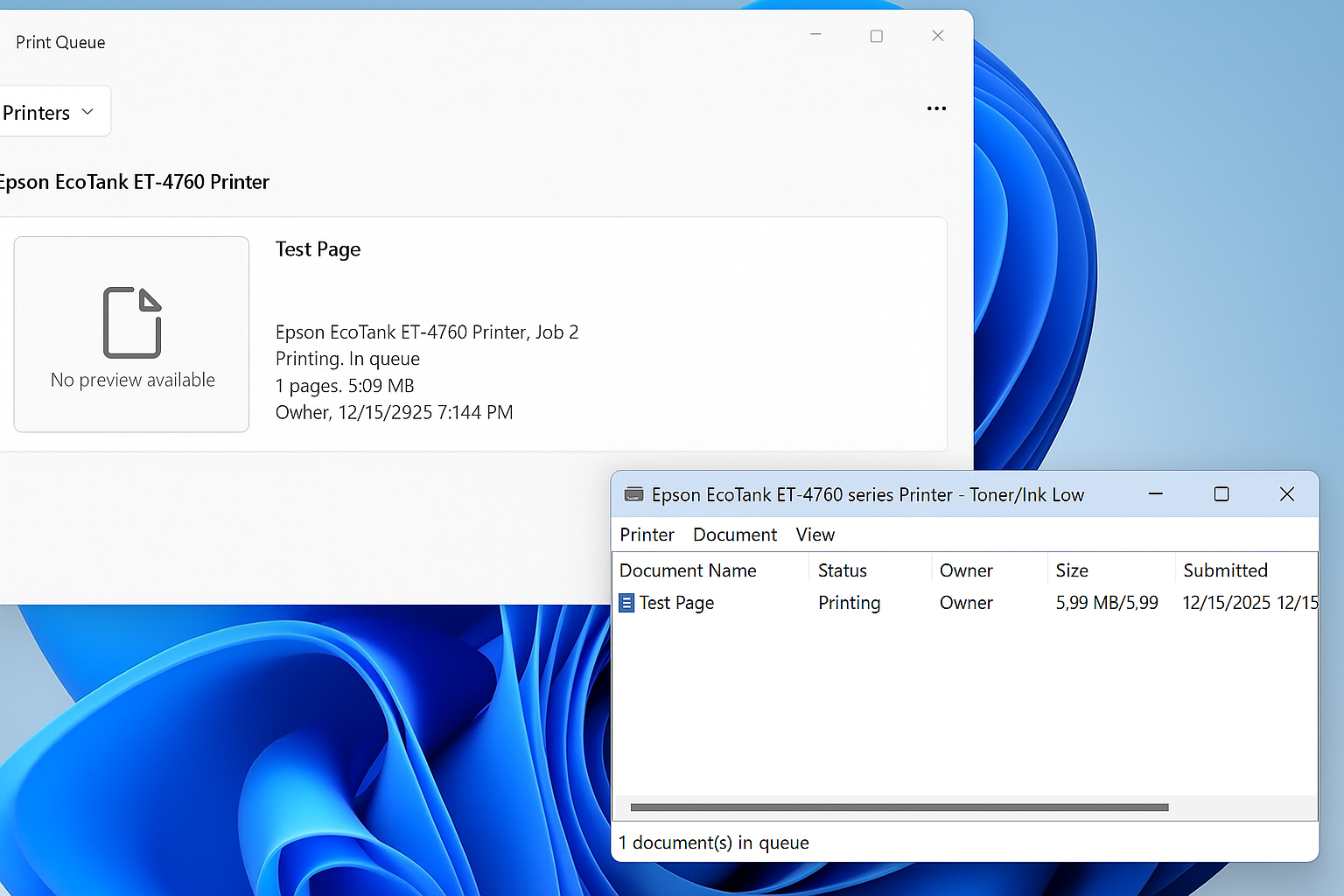
Restore the Legacy Print Dialog in Windows 11 (22H2) Starting with Windows 11 version 22H2, Microsoft replaced the legacy print dialog for all classic Win32 applications with a new unified print interface. This change also affects applications such as Giza, and for some users the new dialog has proven to be less efficient or more […]
Windows: How to Export a Directory Structure to a Text File( Directory Tree )
When working with large projects, network drives, or simply organizing files, it’s often useful to generate a clear overview of your folder structure. Luckily, Windows includes a built-in command called tree that makes this quick and easy. In this guide, we’ll walk through how to print out your current folder and subfolders into a text […]