
Category Archives: Windows
Troubleshoot and Fix the Microsoft Teams Meeting Add-in Missing in Outlook
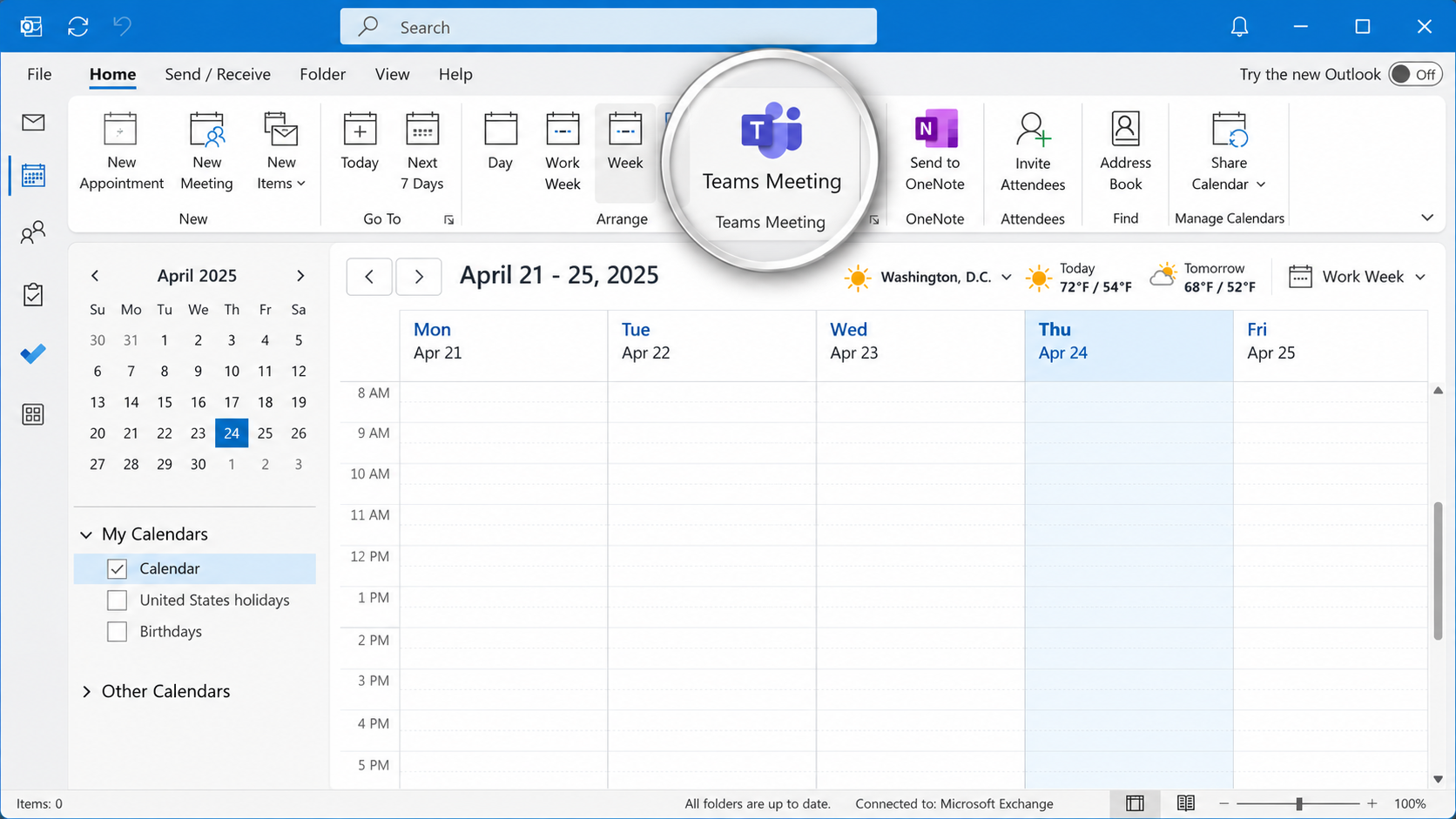
The Microsoft Teams Meeting add-in allows users to schedule and manage Teams meetings directly from Microsoft Outlook. However, the integration can occasionally stop working, causing the Teams Meeting button to disappear, become disabled, or fail to generate meeting invitations. These issues can occur following Microsoft Office updates, Teams upgrades, software installations, changes to Windows […]
Understanding Email Authentication Headers: SPF, DKIM, and DMARC Explained
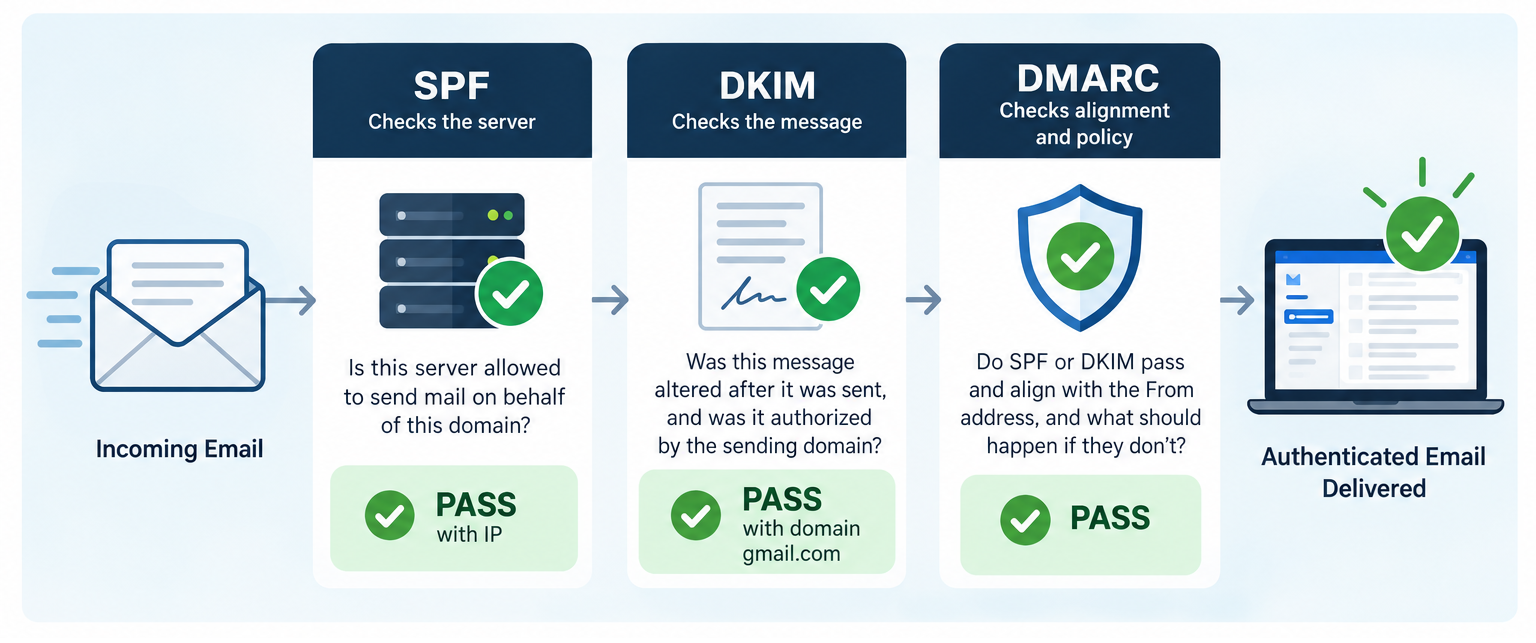
Email authentication plays an essential role in protecting against domain spoofing, phishing, and unauthorized email delivery. Three key standards, SPF (Sender Policy Framework), DKIM (DomainKeys Identified Mail), and DMARC (Domain-based Message Authentication, Reporting, and Conformance), work together to verify sending servers, validate message integrity, and confirm that authentication aligns with the sender’s domain. Understanding how […]
Windows 11 Setting Precedence: Group Policy, Registry, Intune, and Local Settings
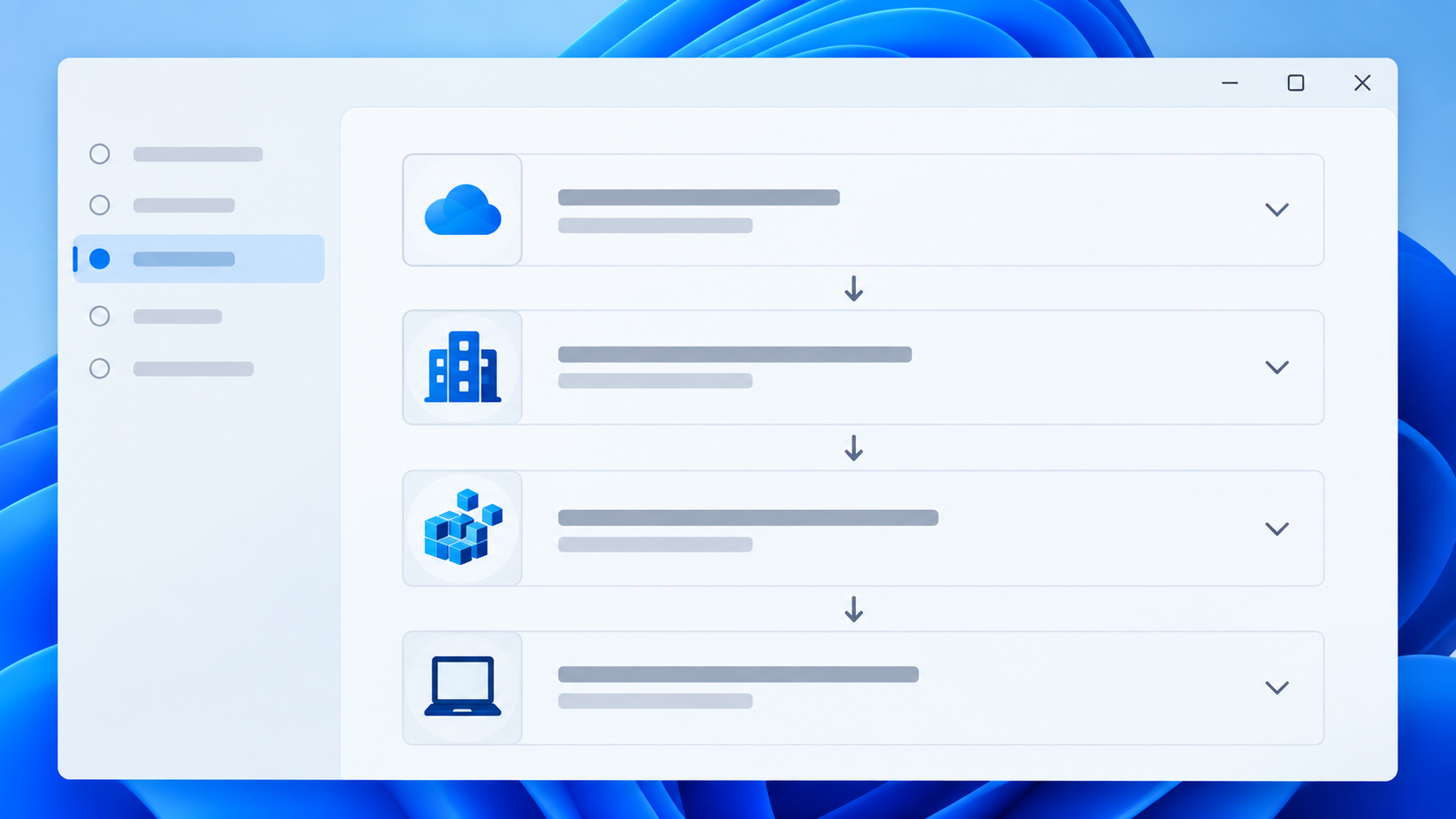
Windows settings can be configured through Active Directory Group Policy, Local Group Policy, Microsoft Intune, the Windows registry, PowerShell scripts, Windows Settings, application configuration tools, and other management systems. When two sources configure the same setting differently, the result depends on the type of setting and how Windows processes it. There is no single override […]
WSReset – What it is and How to Use it
wsreset.exe is a built-in Windows command-line utility used to clear the Microsoft Store cache and troubleshoot problems with the Microsoft Store. The executable is located in: C:\Windows\System32\wsreset.exe WSReset can be useful when the Microsoft Store experiences problems such as: The Microsoft Store will not open. Apps will not download. App downloads or updates become stuck. […]
10 Different Ways to Start Task Manager
There are multiple ways to access Windows Task Manager. Below is a list of the different methods that can be used, in the event that one or more are not working for you. Press Ctrl + Shift + Esc to open Task Manager directly. Press Ctrl + Alt + Delete, then select Task Manager. Press […]
What Is the UUP Dump Website and How Does It Work?
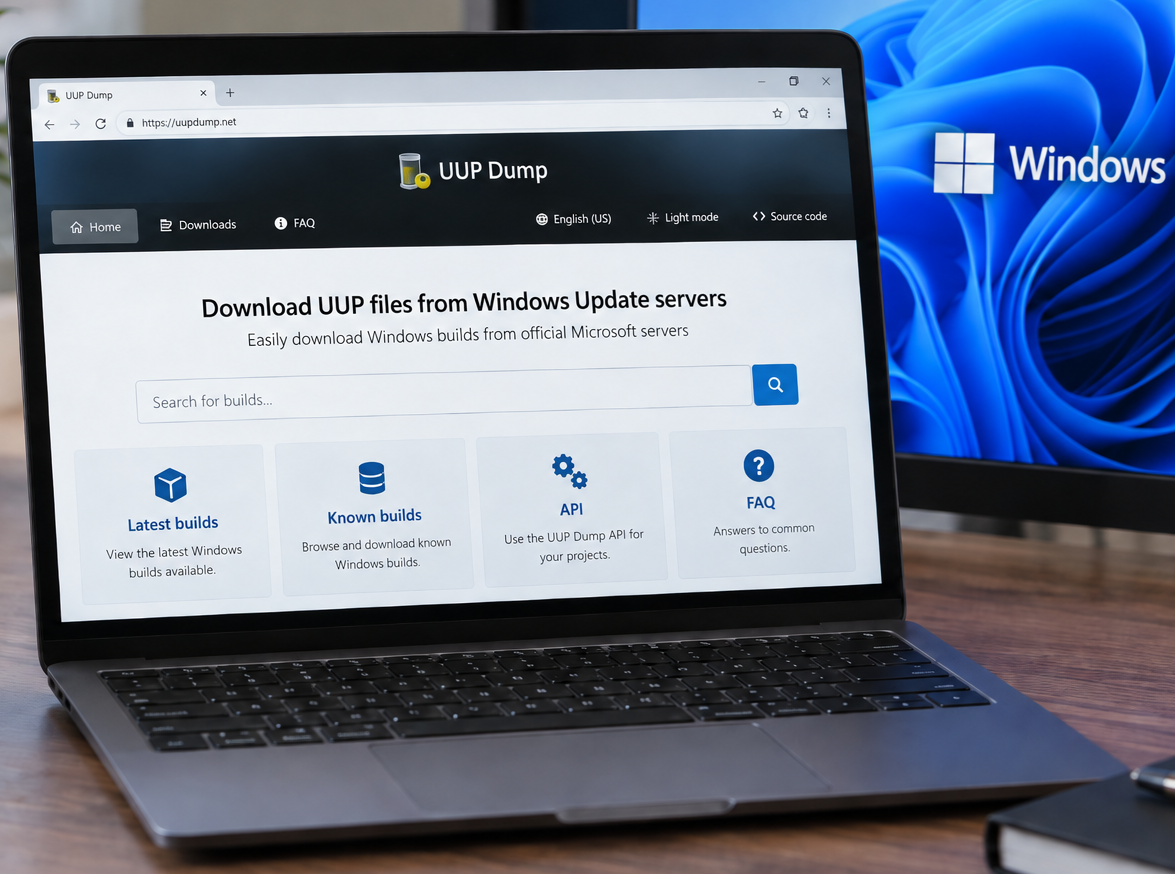
You can access the UUP Dump website here: https://uupdump.net/ UUP Dump is a third-party website that allows users to create Windows installation media (ISOs) using files downloaded from Microsoft’s Windows Update infrastructure. It can be particularly useful when you need a specific Windows 10 or Windows 11 build that is not readily available through Microsoft’s […]
How to Check if 32-bit or 64-bit Microsoft 365 Apps Are Installed
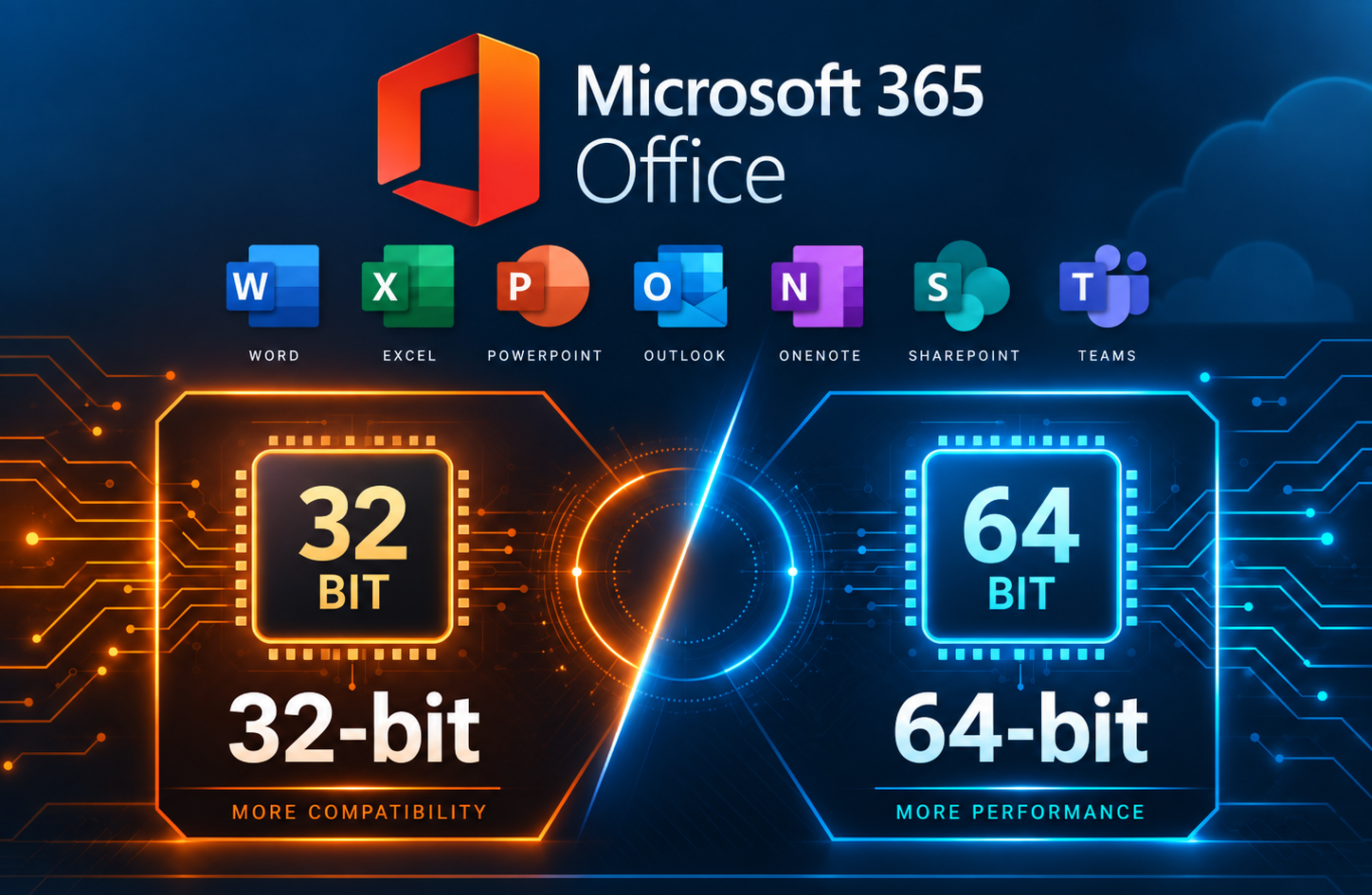
When troubleshooting Microsoft 365 Apps, you may need to determine whether the installed version of Office is 32-bit or 64-bit. This can be important when working with Office add-ins or other software that depends on specific installed Office versions. This method is especially useful when Microsoft 365 Apps are not activated, since the Office applications […]
Run the Printer Installation UI as Administrator in Windows
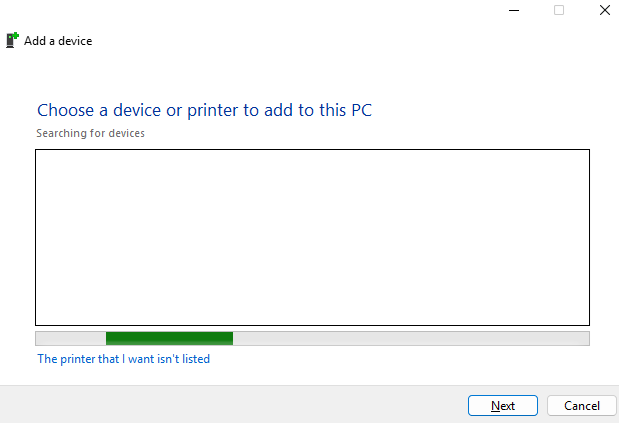
In some situations, Windows may require administrator permissions to install or configure a printer. This can happen when adding a local printer, installing printer drivers, or modifying printer settings that require elevated rights. One way to launch the printer installation interface with administrator permissions is to open an elevated Command Prompt and run the Windows […]
Change the Maximum Size Limit for Outlook PST and OST Files
Microsoft Outlook stores mailbox data in PST and OST files. By default, modern versions of Outlook typically have a file size limit of 50 GB for Unicode PST and OST files. If Outlook reaches this limit, users may see errors stating that the Outlook data file has reached its maximum size. Microsoft provides registry values […]