
Category Archives: Windows
So You Want to Be a Hacker, Eh?

Let’s get one thing out of the way first. No, this is not about breaking into your school’s grading system, guessing your friend’s Instagram password, or “testing” your neighbor’s WiFi. This is about ethical hacking, also known as cybersecurity, where people are actually paid to find problems before the black hats (Malicious or Illegal hackers) […]
Creating and Removing Local Administrator Accounts in Windows
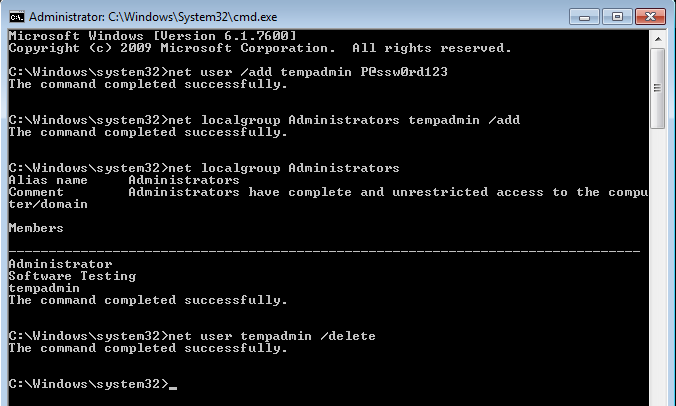
Local administrator accounts play a critical role in Windows system administration. They are commonly used for initial device setup, offline troubleshooting, break-glass access, or environments where domain connectivity is unavailable. This article walks through how to create, assign, and remove local administrator accounts on Windows computers using built-in command-line tools. These commands work on Windows […]
Apple Mobile Device Drivers on Windows
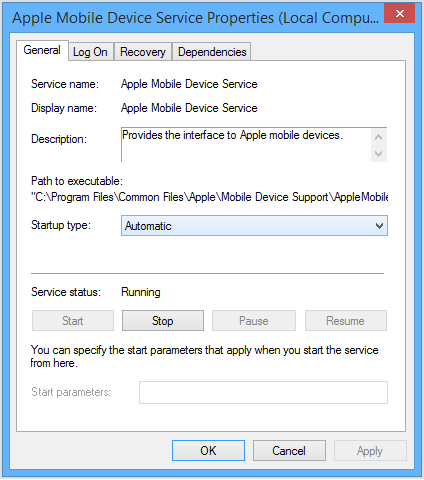
Understanding Apple Mobile Device Drivers on Windows If you support Windows systems in an enterprise or helpdesk environment, you have almost certainly run into issues where an iPhone or iPad simply refuses to appear when connected by USB. The device charges, but it does not show up in File Explorer, iTunes, or management tools. […]
Controlled Folder Access
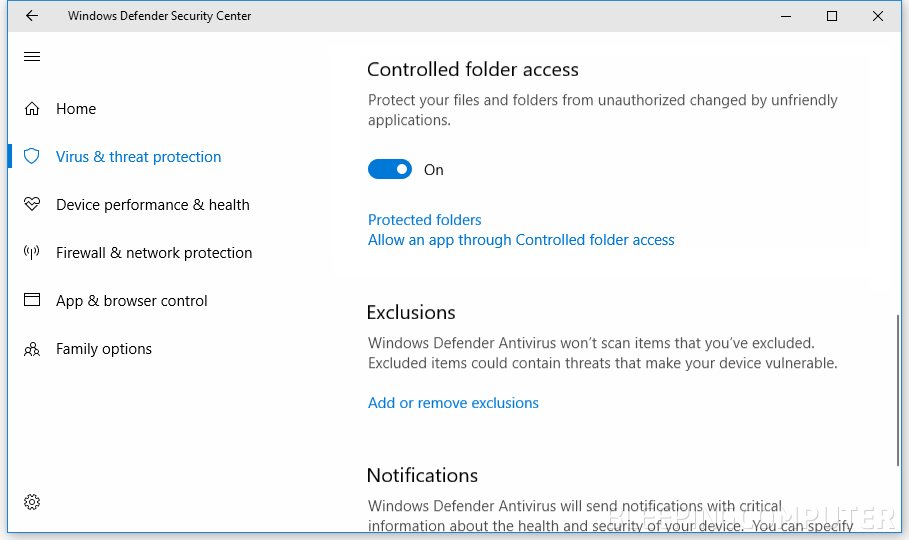
Windows Controlled Folder Access: How It Works, What It Does, and How to Turn It On or Off Controlled Folder Access (CFA) is a Windows security feature in Microsoft Defender designed to help stop ransomware and other untrusted apps from changing files in important folders. If you support Windows endpoints (or you are building a […]
Temporarily Changing Environment Variables for a Single Session in Windows
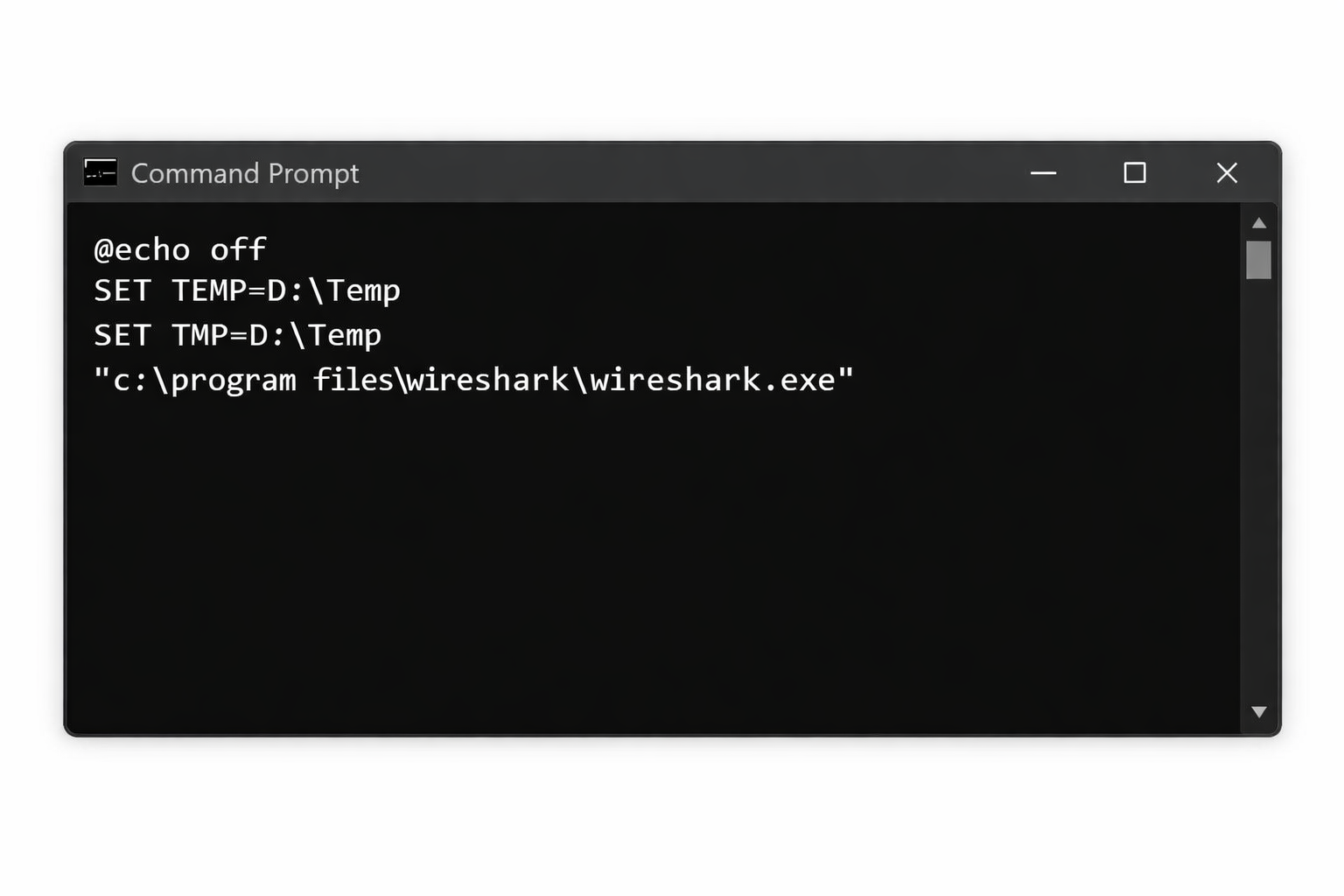
There are situations where you need to run an application using different environment variable values without permanently modifying system or user settings. This is common in troubleshooting, testing, or working within locked down corporate environments. Windows allows environment variables to be overridden per session, meaning the changes only apply to the current Command Prompt or […]
How to connect to MS 365 Admin and Exchange via Powershell
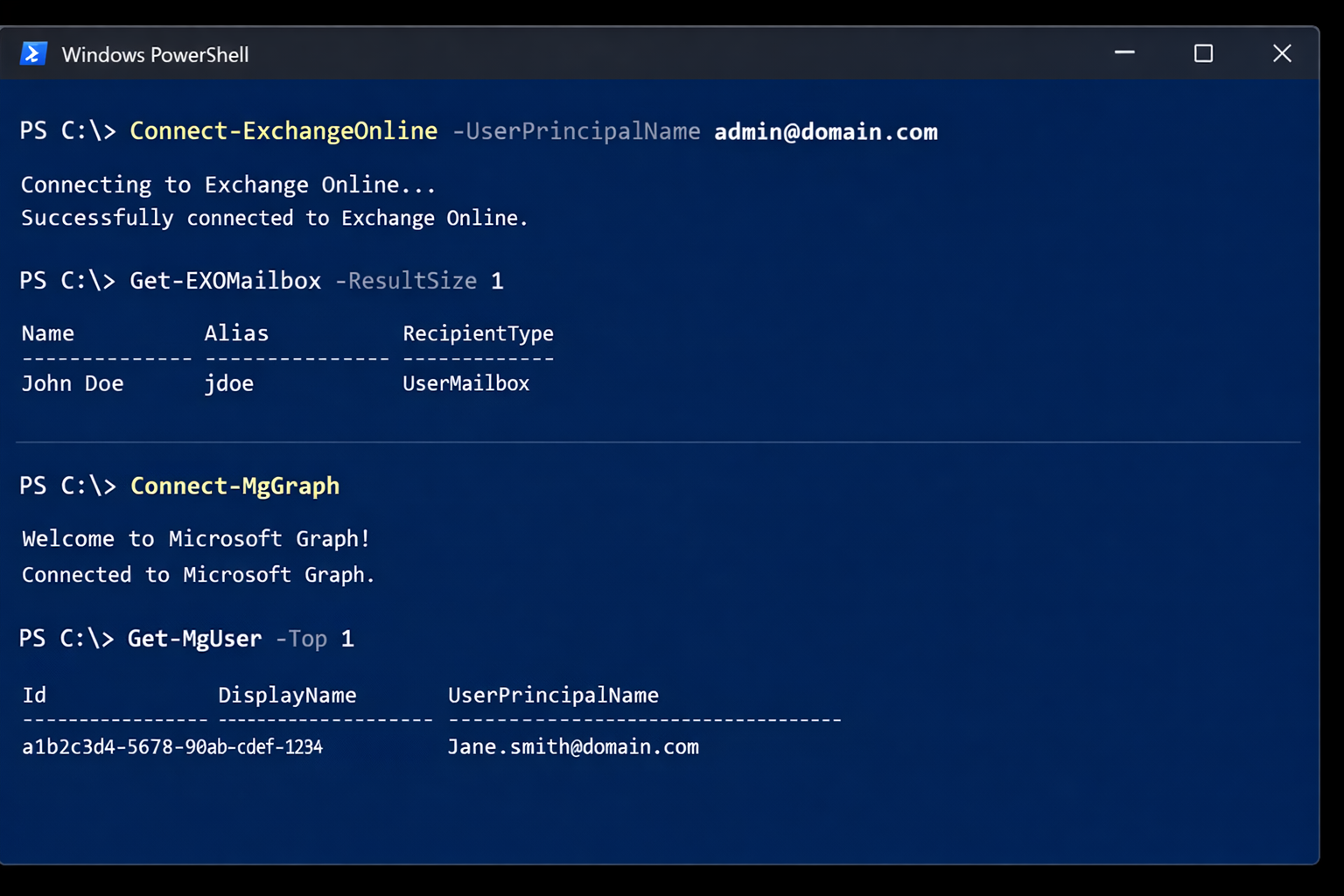
If you manage Microsoft 365, you will typically use two PowerShell modules: Exchange Online PowerShell (ExchangeOnlineManagement) for mail, recipients, transport rules, and mailbox settings. Microsoft Graph PowerShell (Microsoft.Graph) for broader Microsoft 365 and Entra ID administration (users, groups, licensing, devices, and more). This guide shows the exact commands to get connected, plus a detailed breakdown […]
Understanding DNS in Active Directory
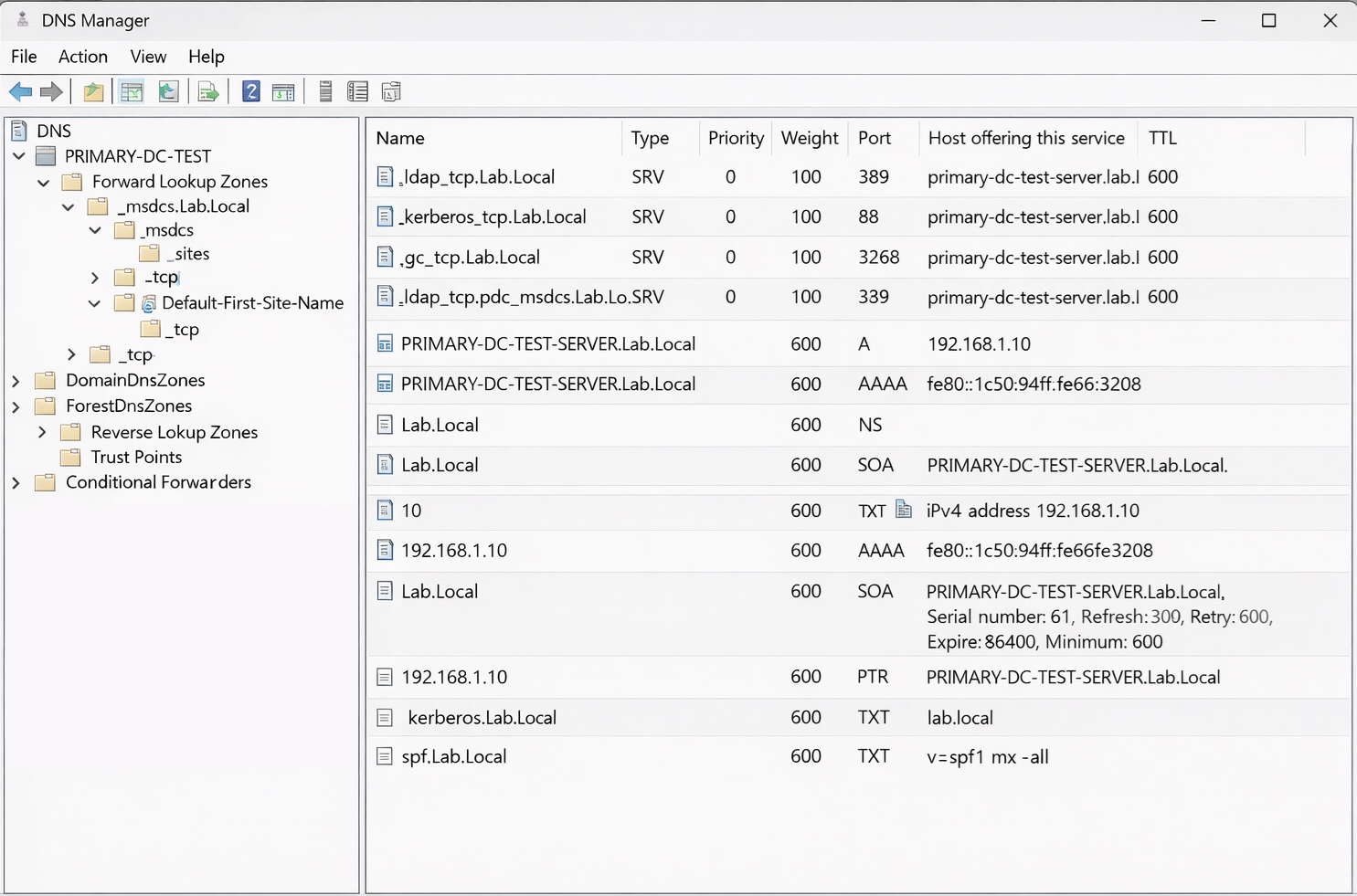
How Domain Controllers, SRV Records, Kerberos, and NETLOGON Actually Work When most people think of DNS, they think of simple name resolution. A hostname resolves to an IP address, and that is it. In an Active Directory environment, DNS plays a much deeper role. It is not just name resolution. It is service discovery, […]
Convert an Exchange Online User Mailbox to a Shared Mailbox Using PowerShell
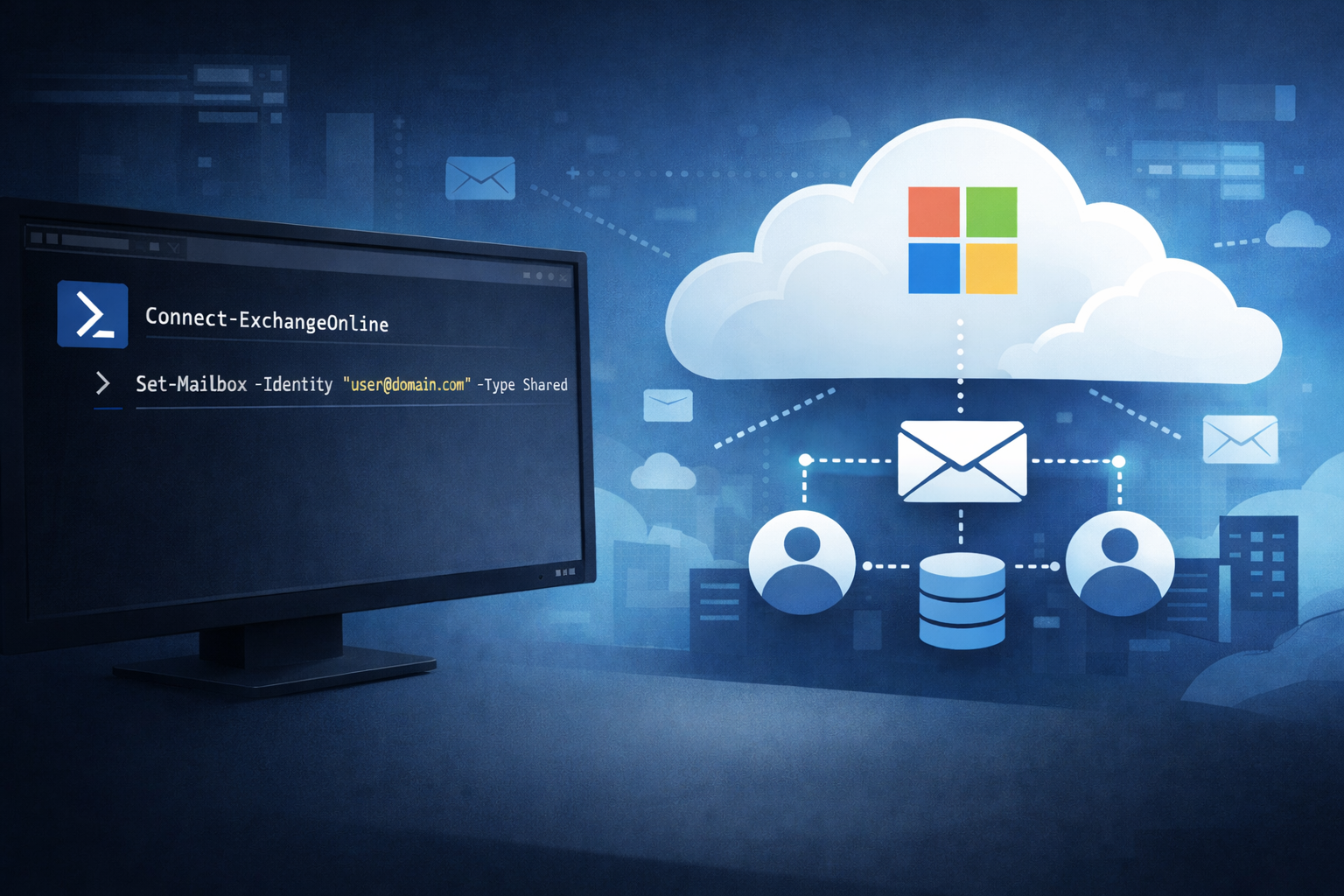
Converting a user mailbox to a shared mailbox is a common offboarding and delegation workflow in Microsoft 365. It lets a team continue to access a mailbox (and optionally send as it) without requiring the mailbox to remain a licensed user, as long as you stay within shared mailbox limits. When this is the right […]