
Category Archives: Windows
Configuring a Primary Domain Controller to Use DHCP in a Test Lab
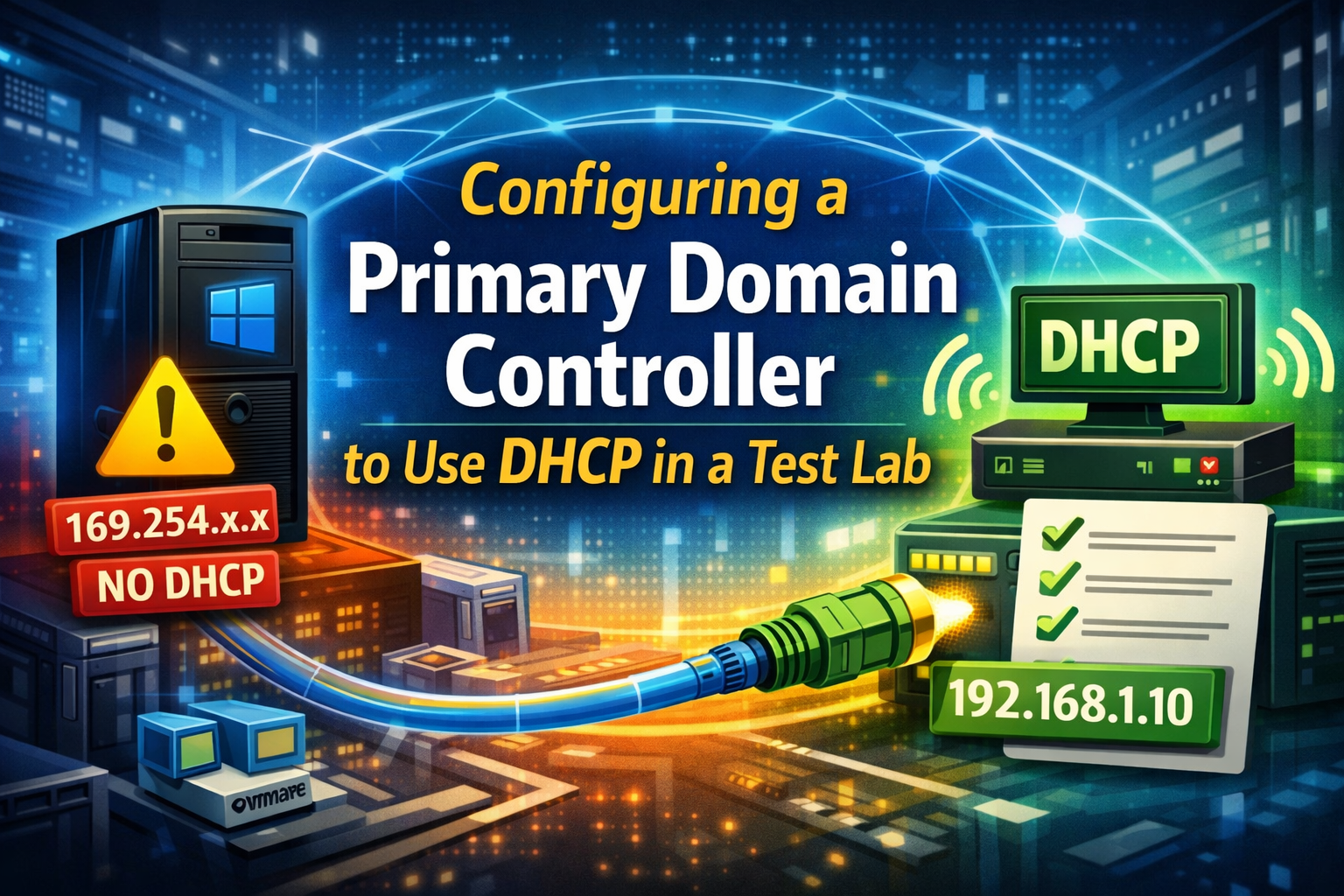
In production environments, domain controllers are almost always configured with static IP addresses. However, in test and lab environments, it is sometimes desirable to allow a primary domain controller to obtain its IP address via DHCP, such as when running inside virtualized lab setups. We will walk through a real troubleshooting scenario where a Windows […]
How to Fix the “Your Organization Manages Updates” Error in PC Health Check
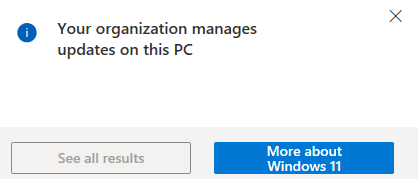
Fixing the “Your Organization Manages Updates” Error in PC Health Check When running Microsoft’s PC Health Check app, some users encounter a misleading warning stating that updates are managed by their organization. This message can appear even on personal or standalone systems that are not joined to a domain, not enrolled in MDM, and […]
Troubleshooting Windows Boot Failure: Error 0xc000000f
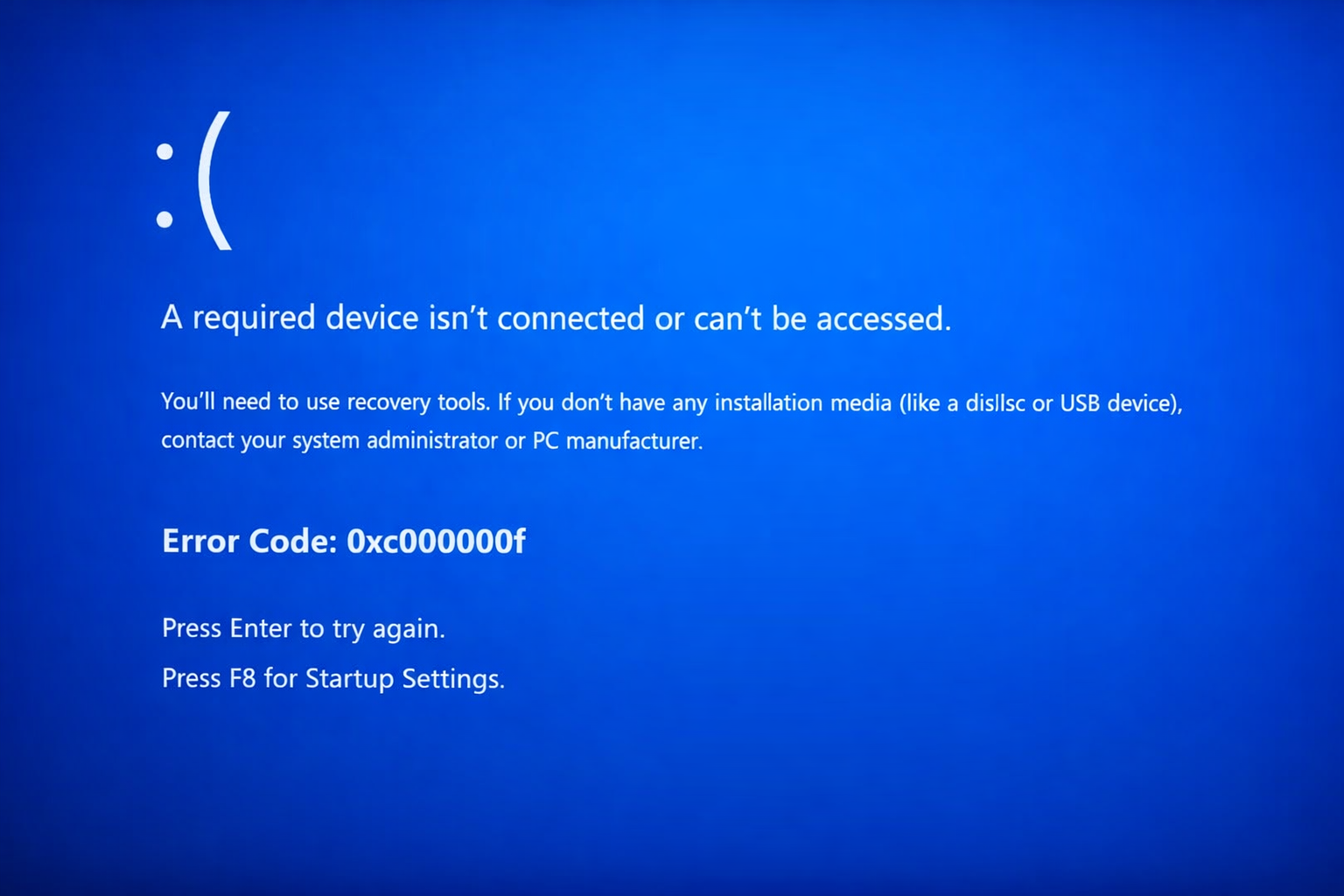
Fixing Boot Error 0xc000000f “A required device isn’t connected or can’t be accessed.” OverviewWindows A system that fails to boot and displays the blue screen error 0xc000000f is unable to locate or access the required boot device. This error commonly appears during startup before Windows loads and prevents the operating system from launching. This issue […]
adsiedit.msc vs dsa.msc: Two Active Directory Tools Every Admin Should Understand
adsiedit.msc vs dsa.msc: Two Active Directory Tools Every Admin Should Understand If you manage Active Directory (AD), you will eventually encounter two long-standing Microsoft management consoles: adsiedit.msc (ADSI Edit) dsa.msc (Active Directory Users and Computers, commonly called ADUC) Although they both interact with the same directory, they serve very different purposes. One is designed for […]
Restore Legacy Print Que in Windows 11
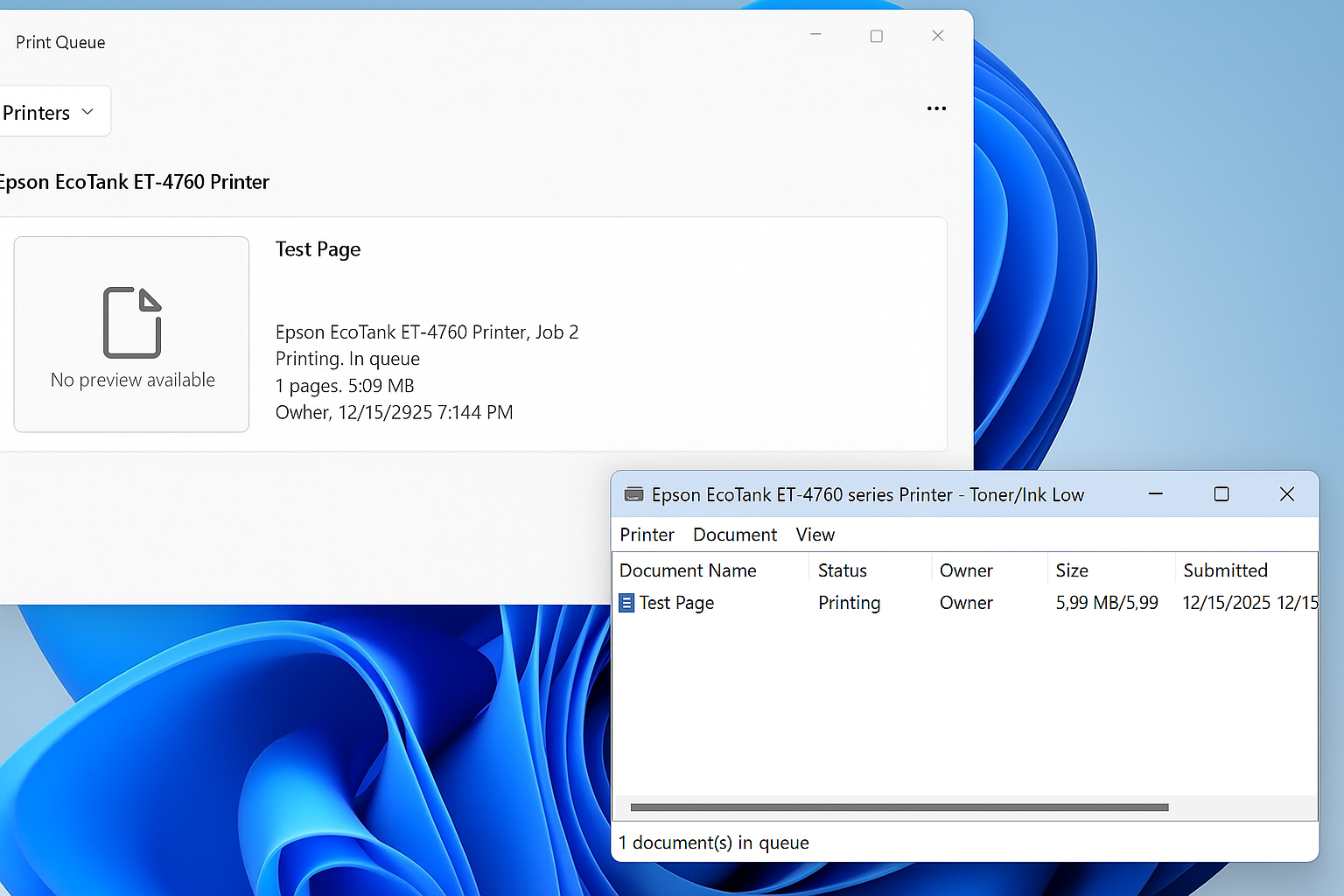
Restore the Legacy Print Dialog in Windows 11 (22H2) Starting with Windows 11 version 22H2, Microsoft replaced the legacy print dialog for all classic Win32 applications with a new unified print interface. This change also affects applications such as Giza, and for some users the new dialog has proven to be less efficient or more […]
Windows 11 – Quickly Open the Manual Printer Add Dialog<
Windows 11 hides many legacy but extremely useful administrative tools behind modern UI layers. One of these is the classic PrintUI utility, which allows you to quickly access advanced printer installation dialogs without navigating through multiple Settings menus. This is especially useful for IT administrators, MSP technicians, and anyone troubleshooting printer installs, driver issues, or […]
Restore the original Windows Photo Viewer in Windows 11
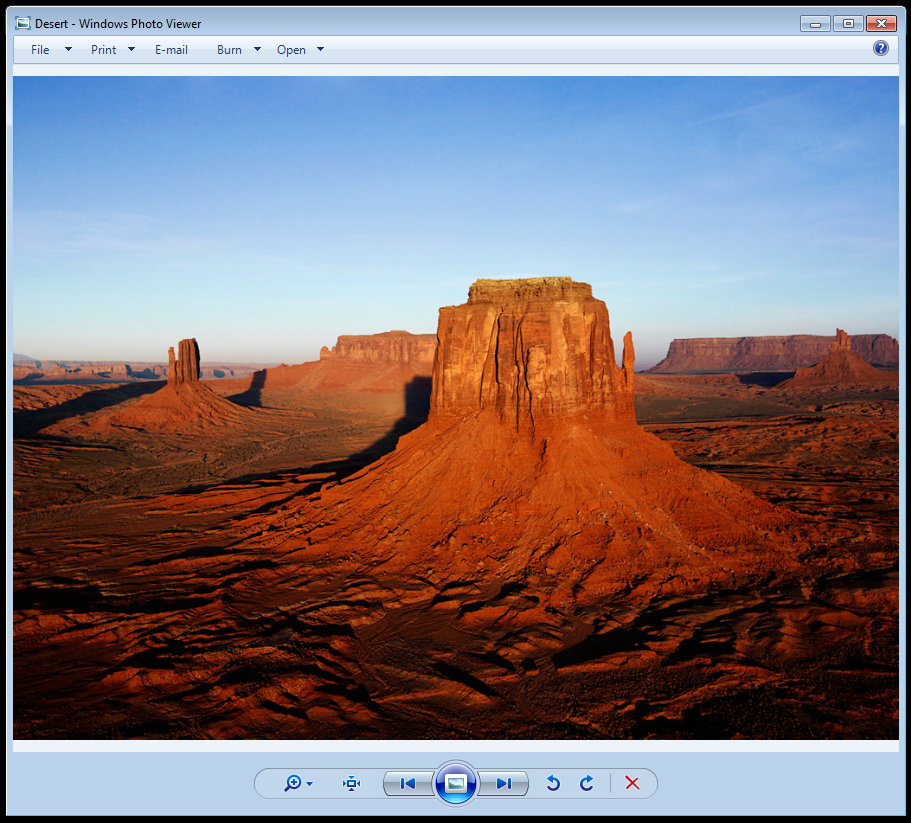
How to Restore Windows Photo Viewer in Windows 11 Many users still prefer the speed and simplicity of the classic Windows Photo Viewer. Although Microsoft did not remove the program itself, the registry entries that associate image file types with Photo Viewer were removed during the upgrade from Windows 10. This is why Photo Viewer […]
Microsoft Outlook – Advanced Email Search Cheat Sheet

With the sheer volume of emails flooding our inboxes daily, it’s no wonder that tracking down that one important message can feel like searching for a needle in a haystack. I’m often asked how to make Outlook work for you, especially when you’re trying to locate a specific email buried in the chaos. This article […]
Microsoft – Shared Printer Error “0x0000011B”: “Cannot Connect to the Printer”
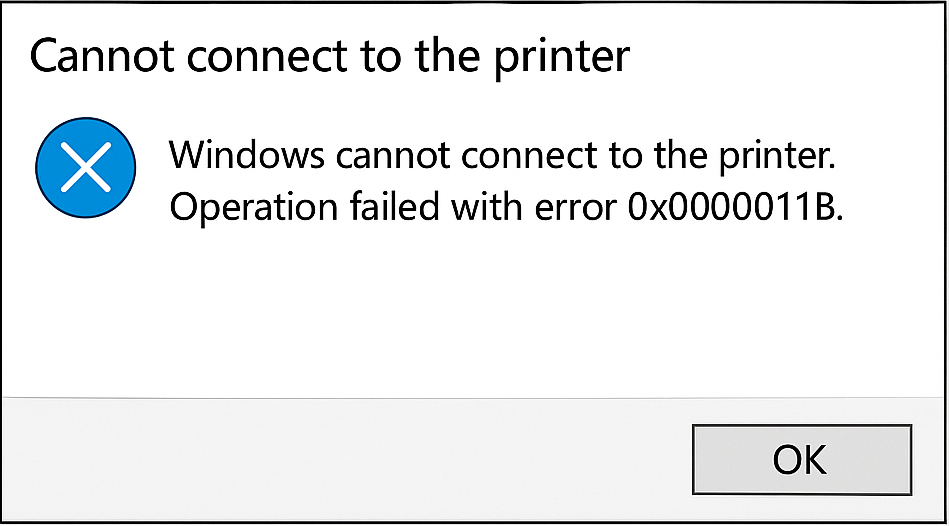
What does this error mean? When attempting to add a shared network printer, you may encounter Error 0x0000011B (“Operation failed with error 0x0000011B”), which prevents the printer from being installed. This issue is most common in small office and home office environments and typically stems from a Windows security update that tightened RPC binding authentication […]