
Monthly Archives: December 2025
adsiedit.msc vs dsa.msc: Two Active Directory Tools Every Admin Should Understand

adsiedit.msc vs dsa.msc: Two Active Directory Tools Every Admin Should Understand If you manage Active Directory (AD), you will eventually encounter two long-standing Microsoft management consoles: adsiedit.msc (ADSI Edit) dsa.msc (Active Directory Users and Computers, commonly called ADUC) Although they both interact with the same directory, they serve very different purposes. One is designed for […]
Restore Legacy Print Que in Windows 11
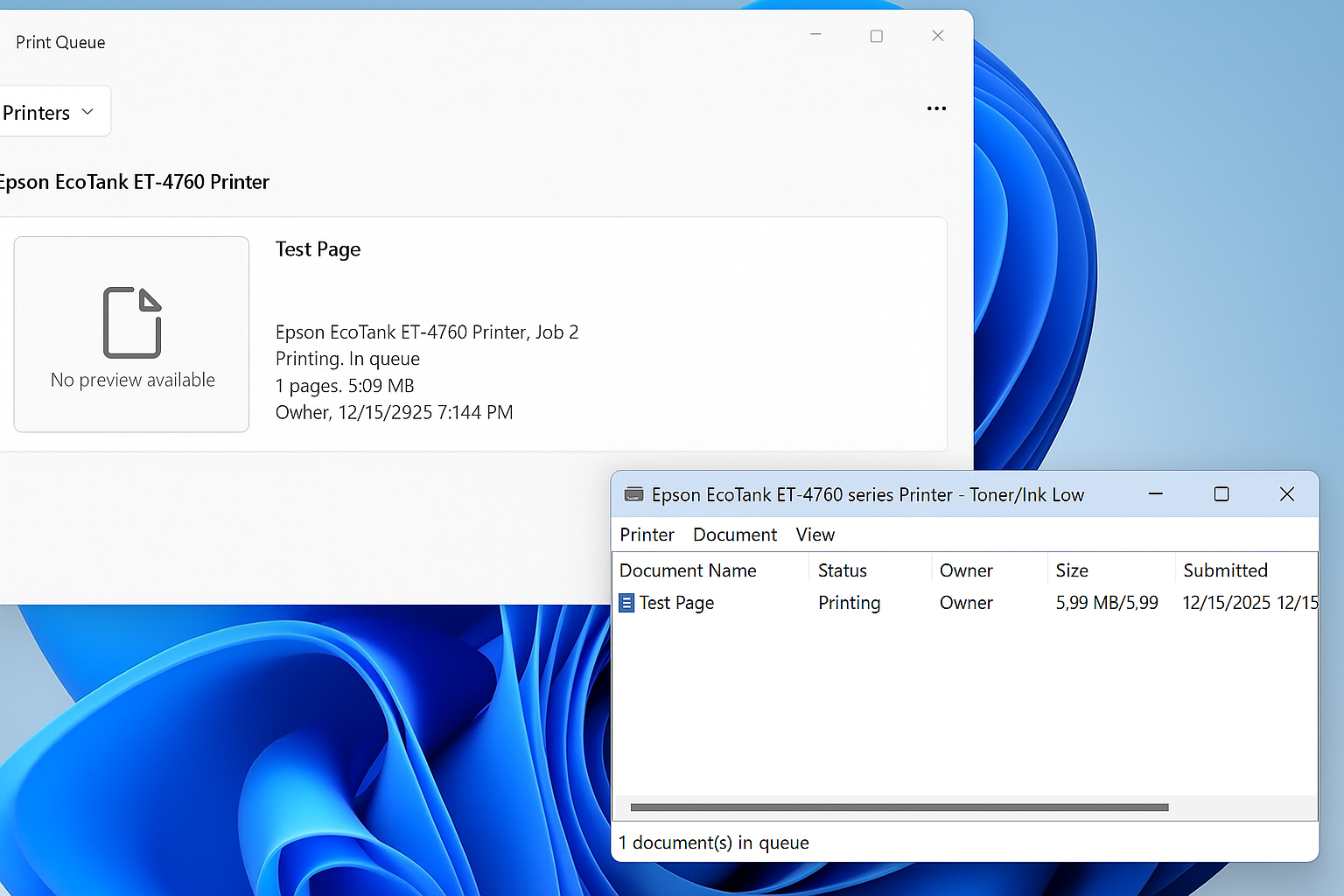
Restore the Legacy Print Dialog in Windows 11 (22H2) Starting with Windows 11 version 22H2, Microsoft replaced the legacy print dialog for all classic Win32 applications with a new unified print interface. This change also affects applications such as Giza, and for some users the new dialog has proven to be less efficient or more […]
Windows 11 – Quickly Open the Manual Printer Add Dialog<
Windows 11 hides many legacy but extremely useful administrative tools behind modern UI layers. One of these is the classic PrintUI utility, which allows you to quickly access advanced printer installation dialogs without navigating through multiple Settings menus. This is especially useful for IT administrators, MSP technicians, and anyone troubleshooting printer installs, driver issues, or […]
Windows Vista, 7, 8, 10, 11 – GodMode
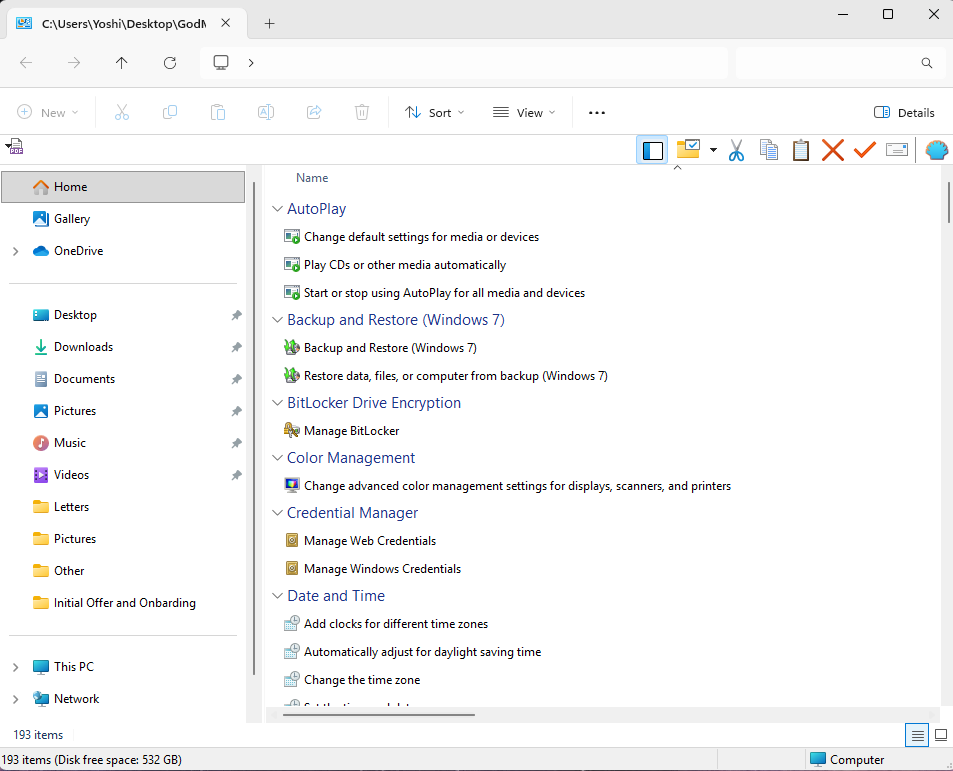
How to Enable Windows God Mode in Windows 10 and Windows 11 Windows includes a hidden feature known as God Mode, a special control panel folder that provides direct access to more than 200 advanced system settings in one place. Instead of navigating through multiple menus, God Mode organizes every available configuration option into […]
Restore the original Windows Photo Viewer in Windows 11
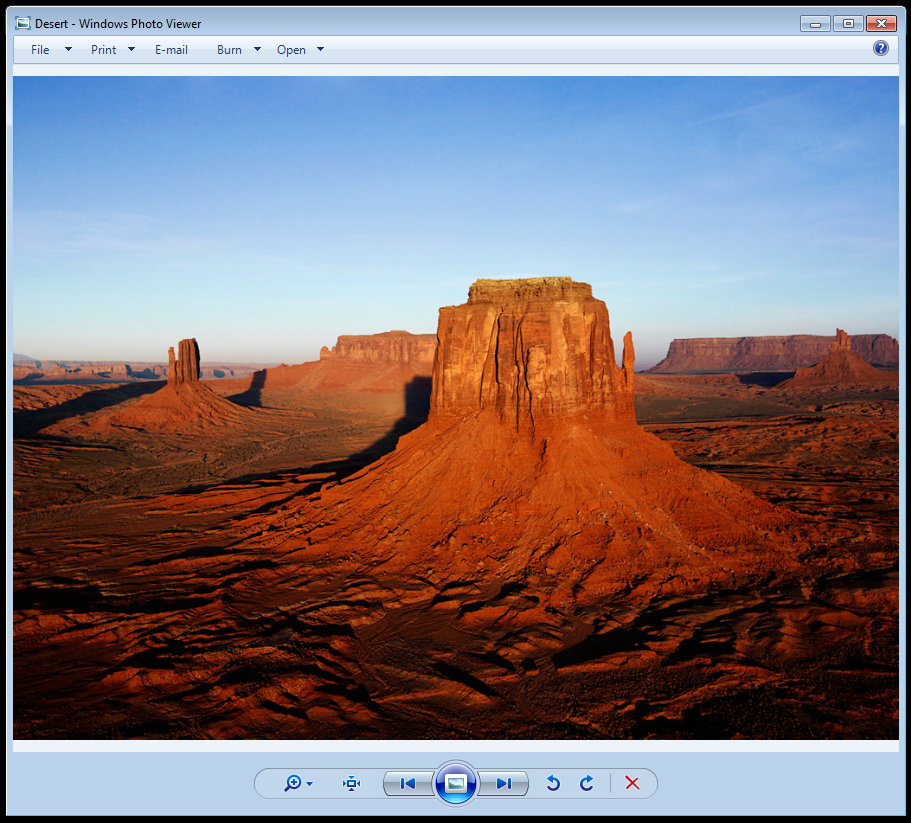
How to Restore Windows Photo Viewer in Windows 11 Many users still prefer the speed and simplicity of the classic Windows Photo Viewer. Although Microsoft did not remove the program itself, the registry entries that associate image file types with Photo Viewer were removed during the upgrade from Windows 10. This is why Photo Viewer […]