
Category Archives: Mac OS
So You Want to Be a Hacker, Eh?

Let’s get one thing out of the way first. No, this is not about breaking into your school’s grading system, guessing your friend’s Instagram password, or “testing” your neighbor’s WiFi. This is about ethical hacking, also known as cybersecurity, where people are actually paid to find problems before the black hats (Malicious or Illegal hackers) […]
Apple Mobile Device Drivers on Windows
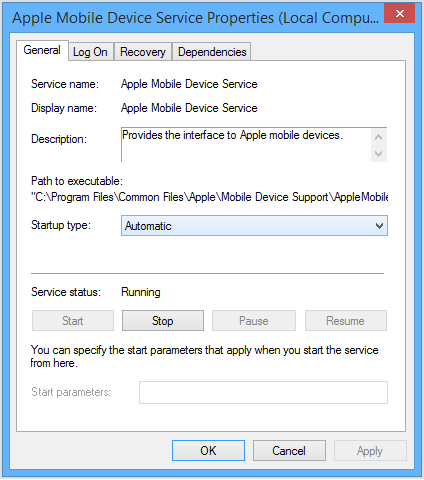
Understanding Apple Mobile Device Drivers on Windows If you support Windows systems in an enterprise or helpdesk environment, you have almost certainly run into issues where an iPhone or iPad simply refuses to appear when connected by USB. The device charges, but it does not show up in File Explorer, iTunes, or management tools. […]
How to Show Hidden Files and Folders on macOS
How to Show Hidden Files and Folders on macOS There are a few simple ways to reveal hidden files and folders in macOS. Pick the method you prefer: a quick keyboard toggle, a Terminal command that persists, or the same toggle inside Open/Save dialogs. 1) Quick Toggle in Finder (fastest) Open any Finder window. Press […]
Microsoft Teams On Mac (Monterey – macOS 12) – Privacy and Security Permissions

Microsoft Teams on macOS depends on several Privacy and Security permissions, and when those permissions are not granted, Teams will either prompt the user to enable them or block the feature until access is approved. In real-world support, users frequently click Don’t Allow, dismiss the prompt, or complete the prompt but still need to enable […]