
Blog Archives
WSReset – What it is and How to Use it
wsreset.exe is a built-in Windows command-line utility used to clear the Microsoft Store cache and troubleshoot problems with the Microsoft Store. The executable is located in: C:\Windows\System32\wsreset.exe WSReset can be useful when the Microsoft Store experiences problems such as: The Microsoft Store will not open. Apps will not download. App downloads or updates become stuck. […]
10 Different Ways to Start Task Manager
There are multiple ways to access Windows Task Manager. Below is a list of the different methods that can be used, in the event that one or more are not working for you. Press Ctrl + Shift + Esc to open Task Manager directly. Press Ctrl + Alt + Delete, then select Task Manager. Press […]
How to Check if 32-bit or 64-bit Microsoft 365 Apps Are Installed
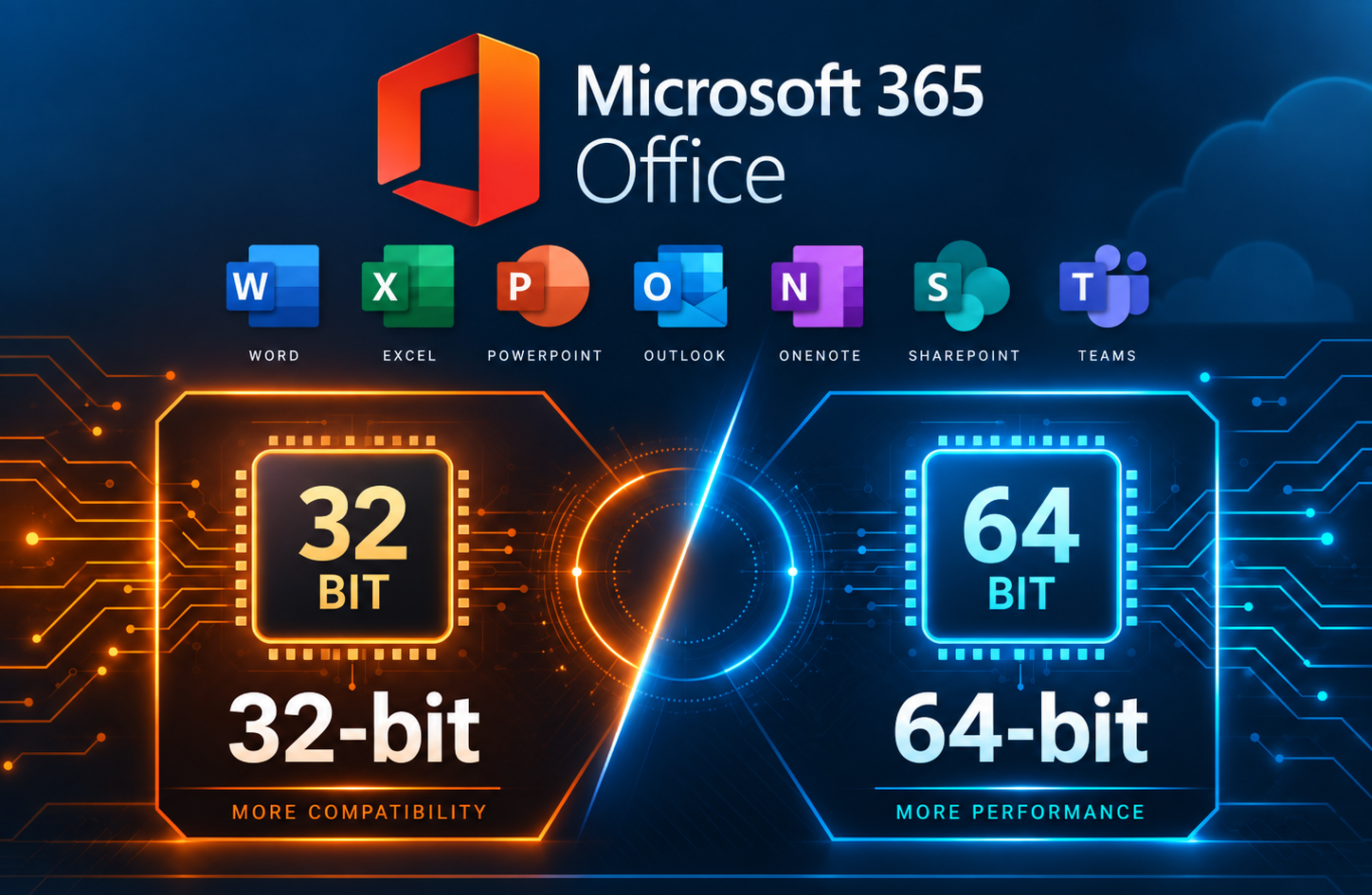
When troubleshooting Microsoft 365 Apps, you may need to determine whether the installed version of Office is 32-bit or 64-bit. This can be important when working with Office add-ins or other software that depends on specific installed Office versions. This method is especially useful when Microsoft 365 Apps are not activated, since the Office applications […]
So You Want to Be a Hacker, Eh?

Let’s get one thing out of the way first. No, this is not about breaking into your school’s grading system, guessing your friend’s Instagram password, or “testing” your neighbor’s WiFi. This is about ethical hacking, also known as cybersecurity, where people are actually paid to find problems before the black hats (Malicious or Illegal hackers) […]
Convert an Exchange Online User Mailbox to a Shared Mailbox Using PowerShell

Converting a user mailbox to a shared mailbox is a common offboarding and delegation workflow in Microsoft 365. It lets a team continue to access a mailbox (and optionally send as it) without requiring the mailbox to remain a licensed user, as long as you stay within shared mailbox limits. When this is the right […]
Powershell Script – Get the Most Recent User Login / Logoff Events

This great little Powershell script will generate a .csv file, that you can open in excel, which will list each time a user logged in and logged out from the computer or server you run it on. I believe the only downside is that the list only goes as far back as the logs do […]