
So You Want to Be a Hacker, Eh?
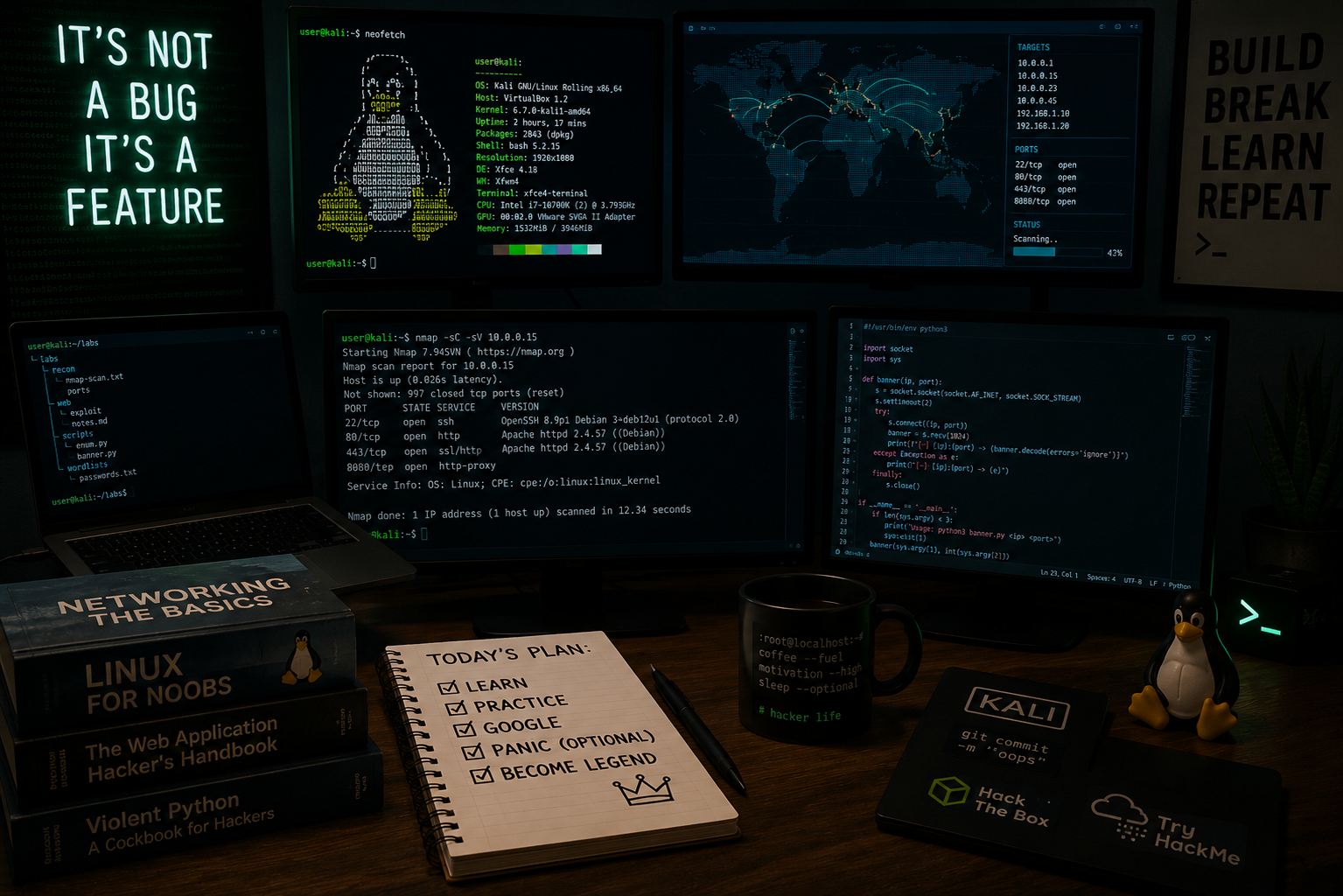
Let’s get one thing out of the way first.
No, this is not about breaking into your school’s grading system, guessing your friend’s Instagram password, or “testing” your neighbor’s WiFi.
This is about ethical hacking, also known as cybersecurity, where people are actually paid to find problems before the black hats (Malicious or Illegal hackers) do.
If that sounds interesting, you’re in the right place.
What Does a “Hacker” Actually Do?
When people hear the word hacker, they usually think of someone in a dark room typing very fast while green text scrolls across the screen.
In reality, hacking is much less dramatic and much more interesting.
It is about:
- Understanding how computers and networks work
- Finding weaknesses in systems
- Asking “how does this actually work?” over and over again
- Breaking things in a controlled way so they can be fixed
There are different types of roles:
- Red Team (Offense): Simulates attacks
- Blue Team (Defense): Protects systems
- Purple Team: Does both
Most professionals move between these over time.
First Rule: Don’t Be That Guy
Before you even think about learning tools or techniques, you need to understand this:
Hacking anything you do not own or do not have permission to test is illegal.
Even if:
- You are curious
- You are “just testing”
- You don’t mean any harm
It does not matter.
People have gotten:
- Expelled from school
- Fined
- Arrested
- Permanently blocked from working in cybersecurity
Professional hackers follow one simple rule:
If you don’t have permission, you don’t touch it.
That is why all learning should happen in:
- Your own computer
- Virtual machines
- Training platforms
How Hackers Actually Learn
Here’s something most beginners get wrong.
Hacking is not about downloading tools and clicking buttons.
It is about understanding systems.
Think of it like this:
- If you understand how a door works, you know how to lock it and how someone might try and break in.
- If you don’t understand the door, you may not even know that it needs to be locked.
The best way to learn is:
- Learn the basics (networking, operating systems)
- Read and understand concepts
- Practice in safe environments
- Repeat consistently
This is exactly how professionals train.
So Where Do You Even Start?
Most people think they need to download a bunch of tools right away.
You don’t. What you actually need is a safe place to mess around, without breaking anything important.
This is where virtual machines come in.
A virtual machine is like having another computer inside your computer.
It runs its own operating system and programs, completely separate from your real system, so you can experiment, test things, and even break them, without affecting your actual computer.
Popular Virtual Machine Software
VirtualBox (Free & Beginner Friendly)
VirtualBox is one of the easiest ways to get started with virtual machines.
Step-by-step guide:
https://carleton.ca/scs/tech-support/virtual-machines/virtual-machine-technical-support/virtual-machine-step-by-step-guide/
OSINT / Virtual Machine privacy guide:
https://www.mrsosint.com/digital-disguises-vol-1/
Hyper-V (Built Into Windows Pro)
Hyper-V is Microsoft’s built-in virtualization platform available on some versions of Windows.
Beginner Lab Setup:
https://github.com/jwnfld3/hyper-v-windows11-lab
Official Microsoft Installation Guide:
https://learn.microsoft.com/en-us/windows-server/virtualization/hyper-v/get-started/install-hyper-v?tabs=powershell&pivots=windows
VMware Workstation
Another very popular virtual machine platform widely used in IT and cybersecurity.
Installation Guide:
https://indigosoftwarecompany.com/how-to-install-vmware-workstation-pro-on-windows-step-by-step-setup-guide-2025/
Kali Linux Virtual Machines
Kali Linux is one of the most common operating systems used for cybersecurity training and penetration testing.
Prebuilt Virtual Machine Images:
https://www.kali.org/get-kali/#kali-virtual-machines
Don’t Just Play With Tools. Build Toward Something.
Once your virtual machine environment is set up, the next step is not downloading random tools and clicking buttons.
Instead, give yourself a goal.
Ask yourself:
- What do I actually want to learn how to do?
- What am I curious about?
- What sounds interesting to me?
You will learn much faster when you are working toward something specific instead of just “playing hacker.”
Maybe you want to:
- understand how websites work
- learn how malware behaves
- analyze suspicious files
- explore Linux
- build a home lab
- learn how game anti-cheat systems work
- understand how people secure companies
Once You Have a Goal, the Tools Start Making Sense
Now that you have something you want to learn or figure out, you can start asking “What tools would help me do this?”
This is how people actually learn cybersecurity.
Different Types of Cybersecurity Tools
One thing beginners quickly discover is that cybersecurity is a huge field.
Not everybody is doing the same thing.
Some people:
- defend companies
- investigate malware
- secure websites
- analyze suspicious activity
- automate tasks
- reverse engineer software
- test physical security
- protect cloud environments
The tools people use depend entirely on what they are trying to accomplish.
Below are some of the major categories you will eventually encounter.
Network Analysis and Discovery
These tools help people understand:
- what systems exist
- how devices communicate
- what services are running
- what might be exposed
This is one of the most foundational areas in cybersecurity.
Examples:
- Nmap
- Wireshark
Vulnerability Scanning
These tools help identify:
- outdated software
- missing security patches
- weak configurations
- known security issues
Used heavily by both defenders and penetration testers.
Examples:
- OpenVAS
- Nessus
- OpenSCAP
Web Application Security
Focused on websites, web applications, APIs, and login systems.
This area includes:
- authentication
- sessions
- databases
- browser security
Examples:
- Burp Suite
- OWASP ZAP
- SQLMap
Malware Analysis and Reverse Engineering
Focused on understanding:
- viruses
- ransomware
- suspicious programs
- malicious behavior
This area teaches people how software behaves behind the scenes.
Examples:
- Ghidra
- REMnux
- Procmon
- x64dbg
Digital Forensics and Incident Response
Focused on investigating:
- security breaches
- suspicious activity
- compromised systems
- stolen data
This is closer to detective work than “hacking.”
Examples:
- Autopsy
- Velociraptor
- FTK Imager
Password and Authentication Security
Focused on:
- password storage
- authentication systems
- credential attacks
- account security
Examples:
- Hashcat
- John The Ripper
Wireless and Hardware Security
Focused on:
- WiFi security
- radio communication
- physical devices
- embedded systems
Examples:
- Aircrack-ng
- Wifite
- Flipper Zero
- HackRF
Active Directory and Enterprise Security
Focused on large Windows business environments.
This is extremely important because many companies rely heavily on Active Directory.
Examples:
- BloodHound
- Responder
OSINT (Open Source Intelligence)
Focused on gathering publicly available information.
Often used in:
- investigations
- security research
- red teaming
- journalism
Examples:
- Maltego
- theHarvester
- Shodan
Automation and Scripting
Many cybersecurity professionals eventually learn scripting to:
- automate repetitive tasks
- process large amounts of information
- connect tools together
Python is one of the most common languages used.
Examples:
- Python
- PowerShell
- Bash
Cloud Security
Focused on securing platforms like:
- Microsoft 365
- Azure
- AWS
- Google Cloud
One of the fastest-growing areas in cybersecurity.
Examples:
- ScoutSuite
- Prowler
Security Operations and Monitoring (Blue Team)
Focused on detecting and responding to attacks in real time.
Often involves:
- monitoring logs
- detecting suspicious behavior
- investigating alerts
Examples:
- Splunk
- Wazuh
- Microsoft Sentinel
Final Advice
Don’t worry about learning everything.
Nobody does.
The people who become really good at this are usually just the people who stay curious long enough to keep going.
Here’s the part nobody tells you. You don’t start by “learning hacking..”
You start by being confused.
At first, nothing makes sense. You’ll hear words like IP address, ports, DNS, packets
And it all kind of blends together into… noise. That’s normal.
Then something small clicks and the pieces begin to fall into place. You begin to understand how computer and the technology behind them actually function.
Additional Learning Resources
I know I just threw a lot at you all at once.
Take your time. Don’t try to learn everything immediately.
Cybersecurity is one of those fields where you slowly build knowledge over time, usually by following things that genuinely interest you.
The good news is there are a lot of great resources out there to help.
Books
Hacking: The Art of Exploitation
A classic foundational hacking book covering memory, C programming, and exploitation concepts.
Amazon:
https://www.amazon.com/Hacking-Art-Exploitation-Jon-Erickson/dp/1593271441
The Hacker Playbook 2
Practical penetration testing and red team concepts.
Archive.org:
https://archive.org/details/hackerplaybook2p0000kimp
Amazon:
https://www.amazon.com/Hacker-Playbook-Practical-Penetration-Testing/dp/1512214566
Other Recommended Books
The Art of Intrusion
https://www.amazon.com/Art-Intrusion-Exploits-Intruders-Deceivers/dp/076454280X
The Art of Deception
https://www.amazon.com/Art-Deception-Controlling-Element-Security/dp/076454280X
Black Hat Python
https://www.amazon.com/Black-Hat-Python-Programming-Pentesters/dp/1593275900
Zenk Security Book Repository
https://repo.zenk-security.com/
Training Platforms
Beginner Friendly
TryHackMe
https://tryhackme.com/
Cybrary
https://www.cybrary.it/career-path/foundations
OverTheWire
https://overthewire.org/wargames/
picoCTF
https://picoctf.org/
More Advanced
Hack The Box Academy
https://academy.hackthebox.com/catalogue
Hack The Box Beginner Guide
https://www.hackthebox.com/blog/learn-to-hack-beginners-bible
PortSwigger Web Security Academy
https://portswigger.net/web-security
TCM Security Training
https://academy.tcm-sec.com/p/learn-penetration-testing-free
Industry Training
SANS Institute
One of the most respected cybersecurity training organizations in the industry.
Real-World Cybersecurity Stories
Darknet Diaries
Real stories from hackers, investigators, and cybersecurity professionals.
Website:
https://darknetdiaries.com/
YouTube Playlist:
https://www.youtube.com/playlist?list=PLtN43kak3fFEEDNo0ks9QVKYfQpT2yUEo
Malware Removal and Windows Internals Training
One of the best ways to deeply understand how Windows works is malware removal training.
Many of these communities are run by people working in cybersecurity and IT.
Important note:
BleepingComputer no longer offers formal malware removal training, but it used to be one of the largest communities for it.
Training Communities
GeekU (Geeks to Go)
https://www.geekstogo.com/forum/forum/42-geeku/
What the Tech
https://what-the-tech.com/
Malware Removal University
https://www.malwareremoval.com/forum/
SpywareHammer
https://spywarehammer.com/
Spyware Info Forum
https://www.spywareinfoforum.com/
Tech Support Forum
https://www.techsupportforum.com/
BleepingComputer Forums
https://www.bleepingcomputer.com/forums/