
Run the Printer Installation UI as Administrator in Windows
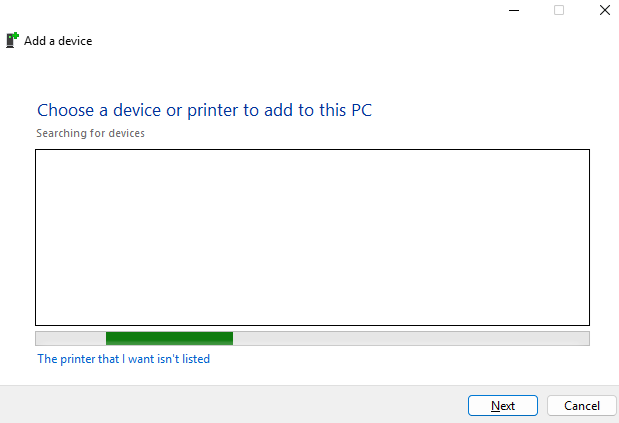
In some situations, Windows may require administrator permissions to install or configure a printer. This can happen when adding a local printer, installing printer drivers, or modifying printer settings that require elevated rights.
One way to launch the printer installation interface with administrator permissions is to open an elevated Command Prompt and run the Windows Print UI command manually.
Open Command Prompt as Administrator
-
Click Start.
-
Type Command Prompt or cmd.
-
Right-click Command Prompt.
-
Select Run as administrator.
-
Accept the UAC prompt if prompted.
Run the Printer Installation UI
In the elevated Command Prompt window, run the following command:
rundll32 printui.dll,PrintUIEntry
This launches the Windows printer installation interface using the elevated permissions of the administrator Command Prompt.
Add Printer Wizard Option
If you specifically want to open the printer installation wizard, you can use:
rundll32 printui.dll,PrintUIEntry /il
The /il switch opens the local printer installation wizard.
Why This Helps
Running the printer installation UI as administrator can help avoid permission-related issues when installing printer drivers or adding printers that require administrative access.
This is especially useful on business computers, domain-joined systems, or environments where standard users do not have permission to install printer drivers.
Notes
You may still need the correct printer driver, printer IP address, or network path before completing the installation.
Example network printer path:
\\PrintServerName\PrinterName
Example TCP/IP printer address:
192.168.1.50