
Blog Archives
TCP/IP vs. WSD Printer Ports: Differences, Setup, and Troubleshooting
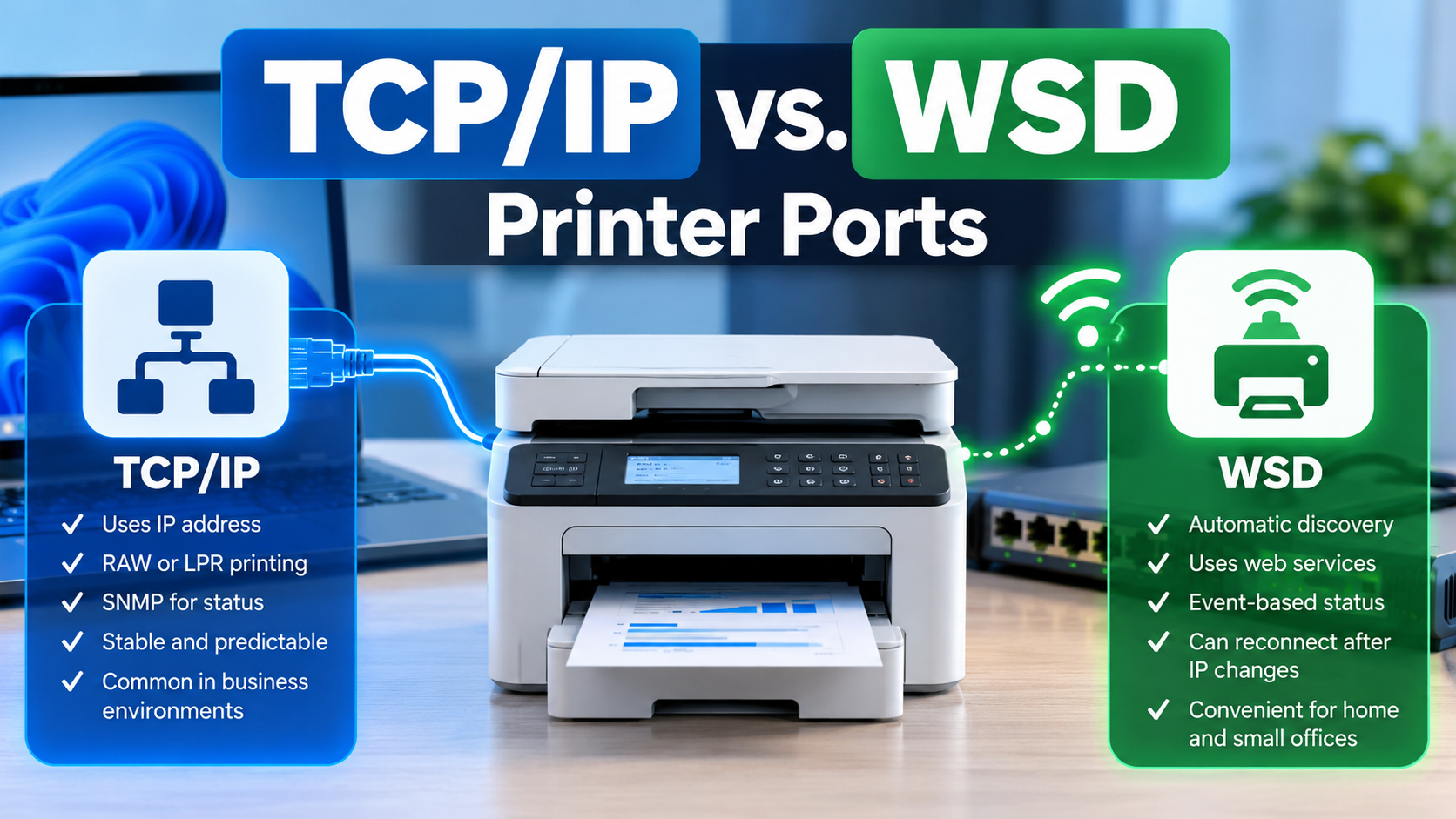
When installing a network printer in Windows, you may notice two different types of printer ports: Standard TCP/IP Port and WSD Port. Both allow a computer to communicate with a printer over a network, but they work differently when discovering printers, managing connections, sending print jobs, and reporting printer status. Understanding these differences can help […]
How to Temporarily Disable Cisco Duo Windows Logon for Emergency Recovery
Cisco Duo is a multifactor authentication (MFA) solution that adds an additional layer of security to Windows computers by requiring users to verify their identity during the sign-in process. However, there are situations where Duo can prevent an IT technician from accessing a computer to resolve an underlying problem. For example, a laptop may lose […]
What to Look for When Hiring a Managed Service Provider (MSP): The Complete Business Guide

Choosing a Managed Service Provider (MSP) is not simply a matter of finding someone to fix computers when they break. The provider may be responsible for your network, servers, cybersecurity, Microsoft 365 environment, backups, business applications, employee accounts, and the technology your organization relies on every day. A well-managed MSP can reduce disruption, strengthen security, […]
The Hidden Cost of Rework – Do It Once, Do It Right

In any organization, time is one of the most valuable resources available. Yet a surprising amount of that time can be lost correcting mistakes, repeating tasks, and revisiting work that should have been completed correctly the first time. This is known as rework, and although it may seem like a minor inconvenience, its cumulative impact […]
10 Different Ways to Start Task Manager
There are multiple ways to access Windows Task Manager. Below is a list of the different methods that can be used, in the event that one or more are not working for you. Press Ctrl + Shift + Esc to open Task Manager directly. Press Ctrl + Alt + Delete, then select Task Manager. Press […]
What Is the UUP Dump Website and How Does It Work?
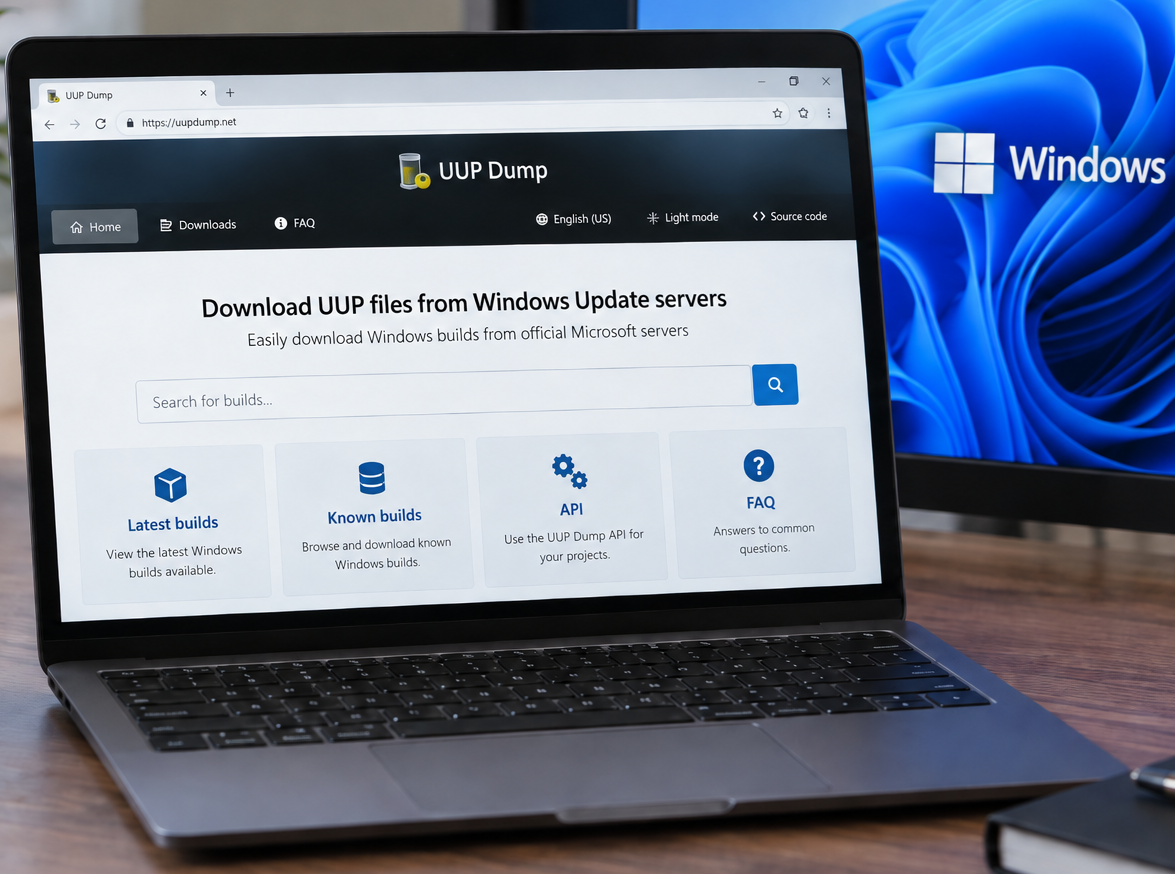
You can access the UUP Dump website here: https://uupdump.net/ UUP Dump is a third-party website that allows users to create Windows installation media (ISOs) using files downloaded from Microsoft’s Windows Update infrastructure. It can be particularly useful when you need a specific Windows 10 or Windows 11 build that is not readily available through Microsoft’s […]
How to Check if 32-bit or 64-bit Microsoft 365 Apps Are Installed
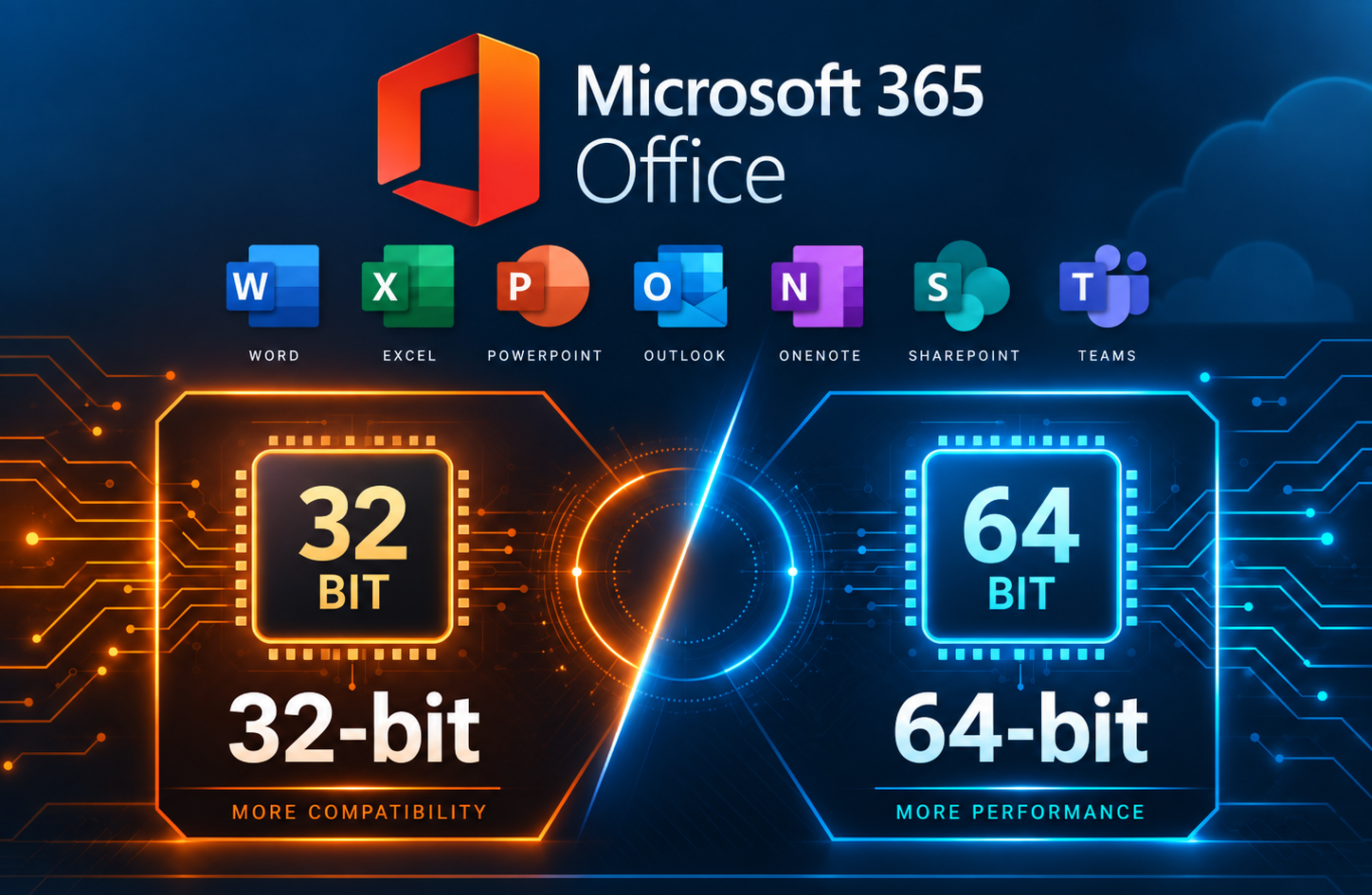
When troubleshooting Microsoft 365 Apps, you may need to determine whether the installed version of Office is 32-bit or 64-bit. This can be important when working with Office add-ins or other software that depends on specific installed Office versions. This method is especially useful when Microsoft 365 Apps are not activated, since the Office applications […]
Run the Printer Installation UI as Administrator in Windows
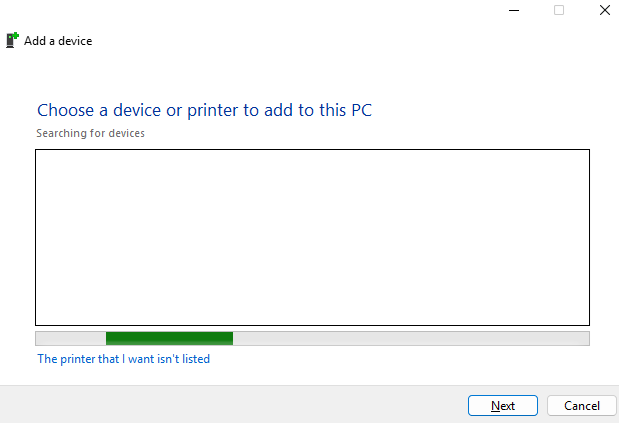
In some situations, Windows may require administrator permissions to install or configure a printer. This can happen when adding a local printer, installing printer drivers, or modifying printer settings that require elevated rights. One way to launch the printer installation interface with administrator permissions is to open an elevated Command Prompt and run the Windows […]
How to Fix the “Your Organization Manages Updates” Error in PC Health Check
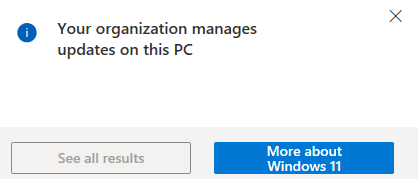
Fixing the “Your Organization Manages Updates” Error in PC Health Check When running Microsoft’s PC Health Check app, some users encounter a misleading warning stating that updates are managed by their organization. This message can appear even on personal or standalone systems that are not joined to a domain, not enrolled in MDM, and […]