
Blog Archives
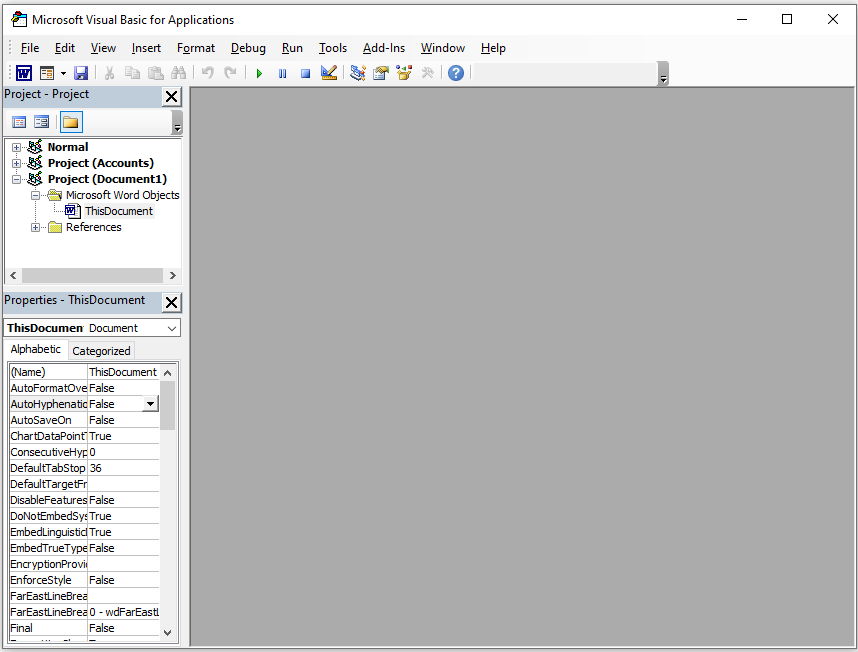
Microsoft Word – Use a VBA Macro to Delete All Images
- Posted by
- Posted on January 28, 2025
- IT Support
- No Comments.
You can use a VBA macro to find and delete all pictures in a Microsoft Word document. Before starting, make sure macros are allowed in your document. If they are not, save the file as a “.docm” Word document to allow macros to run. 1.) Press Alt + F11 to open the Visual Basic for […]
Recent Posts
- How to connect to MS 365 Admin and Exchange via Powershell
- Understanding DNS in Active Directory
- Convert an Exchange Online User Mailbox to a Shared Mailbox Using PowerShell
- Configuring a Primary Domain Controller to Use DHCP in a Test Lab
- How to Fix the “Your Organization Manages Updates” Error in PC Health Check
Archives
- January 2026
- December 2025
- October 2025
- September 2025
- August 2025
- July 2025
- June 2025
- February 2025
- January 2025
- January 2021
- May 2020
- February 2020
- December 2019
- August 2019
- January 2019
- July 2018
Categories
- Computers
- IT Support
- Lab
- Linux
- Mac OS
- Management
- Microsoft Applications
- Networking
- Printer
- Router
- Servers
- Switch
- Uncategorised
- Virtualization
- Windows

