
Blog Archives
10 Different Ways to Start Task Manager
There are multiple ways to access Windows Task Manager. Below is a list of the different methods that can be used, in the event that one or more are not working for you. Press Ctrl + Shift + Esc to open Task Manager directly. Press Ctrl + Alt + Delete, then select Task Manager. Press […]
Restore Legacy Print Que in Windows 11
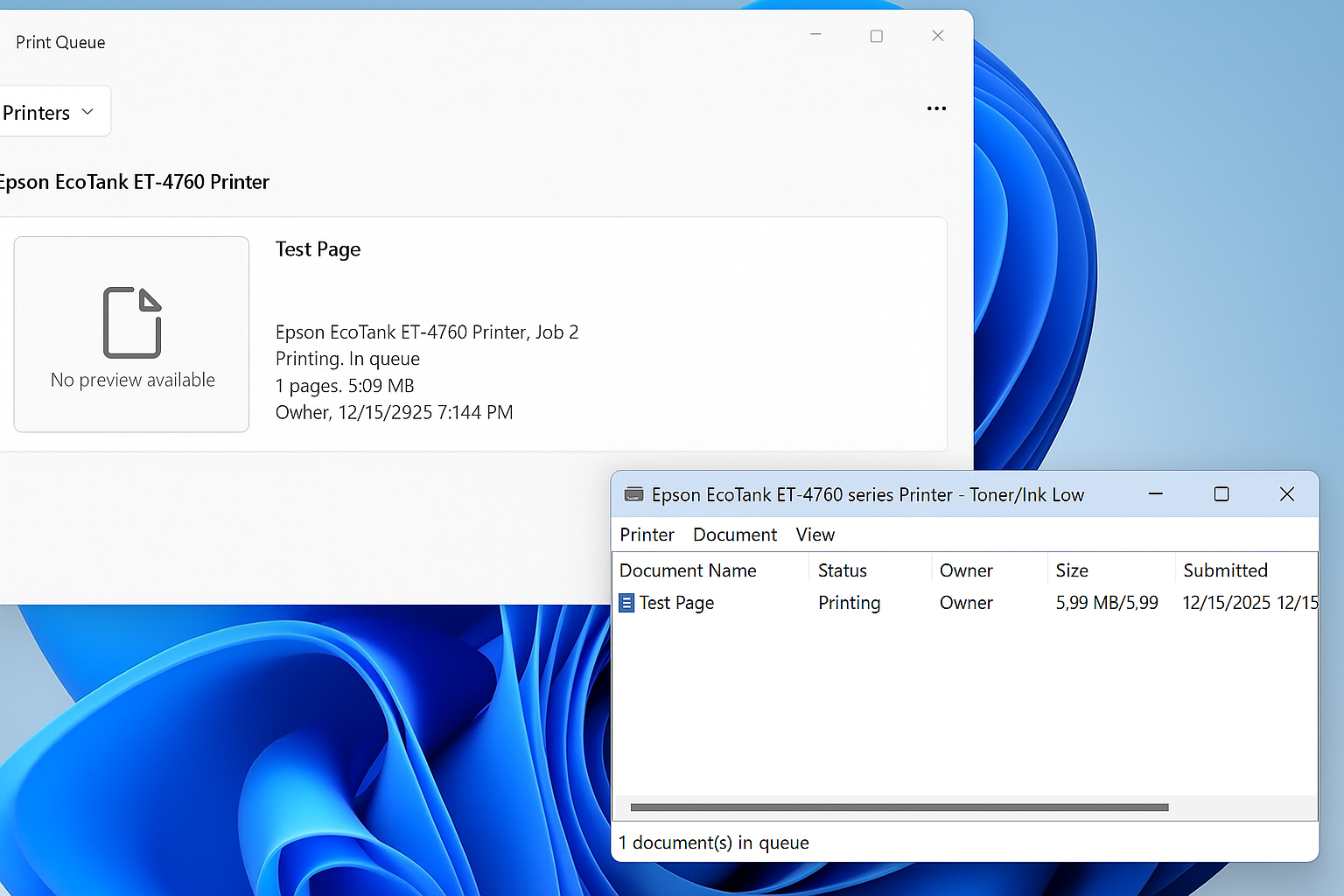
Restore the Legacy Print Dialog in Windows 11 (22H2) Starting with Windows 11 version 22H2, Microsoft replaced the legacy print dialog for all classic Win32 applications with a new unified print interface. This change also affects applications such as Giza, and for some users the new dialog has proven to be less efficient or more […]
Windows Vista, 7, 8, 10, 11 – GodMode
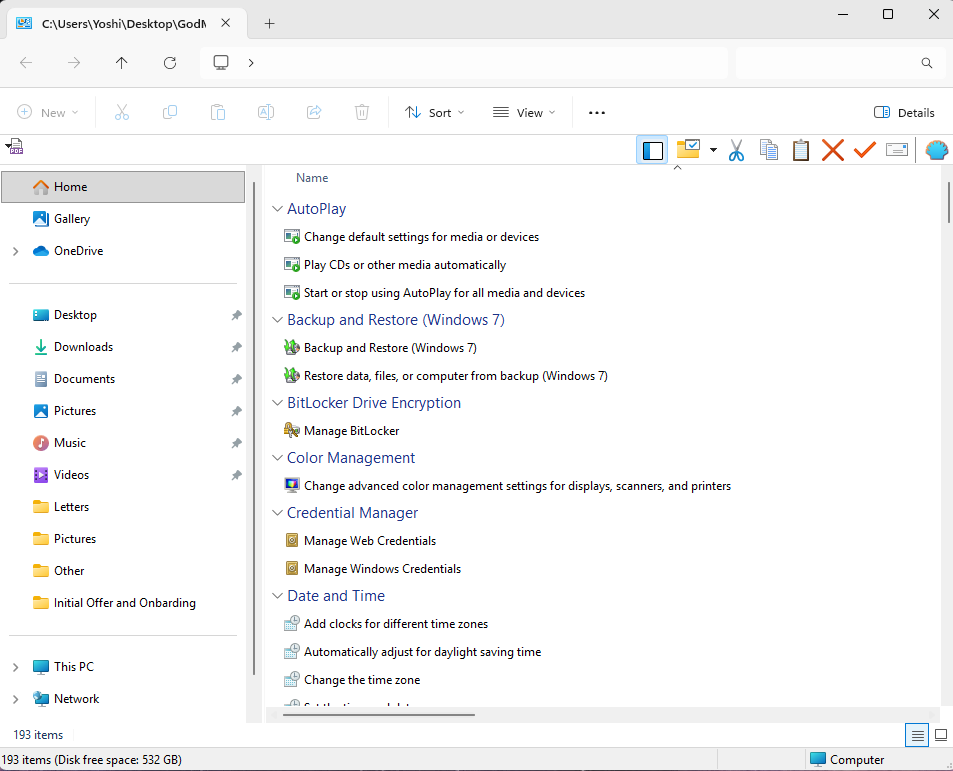
How to Enable Windows God Mode in Windows 10 and Windows 11 Windows includes a hidden feature known as God Mode, a special control panel folder that provides direct access to more than 200 advanced system settings in one place. Instead of navigating through multiple menus, God Mode organizes every available configuration option into […]
How to Skip Microsoft Account Setup During Windows Installation
During Windows 11 setup, Microsoft now tries to force you to use a Microsoft account to sign in, This can be frustrating for administrators or users who prefer creating a local account instead. One of the most common workarounds has been using the OOBE\BypassNRO command during setup. However, in recent Windows builds, this method doesn’t […]
Windows: How to Export a Directory Structure to a Text File( Directory Tree )
When working with large projects, network drives, or simply organizing files, it’s often useful to generate a clear overview of your folder structure. Luckily, Windows includes a built-in command called tree that makes this quick and easy. In this guide, we’ll walk through how to print out your current folder and subfolders into a text […]
How to Stop Windows 7 from Automatically Installing Drivers and Manually Install them Yourself
This is a little guide I had written a few years ago and never had a chance to publish, until now. Note: This method only applies to Windows 7 Professional, Windows 7 Ultimate, and Windows 7 Enterprise. Other editions of windows 7, such as Windows 7 Home, do not come with Group Policy installed. Purpose […]