
Blog Archives
WSReset – What it is and How to Use it
wsreset.exe is a built-in Windows command-line utility used to clear the Microsoft Store cache and troubleshoot problems with the Microsoft Store. The executable is located in: C:\Windows\System32\wsreset.exe WSReset can be useful when the Microsoft Store experiences problems such as: The Microsoft Store will not open. Apps will not download. App downloads or updates become stuck. […]
10 Different Ways to Start Task Manager
There are multiple ways to access Windows Task Manager. Below is a list of the different methods that can be used, in the event that one or more are not working for you. Press Ctrl + Shift + Esc to open Task Manager directly. Press Ctrl + Alt + Delete, then select Task Manager. Press […]
What Is the UUP Dump Website and How Does It Work?
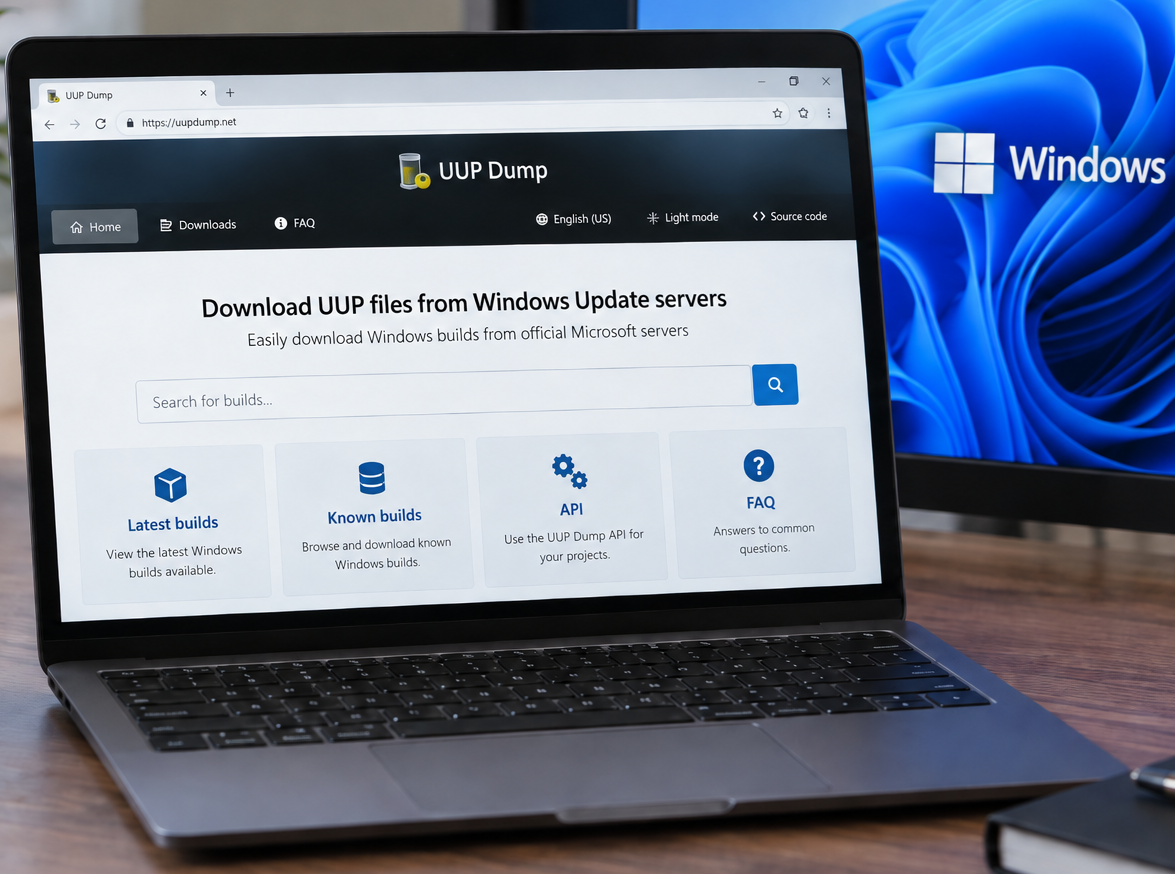
You can access the UUP Dump website here: https://uupdump.net/ UUP Dump is a third-party website that allows users to create Windows installation media (ISOs) using files downloaded from Microsoft’s Windows Update infrastructure. It can be particularly useful when you need a specific Windows 10 or Windows 11 build that is not readily available through Microsoft’s […]
How to Check if 32-bit or 64-bit Microsoft 365 Apps Are Installed
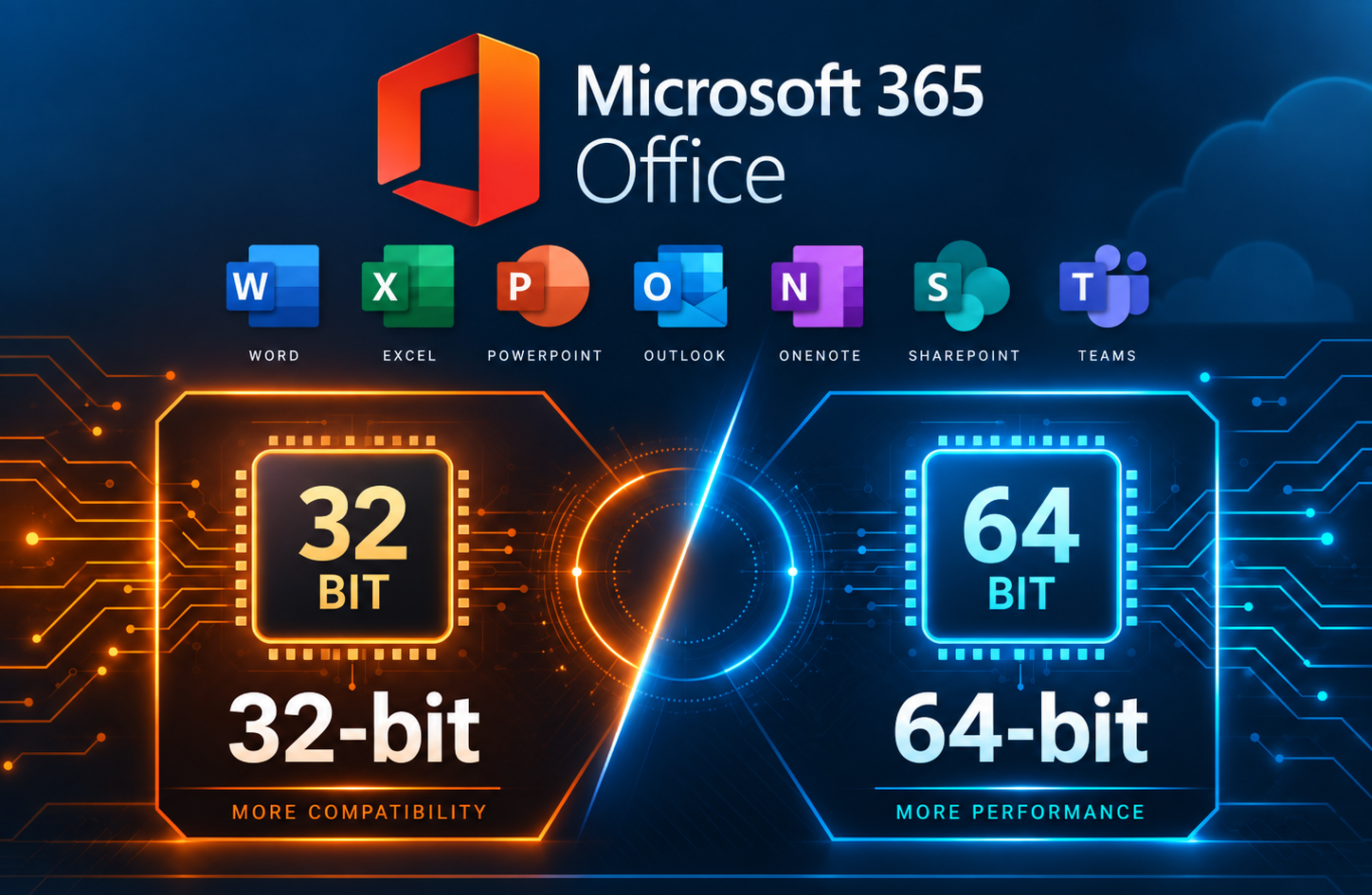
When troubleshooting Microsoft 365 Apps, you may need to determine whether the installed version of Office is 32-bit or 64-bit. This can be important when working with Office add-ins or other software that depends on specific installed Office versions. This method is especially useful when Microsoft 365 Apps are not activated, since the Office applications […]
Controlled Folder Access
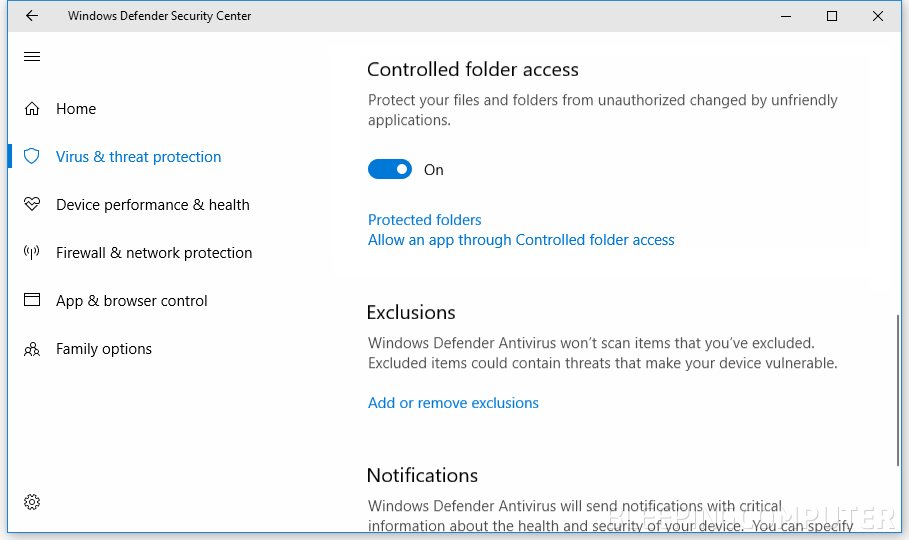
Windows Controlled Folder Access: How It Works, What It Does, and How to Turn It On or Off Controlled Folder Access (CFA) is a Windows security feature in Microsoft Defender designed to help stop ransomware and other untrusted apps from changing files in important folders. If you support Windows endpoints (or you are building a […]
How to Fix the “Your Organization Manages Updates” Error in PC Health Check
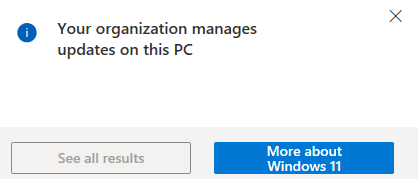
Fixing the “Your Organization Manages Updates” Error in PC Health Check When running Microsoft’s PC Health Check app, some users encounter a misleading warning stating that updates are managed by their organization. This message can appear even on personal or standalone systems that are not joined to a domain, not enrolled in MDM, and […]
Repairing Corrupt Windows System Files
System File Checker and DISM Commands Windows provides built-in tools for diagnosing and repairing system corruption. System File Checker (SFC) validates and repairs protected system files, while Deployment Image Servicing and Management (DISM) analyzes and restores the Windows component store. These commands are commonly used during troubleshooting to resolve issues such as corrupted services, damaged […]