
Category Archives: Computers
How to Show Hidden Files and Folders on macOS
How to Show Hidden Files and Folders on macOS There are a few simple ways to reveal hidden files and folders in macOS. Pick the method you prefer: a quick keyboard toggle, a Terminal command that persists, or the same toggle inside Open/Save dialogs. 1) Quick Toggle in Finder (fastest) Open any Finder window. Press […]
Powershell Script – Get the Most Recent User Login / Logoff Events
This great little Powershell script will generate a .csv file, that you can open in excel, which will list each time a user logged in and logged out from the computer or server you run it on. I believe the only downside is that the list only goes as far back as the logs do […]
What Version of Windows Do I Have?
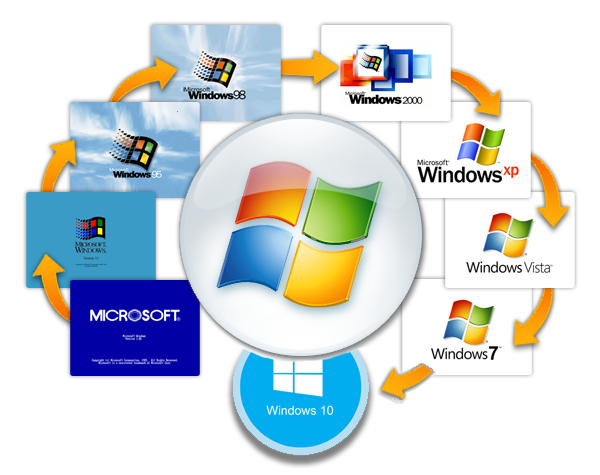
This guide will show you, step by step, how to discover which version of the Windows Operating System, you are currently running. Please note, that new versions of Windows will be released after the creation of this guide. This guide currently details all Versions of Windows up to December of 2019. 1.) Press the “Windows […]
How to Uninstall a Program in Windows 10

The goal of this guide is to step you through two possible methods of uninstalling a program, when using the Windows 10 operating system. Please keep in mind that all steps below were created using Windows 10 version 10.0.18362. As new versions of Windows 10 are release, things may look different or change. You can […]
Remove Locally Stored Outlook Passwords (Windows 7–10, Outlook 2010–2016)
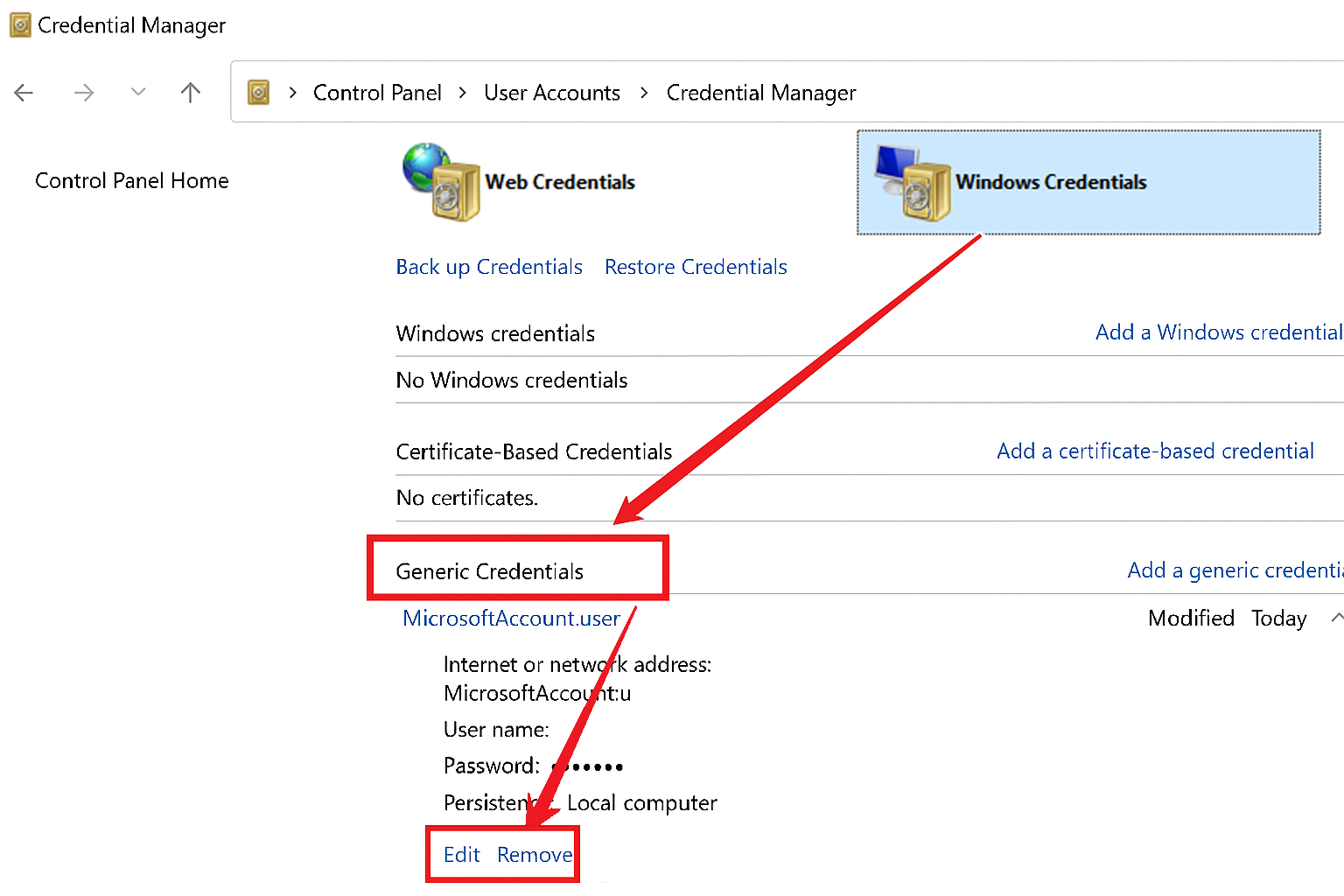
Use the steps below to remove saved Outlook or Microsoft Office credentials from Windows Credential Manager. This is useful when you need to reset stored passwords or resolve authentication issues, which could be caused by corrupted, cached credentials. Steps to Remove Stored Credentials: Open the Control Panel Open the Start Menu and then select “Control […]
How to Stop Windows 7 from Automatically Installing Drivers and Manually Install them Yourself
This is a little guide I had written a few years ago and never had a chance to publish, until now. Note: This method only applies to Windows 7 Professional, Windows 7 Ultimate, and Windows 7 Enterprise. Other editions of windows 7, such as Windows 7 Home, do not come with Group Policy installed. Purpose […]