
Blog Archives
What Is the UUP Dump Website and How Does It Work?
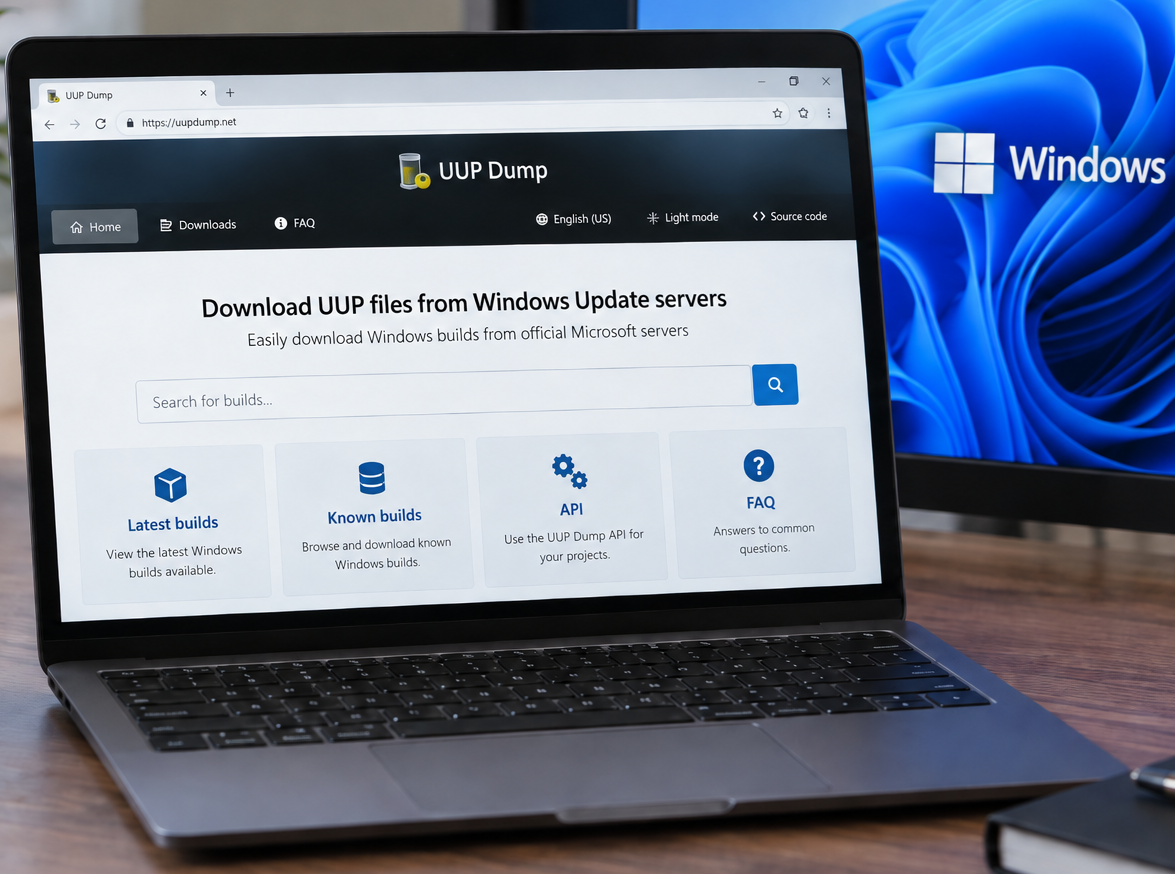
You can access the UUP Dump website here: https://uupdump.net/ UUP Dump is a third-party website that allows users to create Windows installation media (ISOs) using files downloaded from Microsoft’s Windows Update infrastructure. It can be particularly useful when you need a specific Windows 10 or Windows 11 build that is not readily available through Microsoft’s […]
Controlled Folder Access
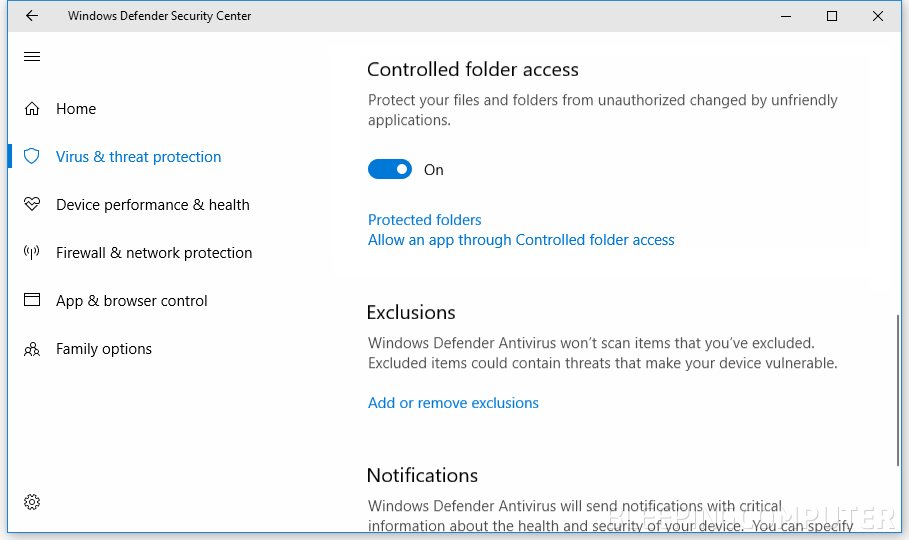
Windows Controlled Folder Access: How It Works, What It Does, and How to Turn It On or Off Controlled Folder Access (CFA) is a Windows security feature in Microsoft Defender designed to help stop ransomware and other untrusted apps from changing files in important folders. If you support Windows endpoints (or you are building a […]
Temporarily Changing Environment Variables for a Single Session in Windows
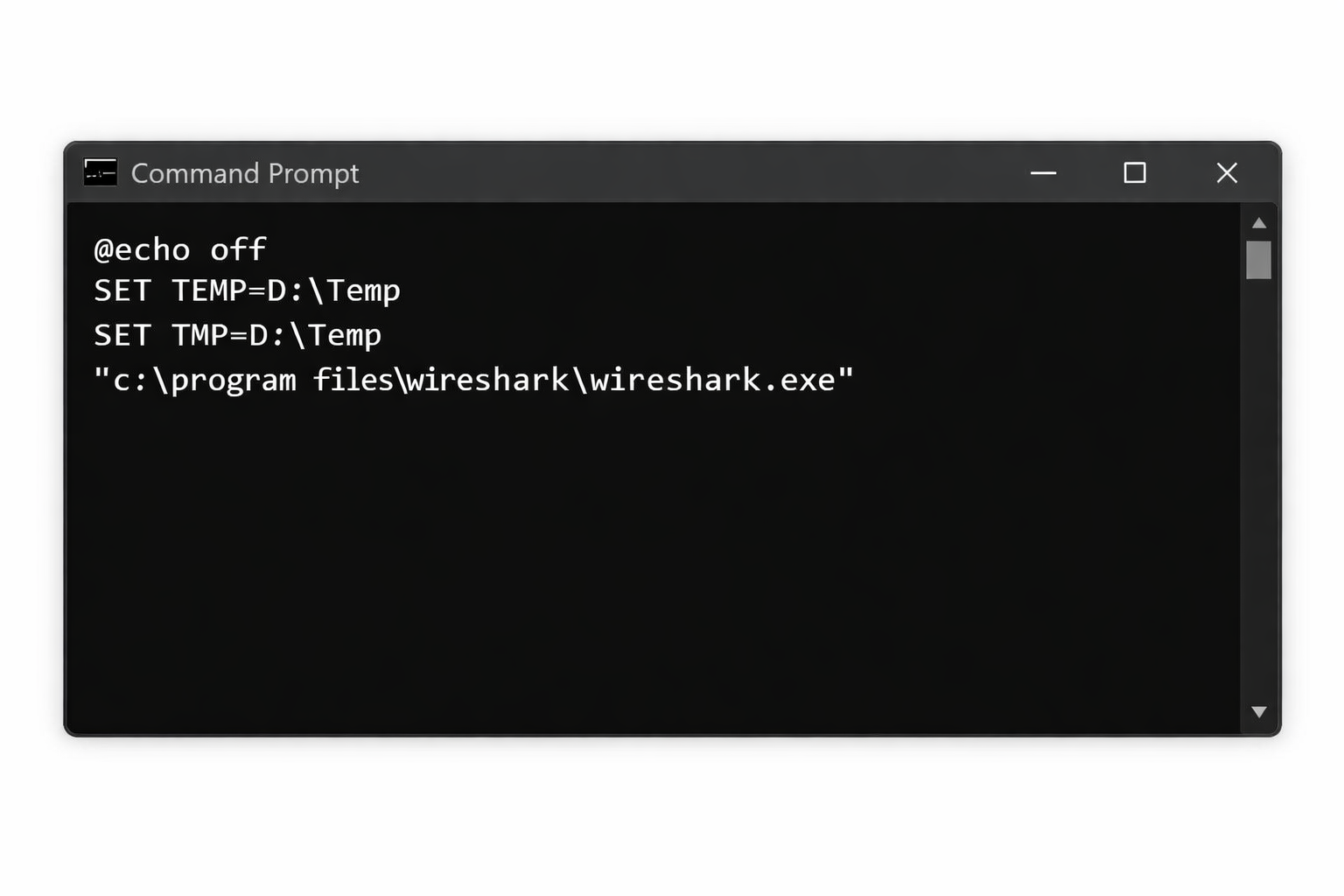
There are situations where you need to run an application using different environment variable values without permanently modifying system or user settings. This is common in troubleshooting, testing, or working within locked down corporate environments. Windows allows environment variables to be overridden per session, meaning the changes only apply to the current Command Prompt or […]
Troubleshooting Windows Boot Failure: Error 0xc000000f
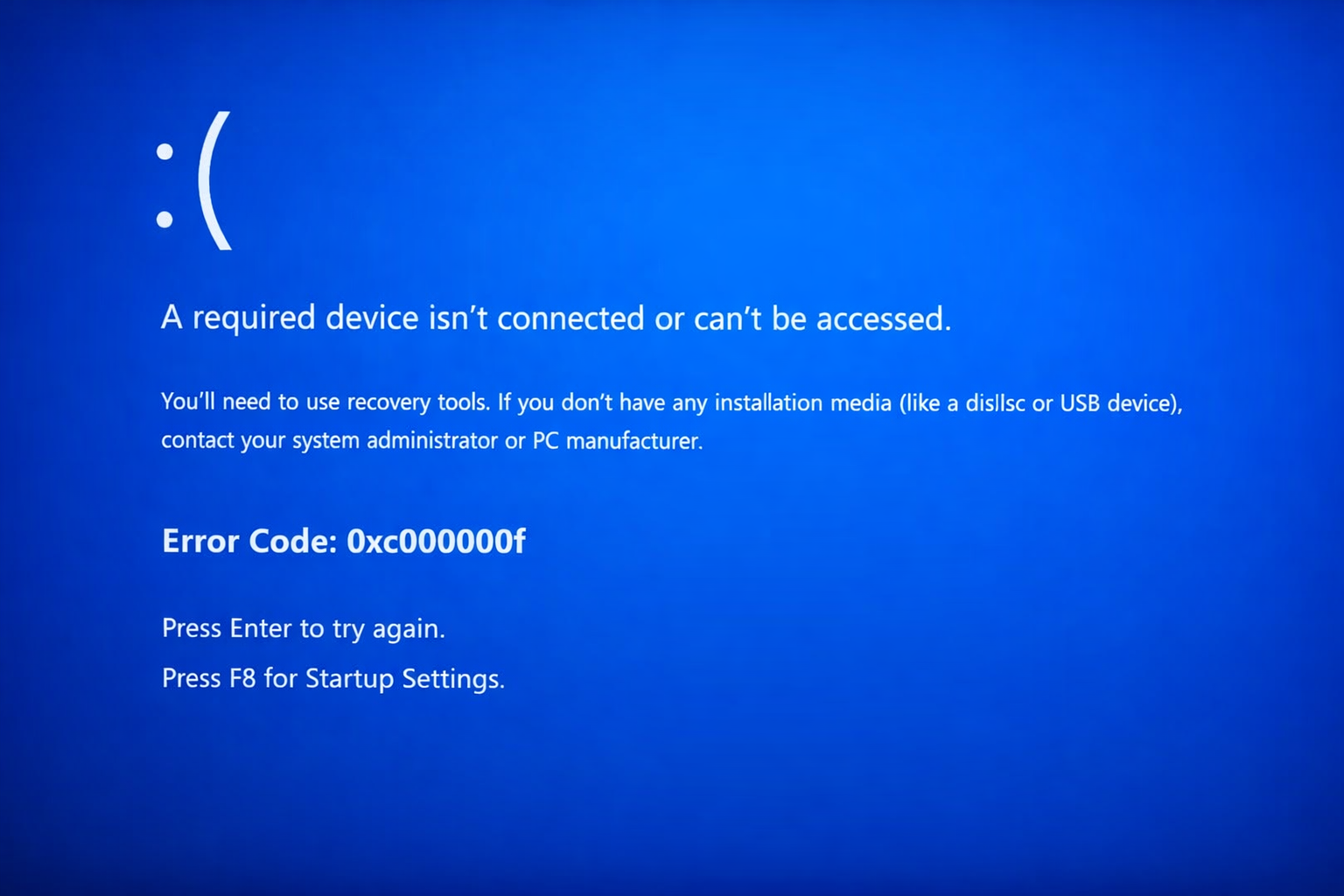
Fixing Boot Error 0xc000000f “A required device isn’t connected or can’t be accessed.” OverviewWindows A system that fails to boot and displays the blue screen error 0xc000000f is unable to locate or access the required boot device. This error commonly appears during startup before Windows loads and prevents the operating system from launching. This issue […]
Windows Vista, 7, 8, 10, 11 – GodMode
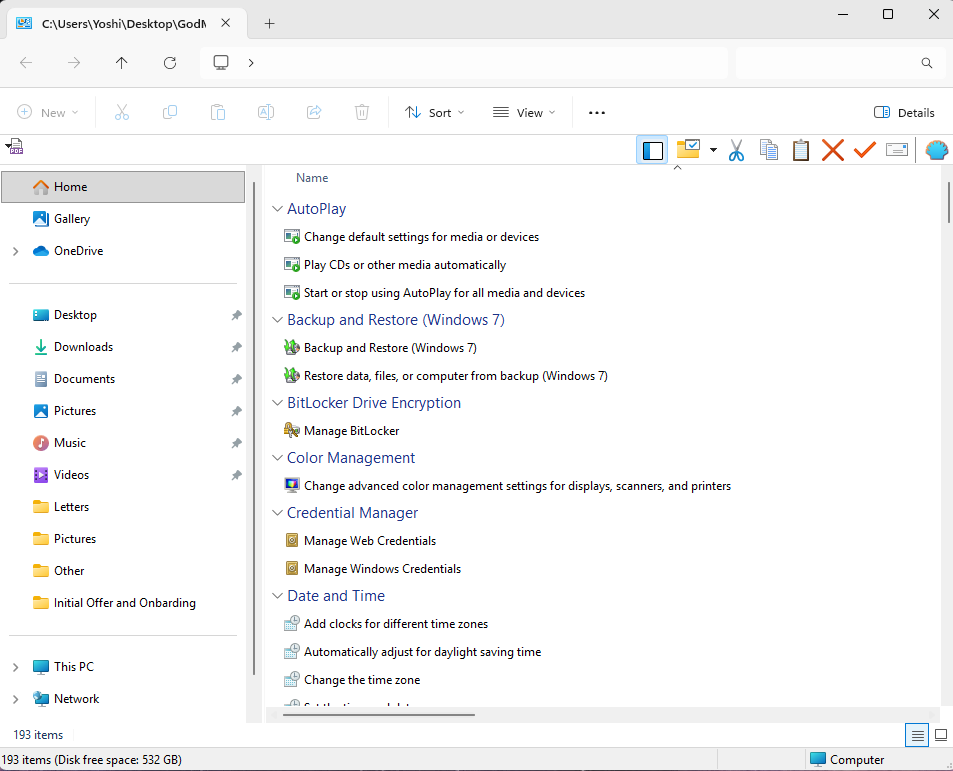
How to Enable Windows God Mode in Windows 10 and Windows 11 Windows includes a hidden feature known as God Mode, a special control panel folder that provides direct access to more than 200 advanced system settings in one place. Instead of navigating through multiple menus, God Mode organizes every available configuration option into […]
Windows: How to Export a Directory Structure to a Text File( Directory Tree )
When working with large projects, network drives, or simply organizing files, it’s often useful to generate a clear overview of your folder structure. Luckily, Windows includes a built-in command called tree that makes this quick and easy. In this guide, we’ll walk through how to print out your current folder and subfolders into a text […]
Repairing Corrupt Windows System Files
System File Checker and DISM Commands Windows provides built-in tools for diagnosing and repairing system corruption. System File Checker (SFC) validates and repairs protected system files, while Deployment Image Servicing and Management (DISM) analyzes and restores the Windows component store. These commands are commonly used during troubleshooting to resolve issues such as corrupted services, damaged […]
Powershell Script – Get the Most Recent User Login / Logoff Events

This great little Powershell script will generate a .csv file, that you can open in excel, which will list each time a user logged in and logged out from the computer or server you run it on. I believe the only downside is that the list only goes as far back as the logs do […]
What Version of Windows Do I Have?
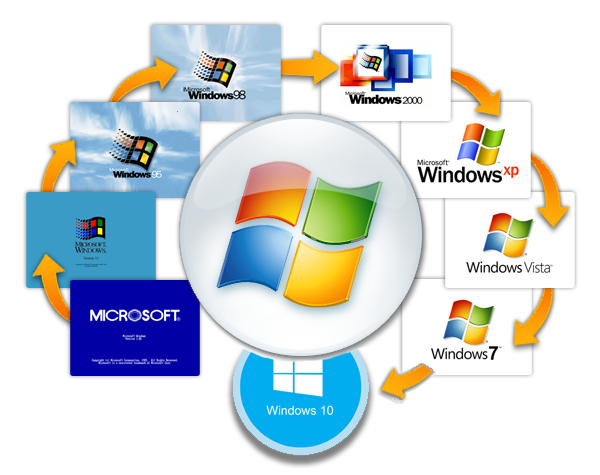
This guide will show you, step by step, how to discover which version of the Windows Operating System, you are currently running. Please note, that new versions of Windows will be released after the creation of this guide. This guide currently details all Versions of Windows up to December of 2019. 1.) Press the “Windows […]