
Blog Archives
Windows 11 Setting Precedence: Group Policy, Registry, Intune, and Local Settings
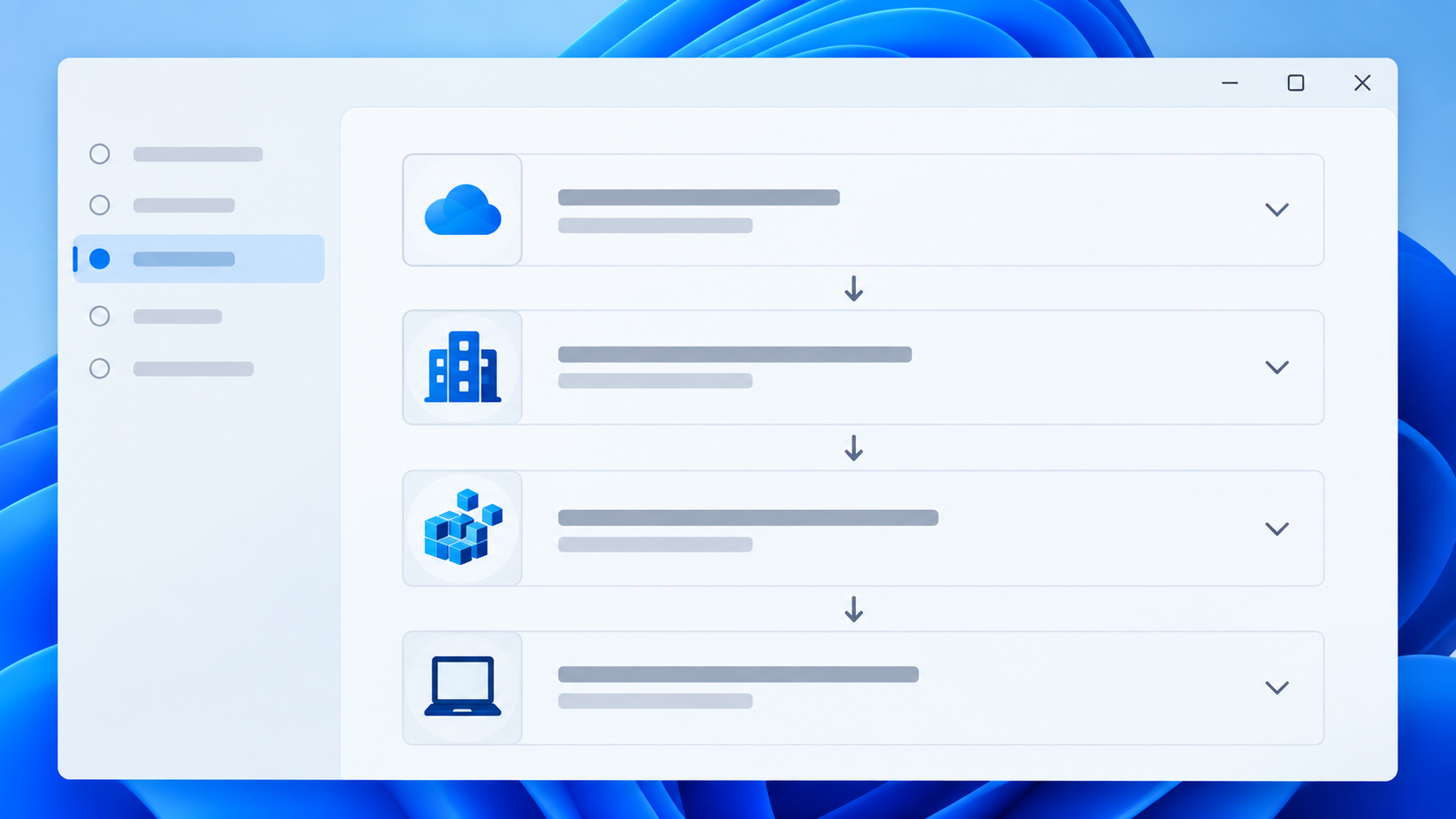
Windows settings can be configured through Active Directory Group Policy, Local Group Policy, Microsoft Intune, the Windows registry, PowerShell scripts, Windows Settings, application configuration tools, and other management systems. When two sources configure the same setting differently, the result depends on the type of setting and how Windows processes it. There is no single override […]
WSReset – What it is and How to Use it
wsreset.exe is a built-in Windows command-line utility used to clear the Microsoft Store cache and troubleshoot problems with the Microsoft Store. The executable is located in: C:\Windows\System32\wsreset.exe WSReset can be useful when the Microsoft Store experiences problems such as: The Microsoft Store will not open. Apps will not download. App downloads or updates become stuck. […]
10 Different Ways to Start Task Manager
There are multiple ways to access Windows Task Manager. Below is a list of the different methods that can be used, in the event that one or more are not working for you. Press Ctrl + Shift + Esc to open Task Manager directly. Press Ctrl + Alt + Delete, then select Task Manager. Press […]
What Is the UUP Dump Website and How Does It Work?
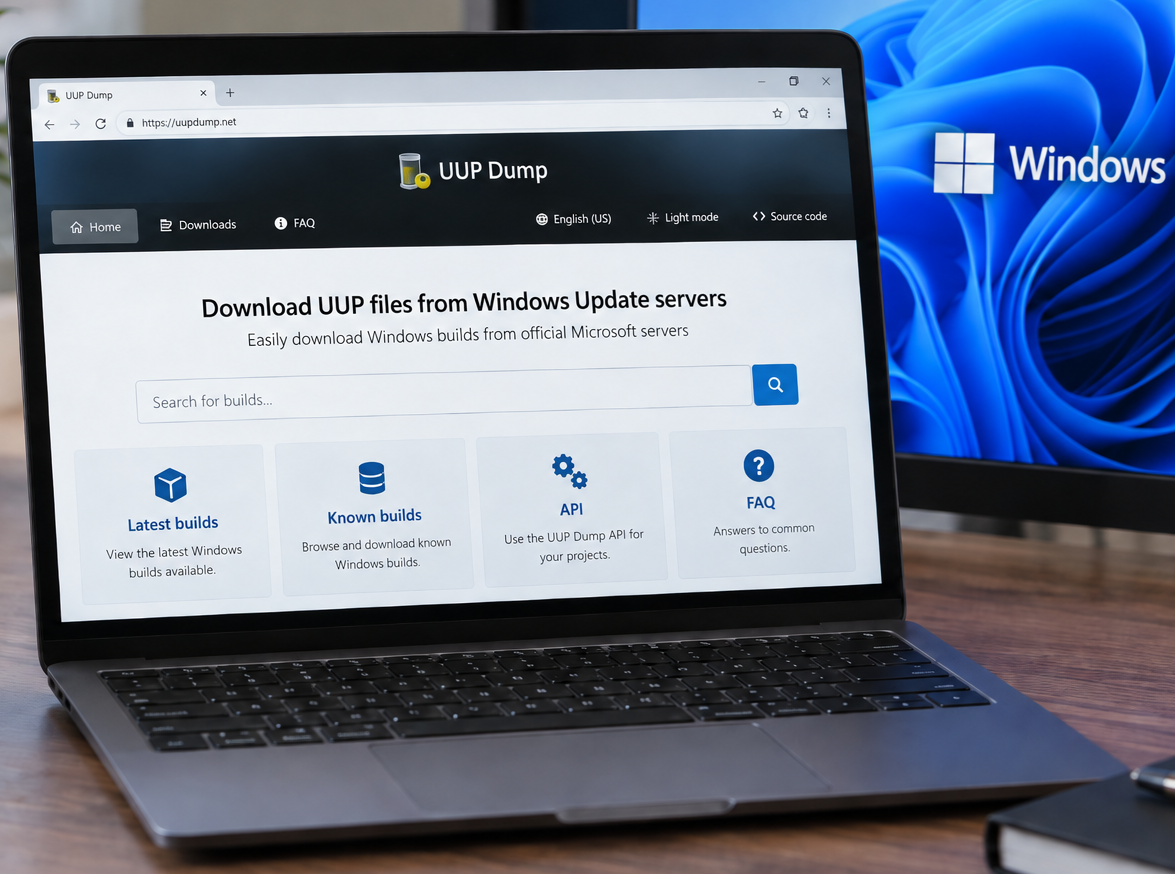
You can access the UUP Dump website here: https://uupdump.net/ UUP Dump is a third-party website that allows users to create Windows installation media (ISOs) using files downloaded from Microsoft’s Windows Update infrastructure. It can be particularly useful when you need a specific Windows 10 or Windows 11 build that is not readily available through Microsoft’s […]
Change the Maximum Size Limit for Outlook PST and OST Files
Microsoft Outlook stores mailbox data in PST and OST files. By default, modern versions of Outlook typically have a file size limit of 50 GB for Unicode PST and OST files. If Outlook reaches this limit, users may see errors stating that the Outlook data file has reached its maximum size. Microsoft provides registry values […]
Temporarily Changing Environment Variables for a Single Session in Windows
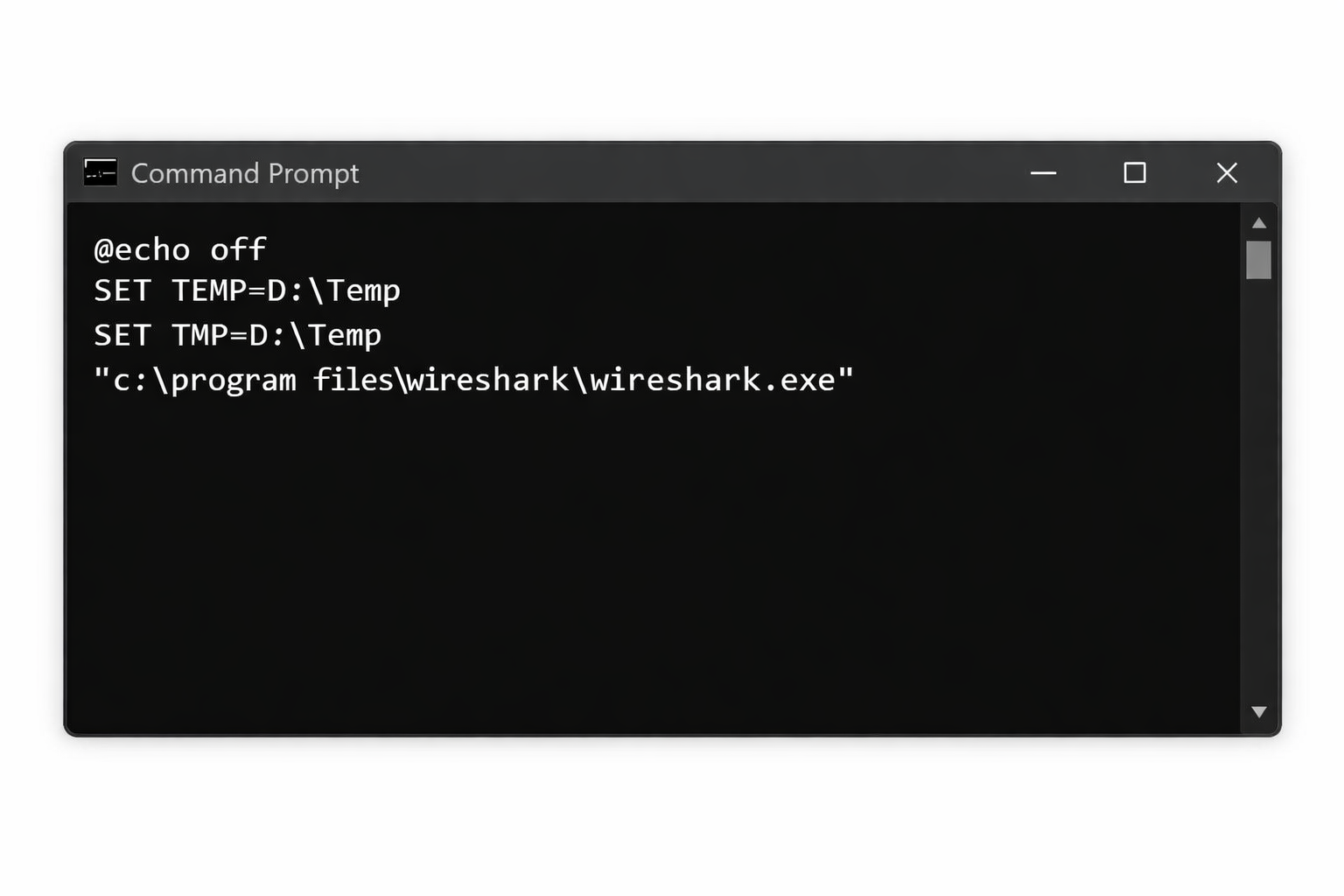
There are situations where you need to run an application using different environment variable values without permanently modifying system or user settings. This is common in troubleshooting, testing, or working within locked down corporate environments. Windows allows environment variables to be overridden per session, meaning the changes only apply to the current Command Prompt or […]
How to Fix the “Your Organization Manages Updates” Error in PC Health Check
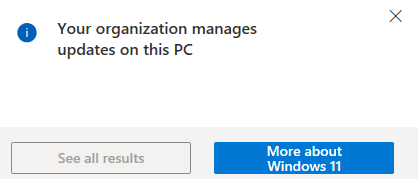
Fixing the “Your Organization Manages Updates” Error in PC Health Check When running Microsoft’s PC Health Check app, some users encounter a misleading warning stating that updates are managed by their organization. This message can appear even on personal or standalone systems that are not joined to a domain, not enrolled in MDM, and […]
Troubleshooting Windows Boot Failure: Error 0xc000000f
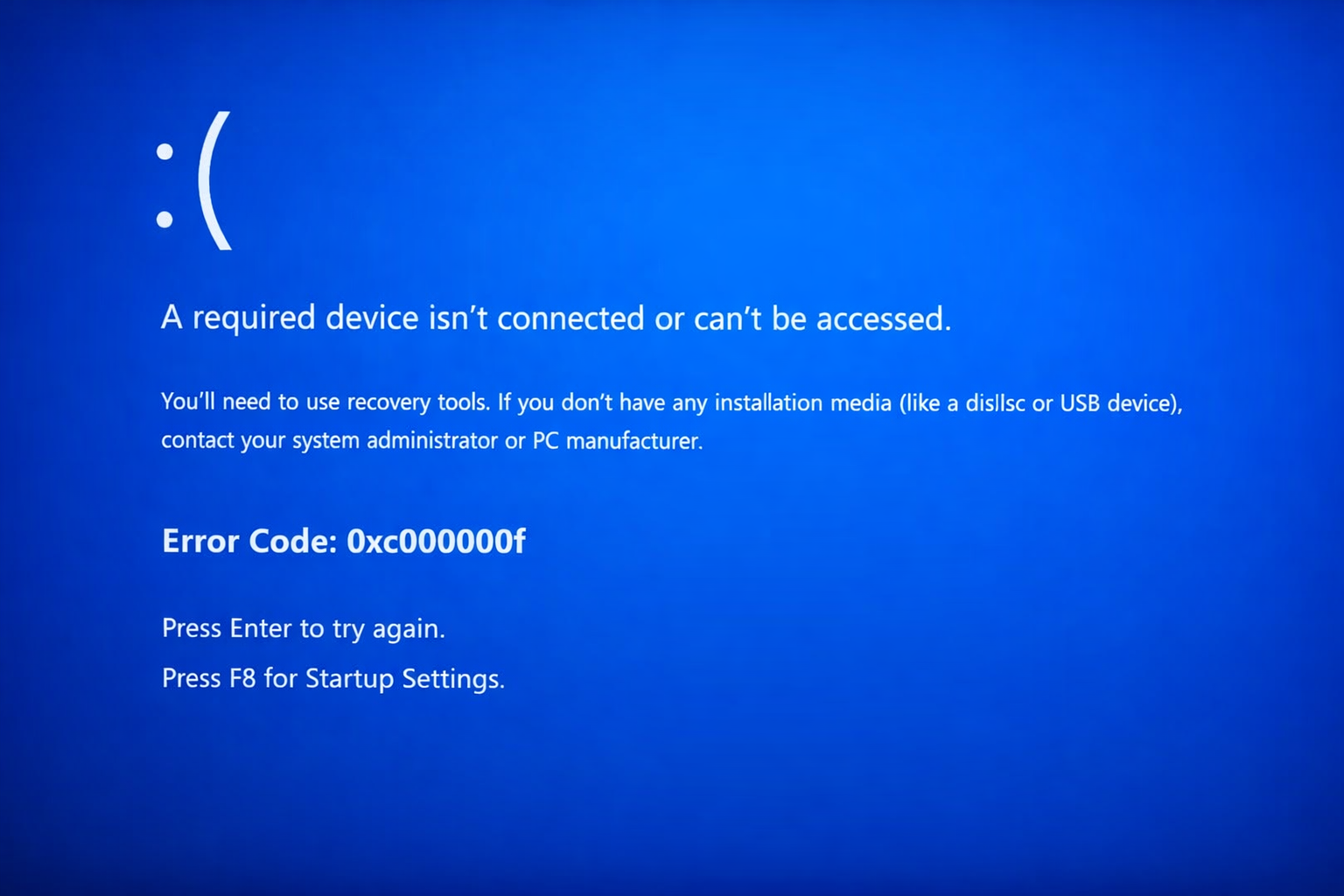
Fixing Boot Error 0xc000000f “A required device isn’t connected or can’t be accessed.” OverviewWindows A system that fails to boot and displays the blue screen error 0xc000000f is unable to locate or access the required boot device. This error commonly appears during startup before Windows loads and prevents the operating system from launching. This issue […]
Restore Legacy Print Que in Windows 11
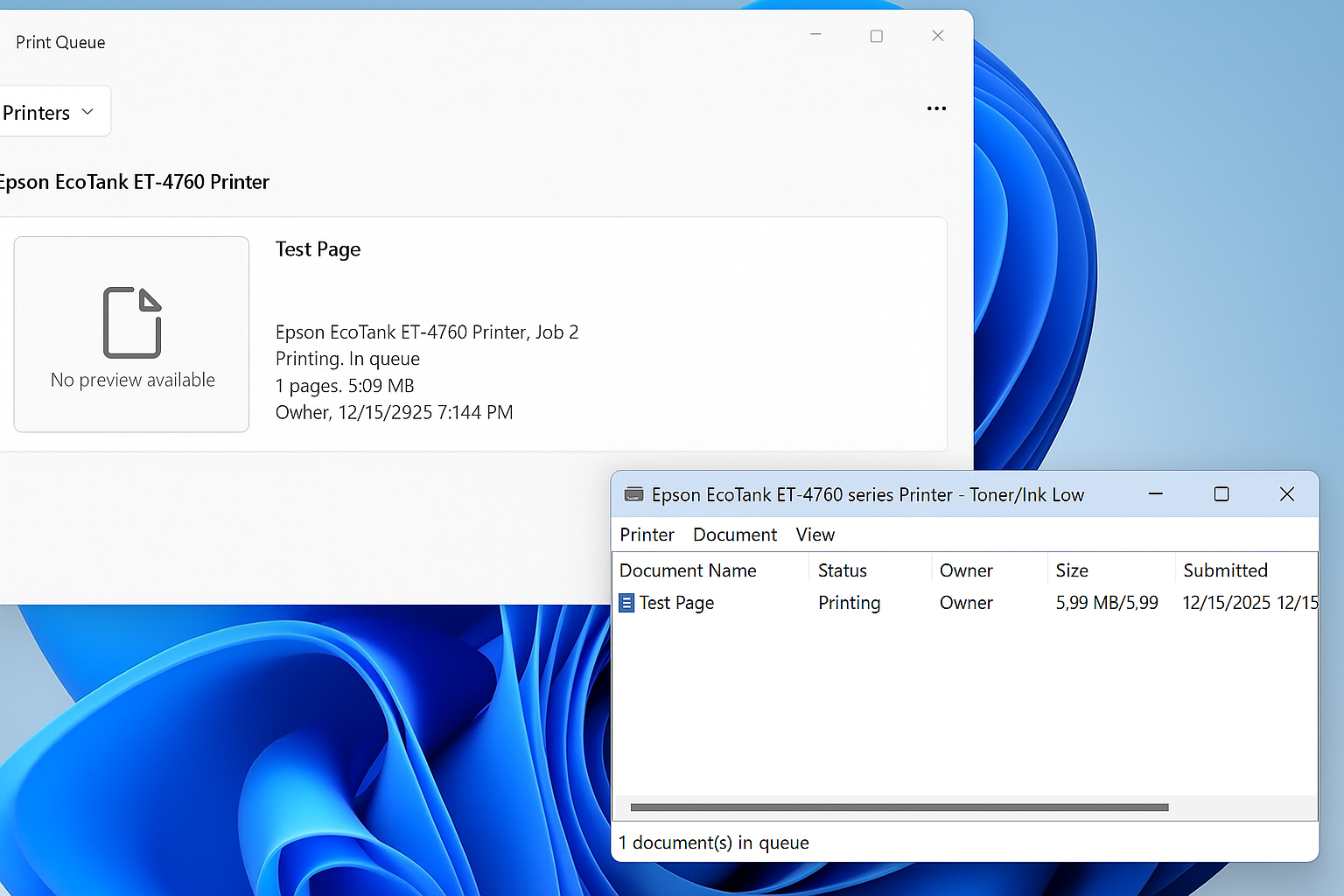
Restore the Legacy Print Dialog in Windows 11 (22H2) Starting with Windows 11 version 22H2, Microsoft replaced the legacy print dialog for all classic Win32 applications with a new unified print interface. This change also affects applications such as Giza, and for some users the new dialog has proven to be less efficient or more […]
Windows 11 – Quickly Open the Manual Printer Add Dialog<
Windows 11 hides many legacy but extremely useful administrative tools behind modern UI layers. One of these is the classic PrintUI utility, which allows you to quickly access advanced printer installation dialogs without navigating through multiple Settings menus. This is especially useful for IT administrators, MSP technicians, and anyone troubleshooting printer installs, driver issues, or […]