

How to connect to MS 365 Admin and Exchange via Powershell
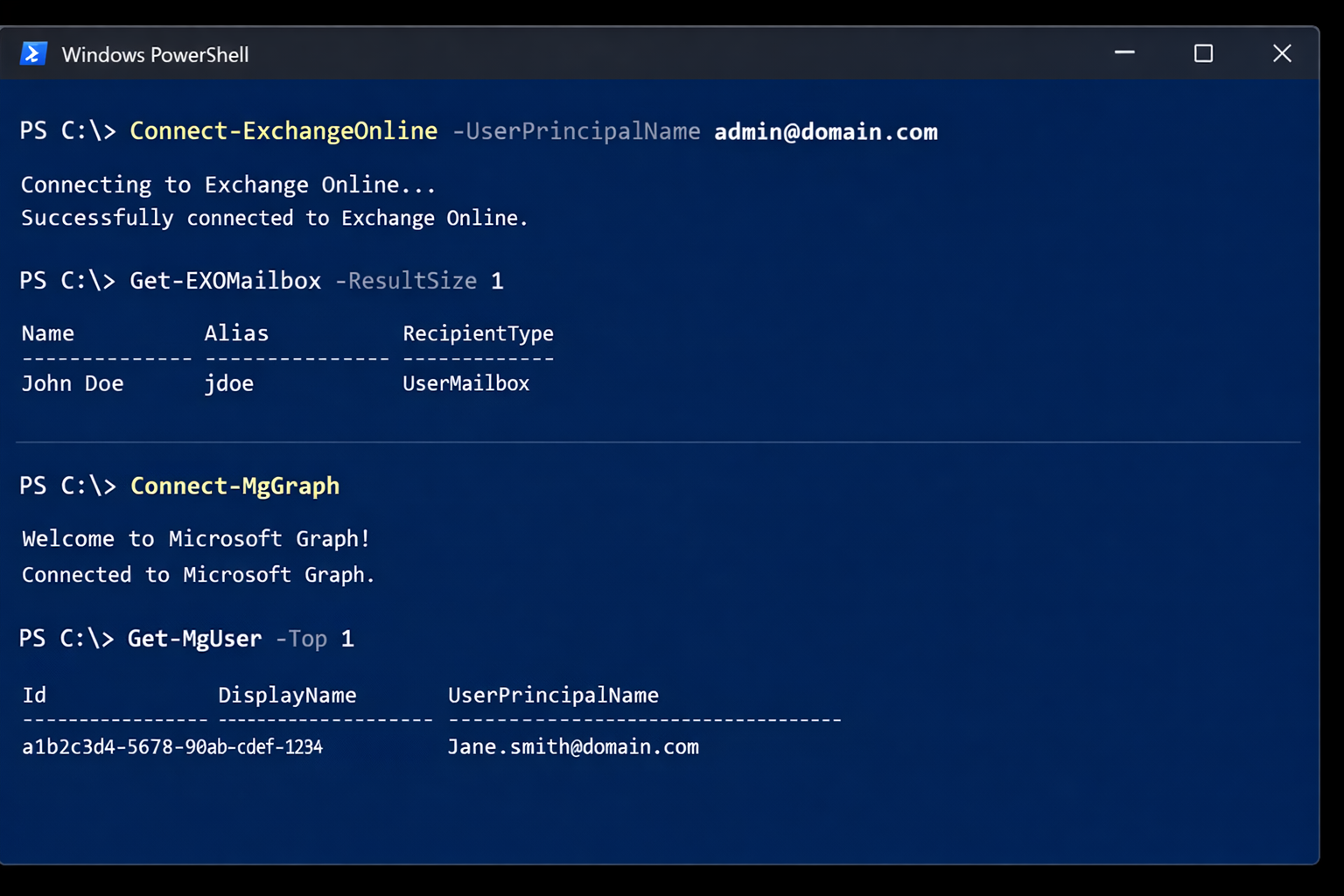
If you manage Microsoft 365, you will typically use two PowerShell modules: Exchange Online PowerShell (ExchangeOnlineManagement) for mail, recipients, transport rules, and mailbox settings. Microsoft Graph PowerShell (Microsoft.Graph) for broader Microsoft 365 and Entra ID administration (users, groups, licensing, devices, and more). This guide shows the exact commands to get connected, plus a detailed breakdown […]
Understanding DNS in Active Directory
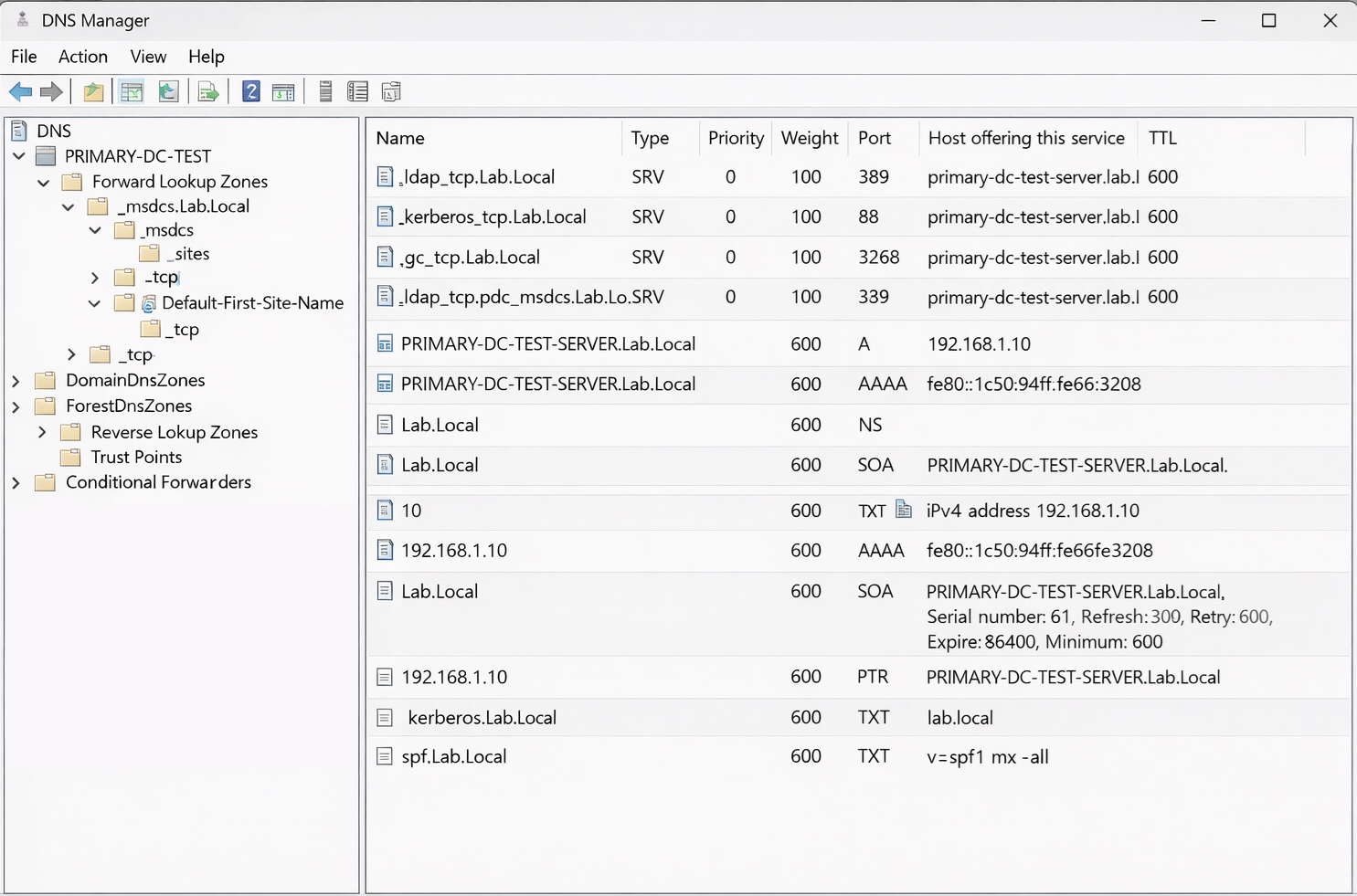
How Domain Controllers, SRV Records, Kerberos, and NETLOGON Actually Work When most people think of DNS, they think of simple name resolution. A hostname resolves to an IP address, and that is it. In an Active Directory environment, DNS plays a much deeper role. It is not just name resolution. It is service discovery, […]
Convert an Exchange Online User Mailbox to a Shared Mailbox Using PowerShell

Converting a user mailbox to a shared mailbox is a common offboarding and delegation workflow in Microsoft 365. It lets a team continue to access a mailbox (and optionally send as it) without requiring the mailbox to remain a licensed user, as long as you stay within shared mailbox limits. When this is the right […]
Configuring a Primary Domain Controller to Use DHCP in a Test Lab
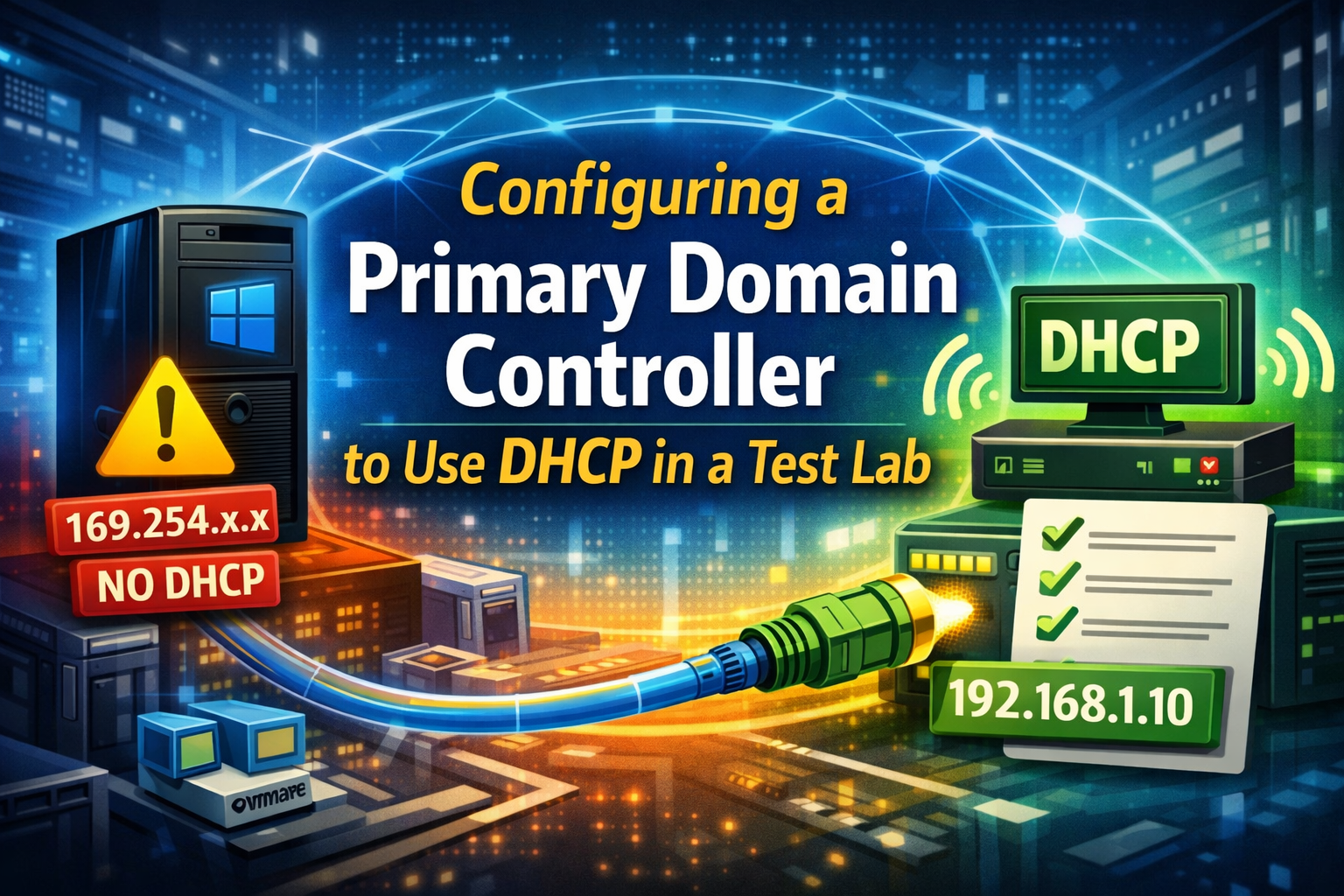
In production environments, domain controllers are almost always configured with static IP addresses. However, in test and lab environments, it is sometimes desirable to allow a primary domain controller to obtain its IP address via DHCP, such as when running inside virtualized lab setups. We will walk through a real troubleshooting scenario where a Windows […]
How to Fix the “Your Organization Manages Updates” Error in PC Health Check
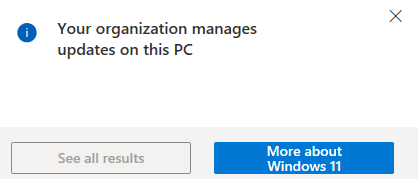
Fixing the “Your Organization Manages Updates” Error in PC Health Check When running Microsoft’s PC Health Check app, some users encounter a misleading warning stating that updates are managed by their organization. This message can appear even on personal or standalone systems that are not joined to a domain, not enrolled in MDM, and […]
Troubleshooting Windows Boot Failure: Error 0xc000000f
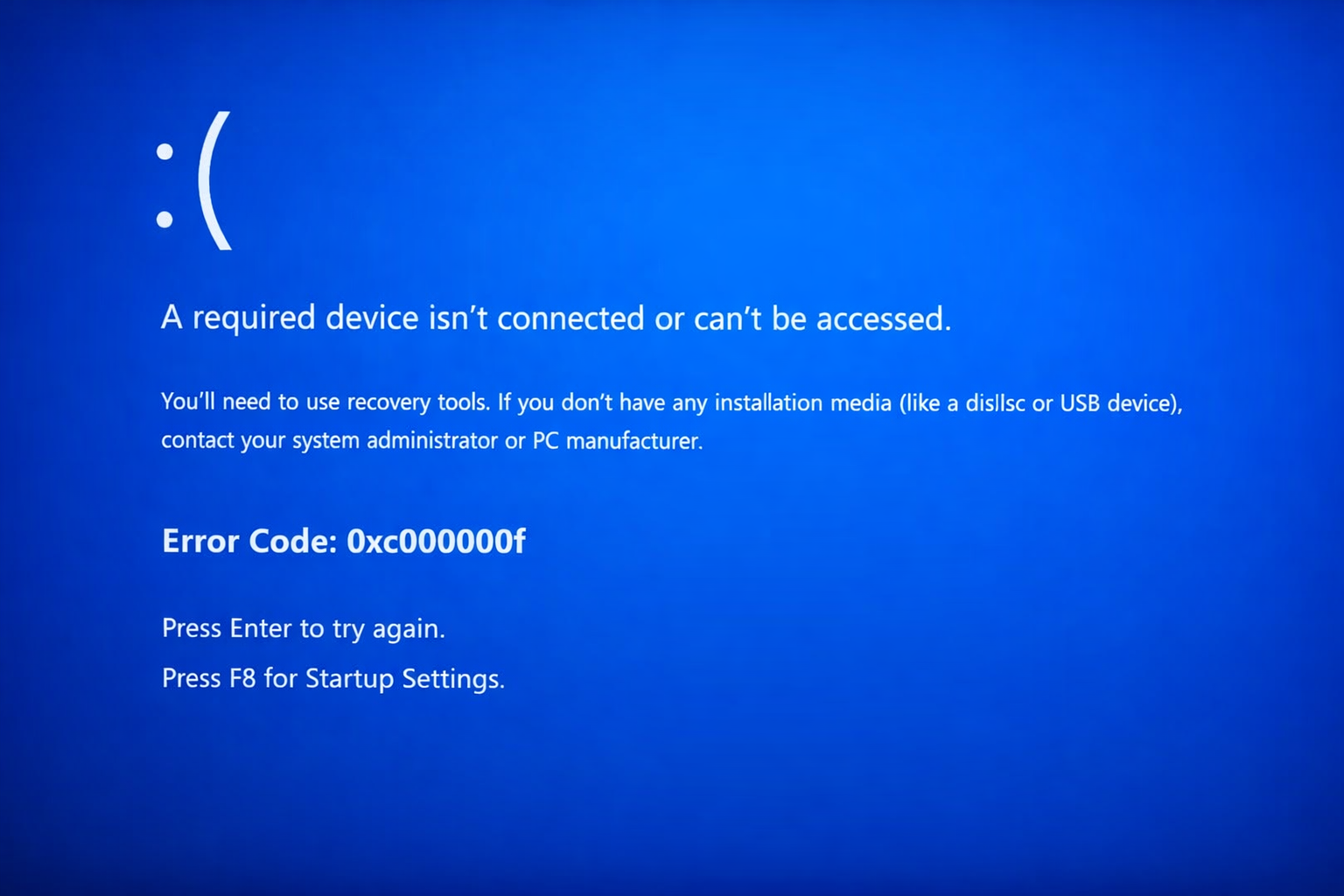
Fixing Boot Error 0xc000000f “A required device isn’t connected or can’t be accessed.” OverviewWindows A system that fails to boot and displays the blue screen error 0xc000000f is unable to locate or access the required boot device. This error commonly appears during startup before Windows loads and prevents the operating system from launching. This issue […]
adsiedit.msc vs dsa.msc: Two Active Directory Tools Every Admin Should Understand

adsiedit.msc vs dsa.msc: Two Active Directory Tools Every Admin Should Understand If you manage Active Directory (AD), you will eventually encounter two long-standing Microsoft management consoles: adsiedit.msc (ADSI Edit) dsa.msc (Active Directory Users and Computers, commonly called ADUC) Although they both interact with the same directory, they serve very different purposes. One is designed for […]
Restore Legacy Print Que in Windows 11
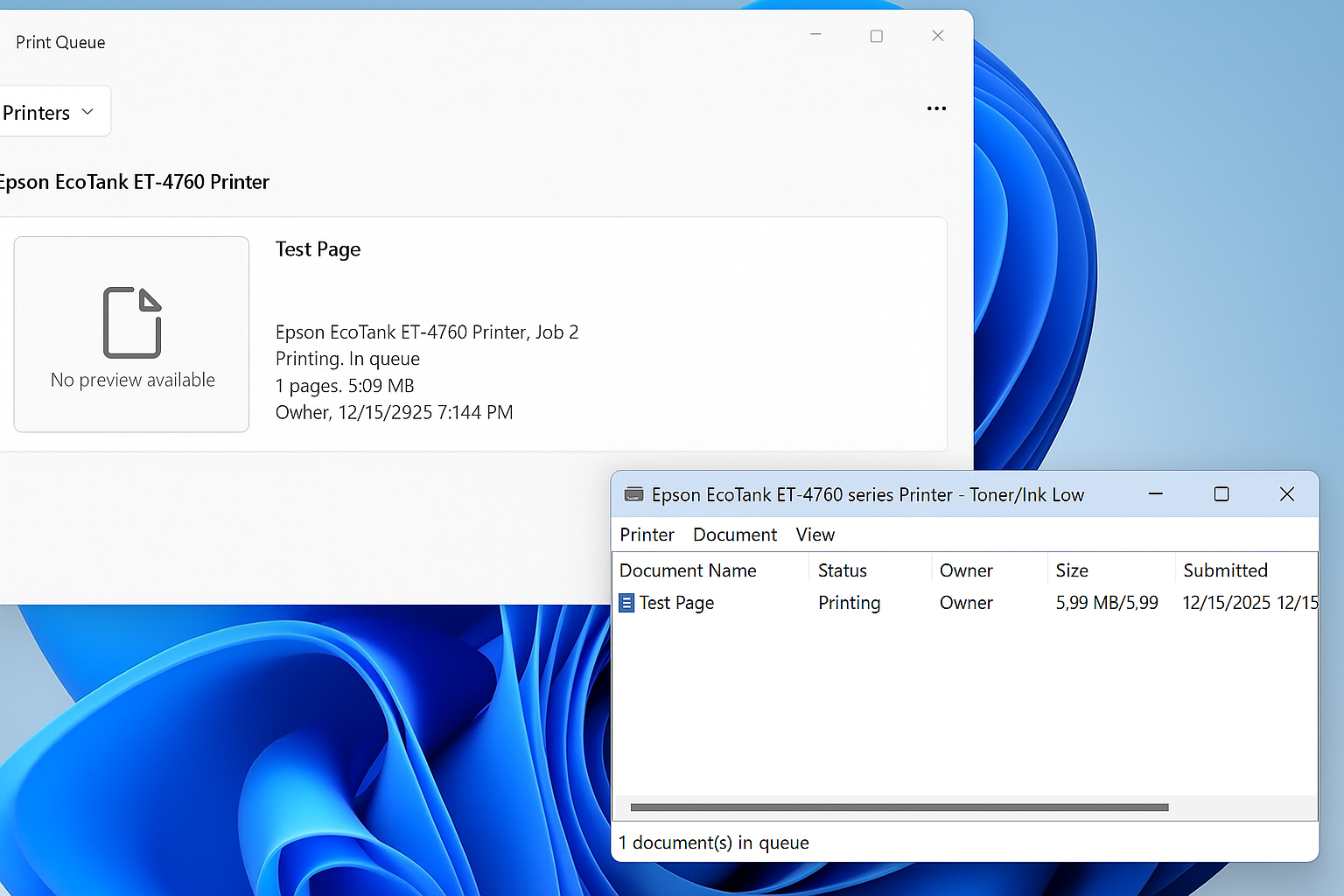
Restore the Legacy Print Dialog in Windows 11 (22H2) Starting with Windows 11 version 22H2, Microsoft replaced the legacy print dialog for all classic Win32 applications with a new unified print interface. This change also affects applications such as Giza, and for some users the new dialog has proven to be less efficient or more […]
Windows 11 – Quickly Open the Manual Printer Add Dialog<
Windows 11 hides many legacy but extremely useful administrative tools behind modern UI layers. One of these is the classic PrintUI utility, which allows you to quickly access advanced printer installation dialogs without navigating through multiple Settings menus. This is especially useful for IT administrators, MSP technicians, and anyone troubleshooting printer installs, driver issues, or […]
Windows Vista, 7, 8, 10, 11 – GodMode
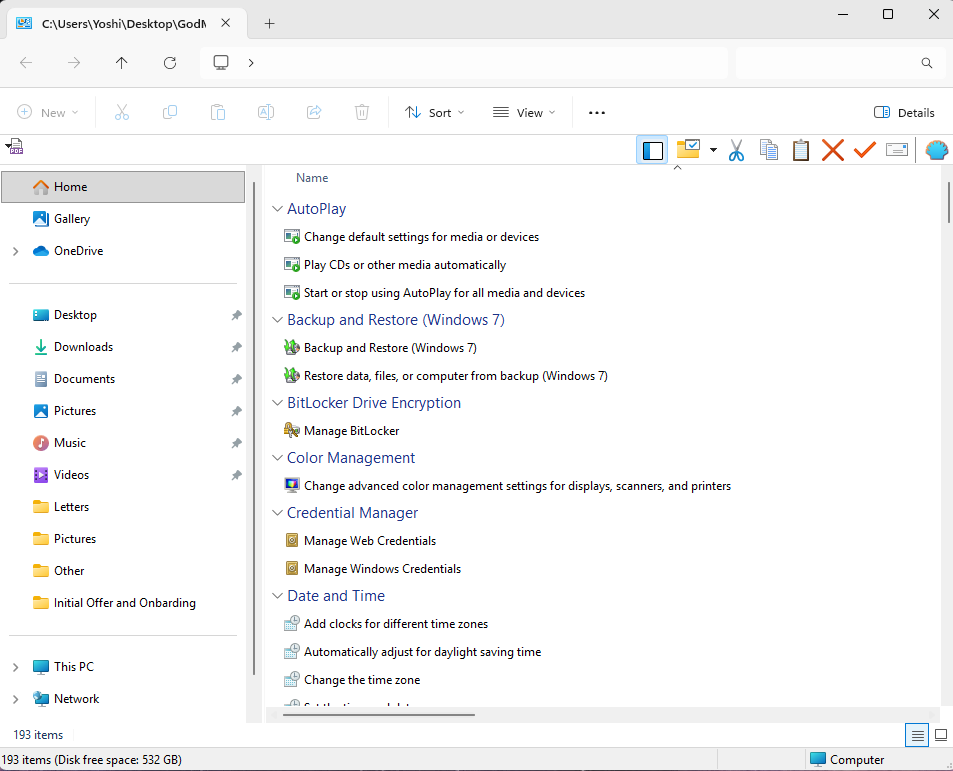
How to Enable Windows God Mode in Windows 10 and Windows 11 Windows includes a hidden feature known as God Mode, a special control panel folder that provides direct access to more than 200 advanced system settings in one place. Instead of navigating through multiple menus, God Mode organizes every available configuration option into […]