

Microsoft Outlook – Advanced Email Search Cheat Sheet

With the sheer volume of emails flooding our inboxes daily, it’s no wonder that tracking down that one important message can feel like searching for a needle in a haystack. I’m often asked how to make Outlook work for you, especially when you’re trying to locate a specific email buried in the chaos. This article […]
Microsoft – Shared Printer Error “0x0000011B”: “Cannot Connect to the Printer”
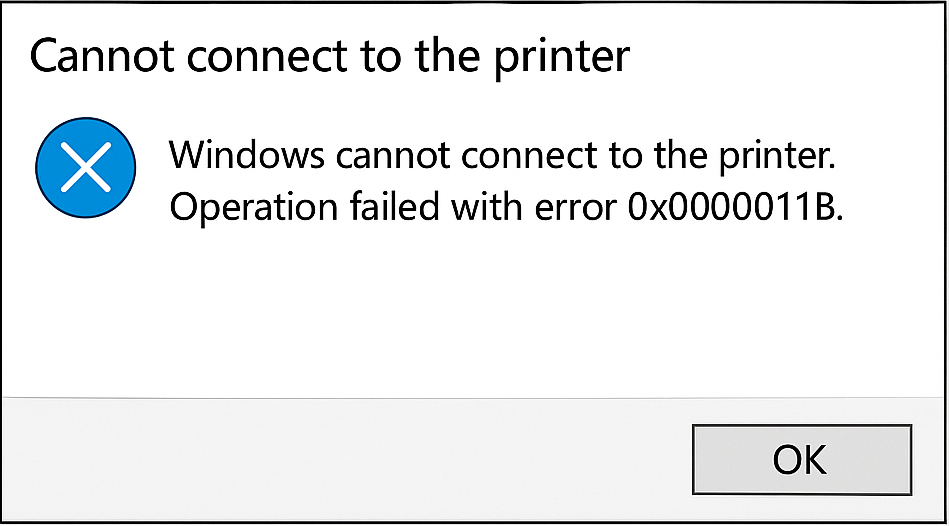
What does this error mean? When attempting to add a shared network printer, you may encounter Error 0x0000011B (“Operation failed with error 0x0000011B”), which prevents the printer from being installed. This issue is most common in small office and home office environments and typically stems from a Windows security update that tightened RPC binding authentication […]
Windows: How to Export a Directory Structure to a Text File( Directory Tree )
When working with large projects, network drives, or simply organizing files, it’s often useful to generate a clear overview of your folder structure. Luckily, Windows includes a built-in command called tree that makes this quick and easy. In this guide, we’ll walk through how to print out your current folder and subfolders into a text […]
Disable Smart Groups for Tabs in Firefox
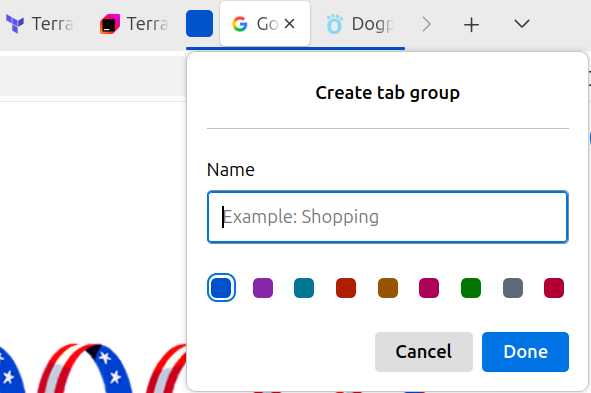
I had been growing frustrated by the smart grouping feature of Firefox, as it kept inadvertently combining tabs into groups when I moved my tabs around, or I would accidentally close an entire group and lose all of the tabs within it, instead of closing the individual tab. After a bit of research I came […]
Upgrading to Ubuntu 24.04.02 – ” Oh no! Something went wrong “

How I Fixed My Ubuntu System After Upgrading to 24.04.2 After upgrading to Ubuntu 24.04.02 LTS, my machine would no longer boot. Since I was using a virtual machine, I tried rolling back to a previous snapshot and reinstalling the update, but I ran into the same problem. After much googling and trying different things, […]
Repairing Corrupt Windows System Files
System File Checker and DISM Commands Windows provides built-in tools for diagnosing and repairing system corruption. System File Checker (SFC) validates and repairs protected system files, while Deployment Image Servicing and Management (DISM) analyzes and restores the Windows component store. These commands are commonly used during troubleshooting to resolve issues such as corrupted services, damaged […]
How to Show Hidden Files and Folders on macOS
How to Show Hidden Files and Folders on macOS There are a few simple ways to reveal hidden files and folders in macOS. Pick the method you prefer: a quick keyboard toggle, a Terminal command that persists, or the same toggle inside Open/Save dialogs. 1) Quick Toggle in Finder (fastest) Open any Finder window. Press […]
Microsoft Word – Use a VBA Macro to Delete All Images
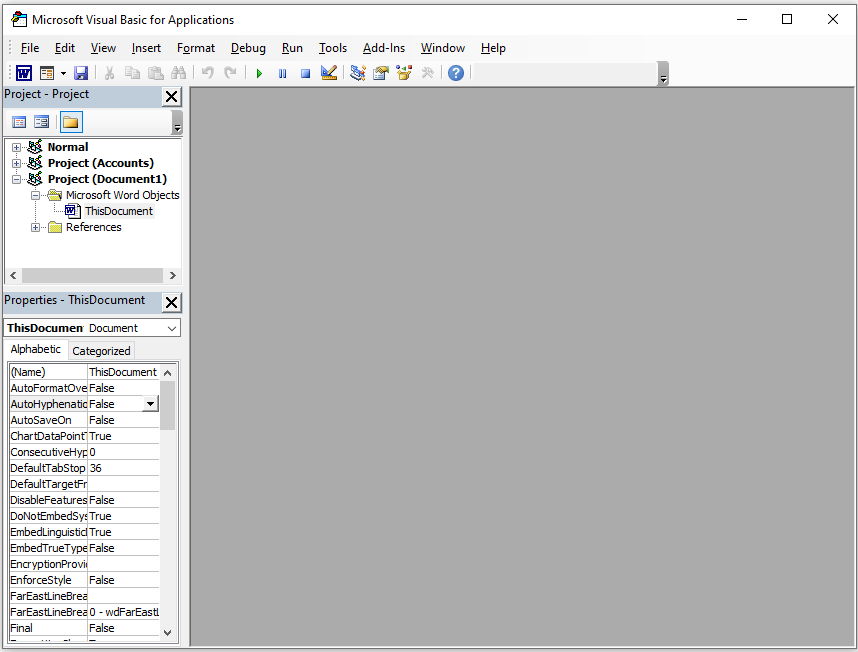
You can use a VBA macro to find and delete all pictures in a Microsoft Word document. Before starting, make sure macros are allowed in your document. If they are not, save the file as a “.docm” Word document to allow macros to run. 1.) Press Alt + F11 to open the Visual Basic for […]
Microsoft Teams On Mac (Monterey – macOS 12) – Privacy and Security Permissions

Microsoft Teams on macOS depends on several Privacy and Security permissions, and when those permissions are not granted, Teams will either prompt the user to enable them or block the feature until access is approved. In real-world support, users frequently click Don’t Allow, dismiss the prompt, or complete the prompt but still need to enable […]