
Category Archives: IT Support
What Is the UUP Dump Website and How Does It Work?
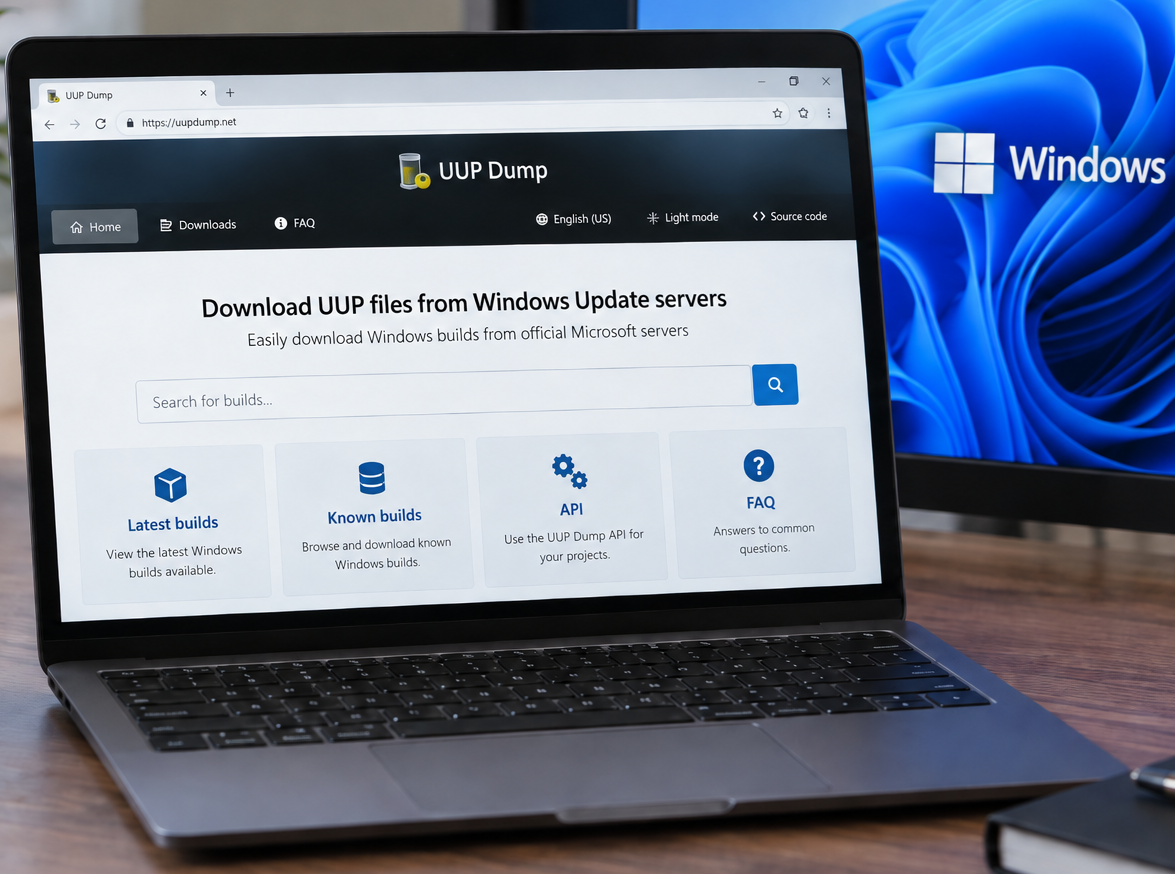
You can access the UUP Dump website here: https://uupdump.net/ UUP Dump is a third-party website that allows users to create Windows installation media (ISOs) using files downloaded from Microsoft’s Windows Update infrastructure. It can be particularly useful when you need a specific Windows 10 or Windows 11 build that is not readily available through Microsoft’s […]
How to Check if 32-bit or 64-bit Microsoft 365 Apps Are Installed
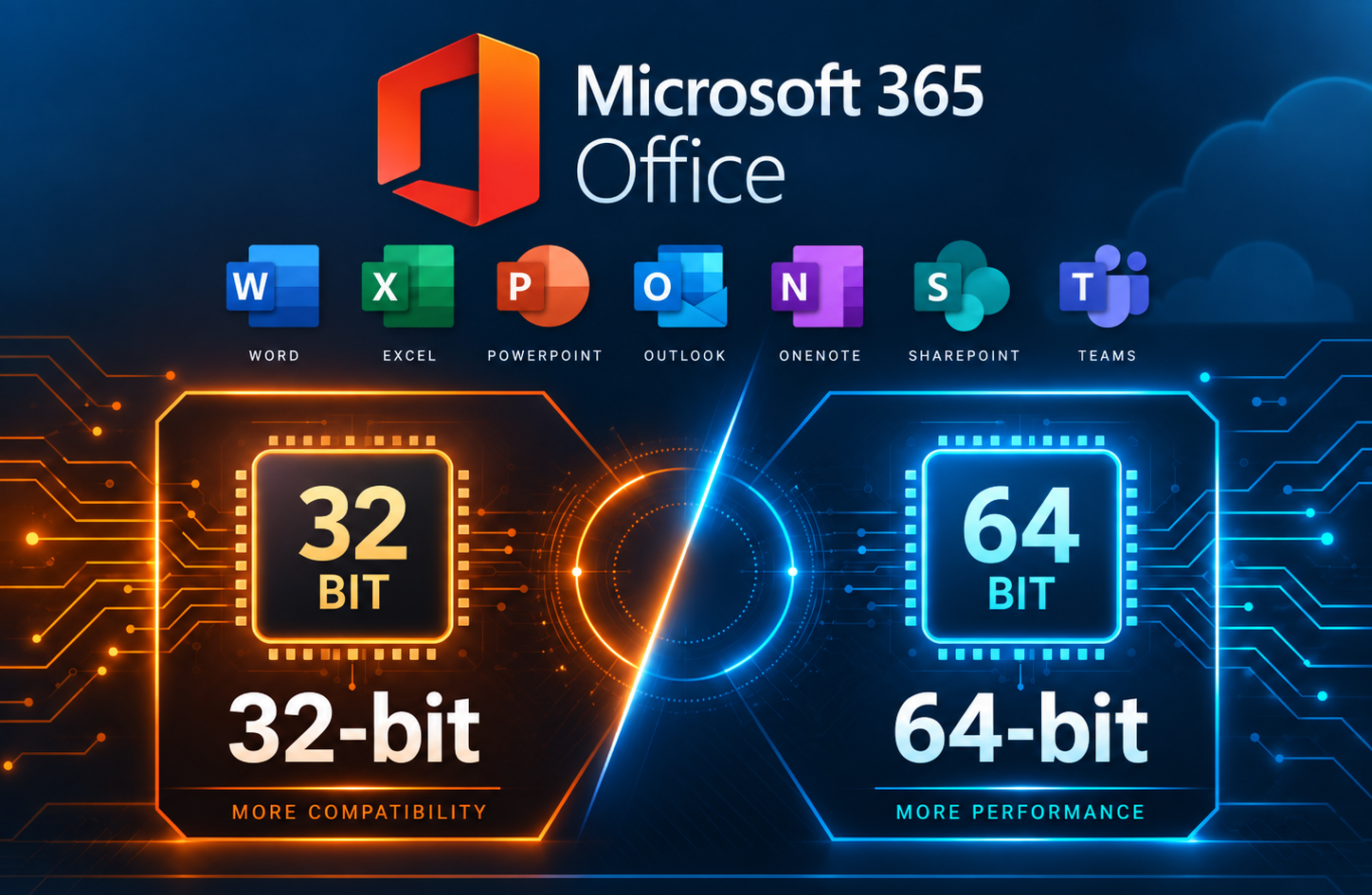
When troubleshooting Microsoft 365 Apps, you may need to determine whether the installed version of Office is 32-bit or 64-bit. This can be important when working with Office add-ins or other software that depends on specific installed Office versions. This method is especially useful when Microsoft 365 Apps are not activated, since the Office applications […]
Rack Cabling, Labeling, and Rack Design Standards
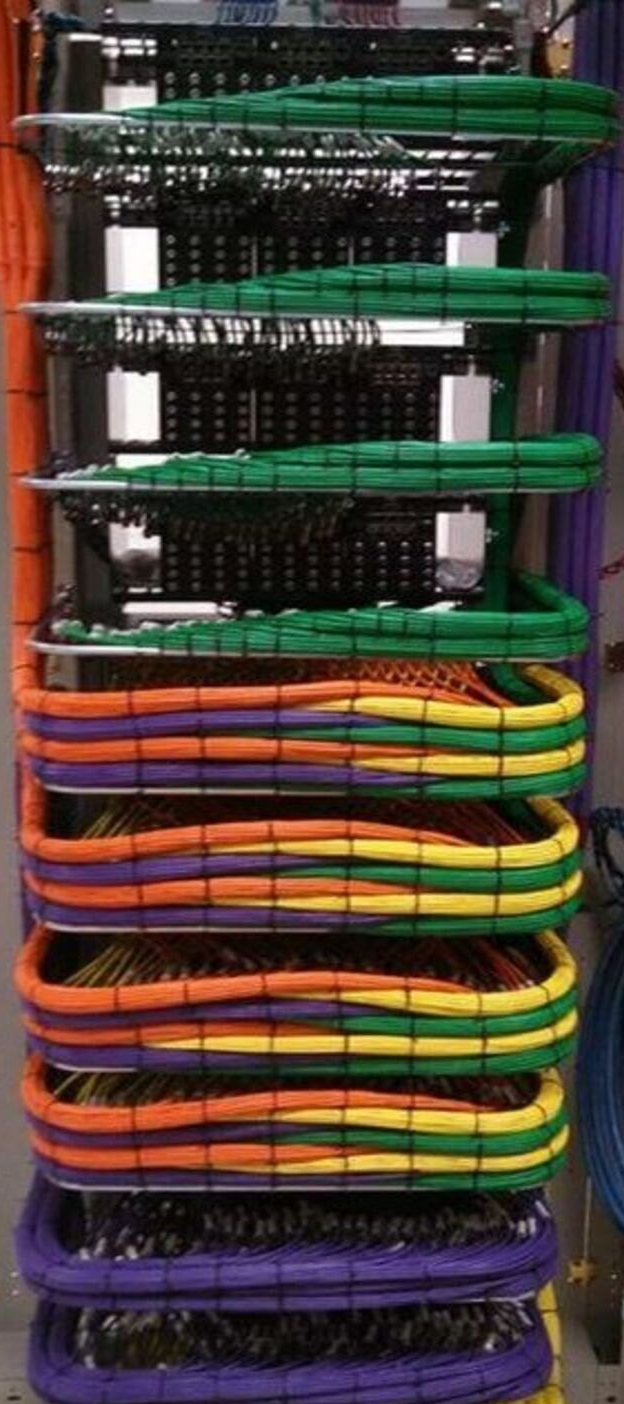
A clean rack is not just about appearance. Proper rack layout, cable management, labeling, power design, and thermal planning directly affect system reliability, serviceability, troubleshooting speed, and long-term support. Whether you are building a conference room rack, broadcast support rack, classroom AV system, control room rack, or equipment enclosure, the goal is the same: every […]
Run the Printer Installation UI as Administrator in Windows
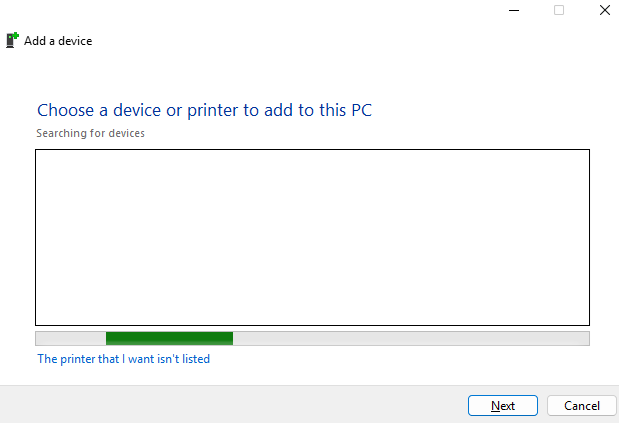
In some situations, Windows may require administrator permissions to install or configure a printer. This can happen when adding a local printer, installing printer drivers, or modifying printer settings that require elevated rights. One way to launch the printer installation interface with administrator permissions is to open an elevated Command Prompt and run the Windows […]
Change the Maximum Size Limit for Outlook PST and OST Files
Microsoft Outlook stores mailbox data in PST and OST files. By default, modern versions of Outlook typically have a file size limit of 50 GB for Unicode PST and OST files. If Outlook reaches this limit, users may see errors stating that the Outlook data file has reached its maximum size. Microsoft provides registry values […]
Creating and Removing Local Administrator Accounts in Windows
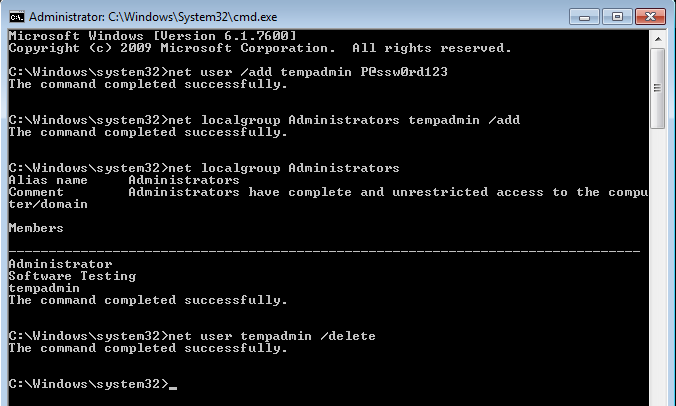
Local administrator accounts play a critical role in Windows system administration. They are commonly used for initial device setup, offline troubleshooting, break-glass access, or environments where domain connectivity is unavailable. This article walks through how to create, assign, and remove local administrator accounts on Windows computers using built-in command-line tools. These commands work on Windows […]
Apple Mobile Device Drivers on Windows
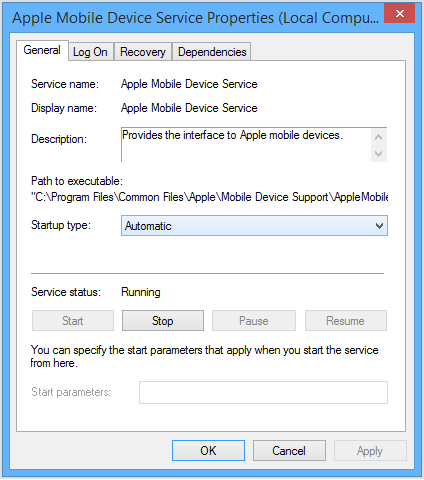
Understanding Apple Mobile Device Drivers on Windows If you support Windows systems in an enterprise or helpdesk environment, you have almost certainly run into issues where an iPhone or iPad simply refuses to appear when connected by USB. The device charges, but it does not show up in File Explorer, iTunes, or management tools. […]
Controlled Folder Access
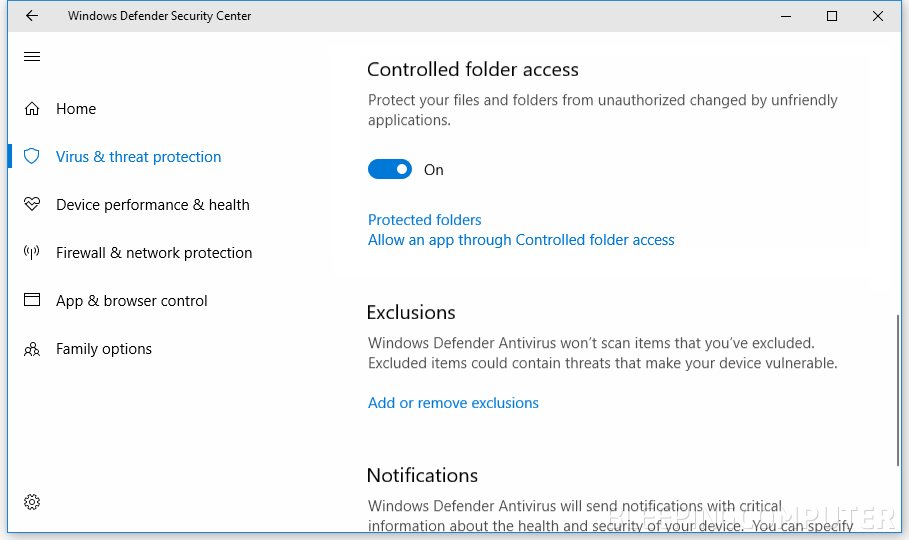
Windows Controlled Folder Access: How It Works, What It Does, and How to Turn It On or Off Controlled Folder Access (CFA) is a Windows security feature in Microsoft Defender designed to help stop ransomware and other untrusted apps from changing files in important folders. If you support Windows endpoints (or you are building a […]