
What Is the UUP Dump Website and How Does It Work?
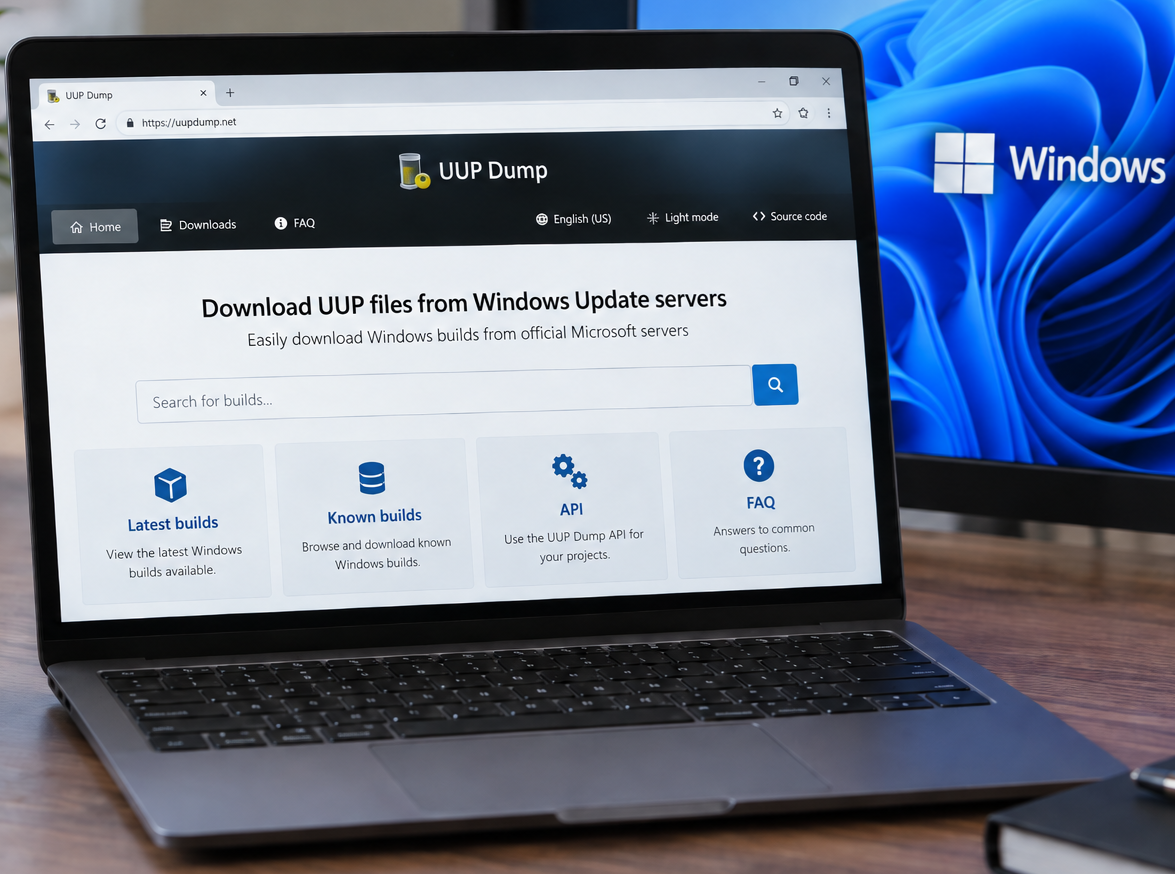
You can access the UUP Dump website here: https://uupdump.net/
UUP Dump is a third-party website that allows users to create Windows installation media (ISOs) using files downloaded from Microsoft’s Windows Update infrastructure. It can be particularly useful when you need a specific Windows 10 or Windows 11 build that is not readily available through Microsoft’s normal ISO download pages.
Instead of downloading a prebuilt Windows ISO directly from UUP Dump, the website generates the scripts and configuration needed to download the appropriate Windows files and build the ISO locally on your computer.
This makes UUP Dump especially helpful when working with Windows versions or builds that are difficult to obtain through Microsoft’s standard Windows download pages.
What Is UUP?
UUP stands for Unified Update Platform. It is the update technology Microsoft uses to publish and deliver Windows operating system updates, including feature and quality updates.
Rather than always distributing Windows as one complete installation image, Microsoft can distribute the individual files and packages required to build or update Windows.
How Does UUP Dump Work?
UUP Dump acts as an interface for finding Windows builds that are available through Microsoft’s update infrastructure.
The basic process is:
- Select the desired Windows version and build.
- Select the architecture, such as x64 or ARM64.
- Select the desired language.
- Select the Windows edition, such as Home or Pro.
- Choose Download and convert to ISO.
- Download the small ZIP package generated by UUP Dump.
- Extract the ZIP file and run the included download script.
The ZIP file is not the Windows ISO itself. Instead, it contains scripts and configuration information that tell the computer which Windows UUP files need to be downloaded.
The scripts then download the required Windows files and process them locally on the computer. These individual packages are combined into standard Windows installation media and can ultimately be converted into an ISO file.
In simplified terms, the process looks like this:
UUP Dump → Select Windows Build → Download Script → Download Windows Files → Assemble Windows Image → Create ISO
Why Use UUP Dump?
The primary advantage of UUP Dump is the amount of control it provides over the Windows installation media being created.
For example, it can be useful when you need:
- A specific Windows build
- A newer Windows build that Microsoft has not yet published as a standard ISO
- Windows Insider builds
- A particular language or architecture
- An updated Windows ISO with available updates integrated into the installation image
- Turning on and off specific Windows Features
- Removing specific Windows Features so they are not installed
This makes UUP Dump particularly useful for IT technicians, system administrators, testing environments, and virtual machine labs where obtaining a particular Windows build may be necessary.
Is UUP Dump a Microsoft Website?
No. UUP Dump is not operated by or affiliated with Microsoft.